
Overview
Most AI design tools are boxed in by whatever they saw during training. MCP, the Model Context Protocol, is the standard that lets them reach out to live sources instead: a library of real app screens, a set of production components, your Figma file, your project's own docs. For designers, this is the difference between an agent that guesses at a screen and one that designs from evidence.
There are a lot of MCP servers now, and most of them are built for engineers. This is the short list that changes how you design. I use these daily and make videos about them for 30,000+ designers, so this is the practical cut, not a directory.
What an MCP server does
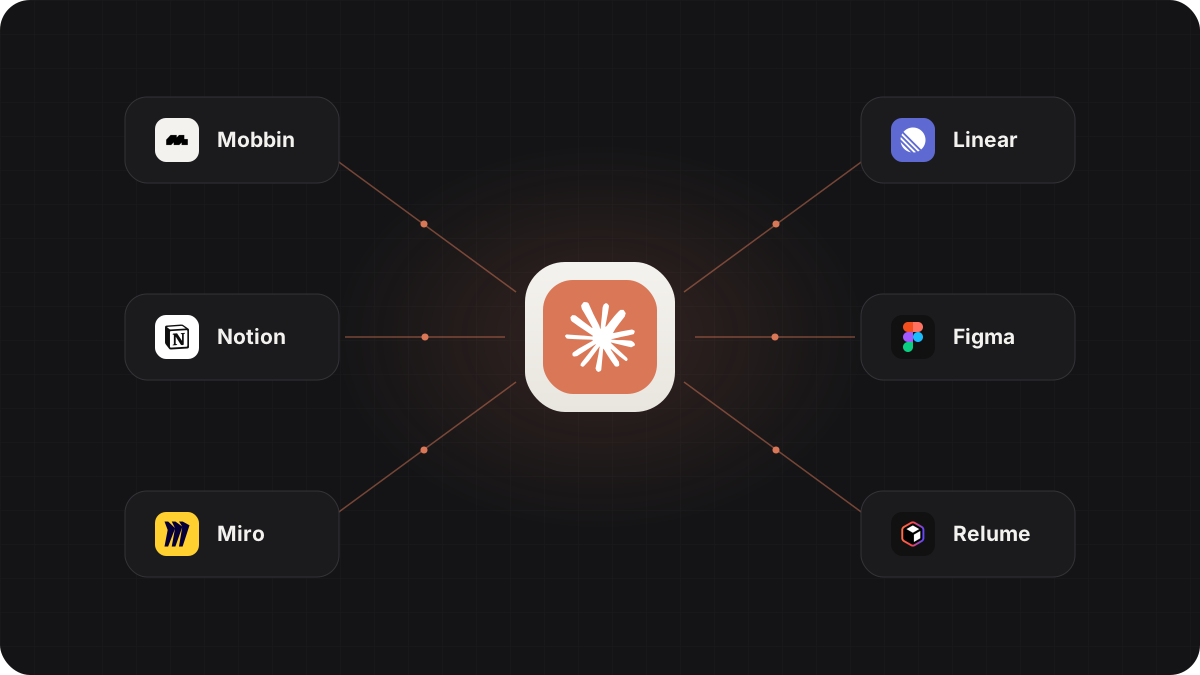
Think of an MCP server as a specialized tool you plug into an AI agent. Once it's connected, the agent can call that tool mid-task: fetch a reference, pull a component, read a file. You don't script any of it; the agent decides when the tool is useful and uses it in the flow of the work.
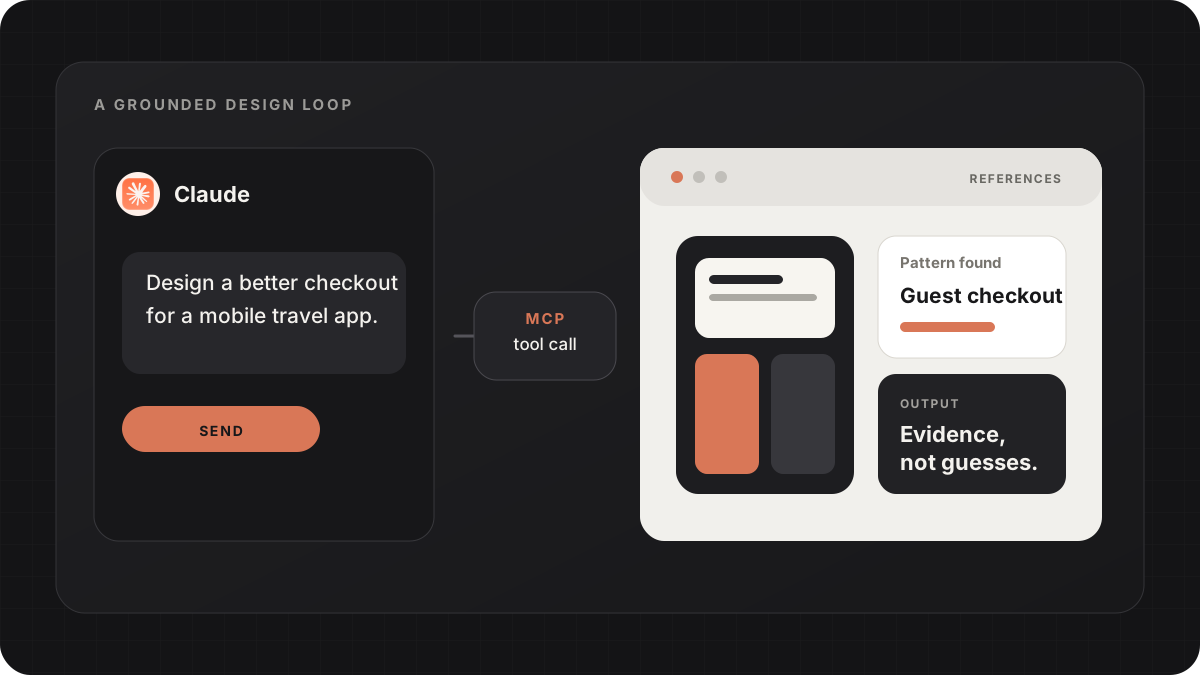
The reason this matters for design specifically is grounding. The single biggest cause of generic AI UI is asking a model to invent a screen from vague taste words. MCP servers give the model something real to work from, which is exactly what raises the quality floor.
Mobbin: real design references
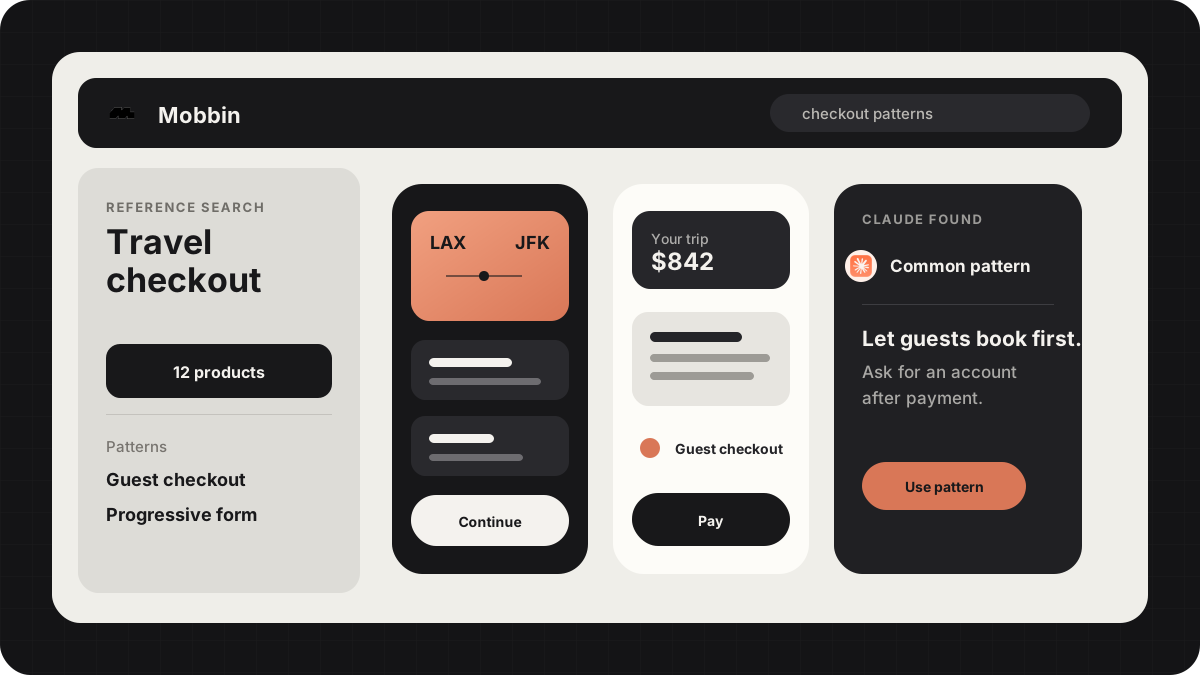
The Mobbin MCP connects a library of 600,000+ real, shipped app screens to Claude Code. Instead of inventing a settings page, the agent can look at how a dozen real products actually solved that page, then design from those patterns. It's the closest thing to a cheat code for making AI output stop looking generic.
This is the first server I'd add if you only add one. Full setup and a real workflow: Mobbin MCP: 600,000+ Real References Inside Claude Code
Mobbin sits alongside Refero, 21st.dev, Transitions.dev and Beautiful UI in my reference stack; here is how I sequence them: Stop Letting AI Design From Scratch: 5 UI Reference Sites
Relume: production web components
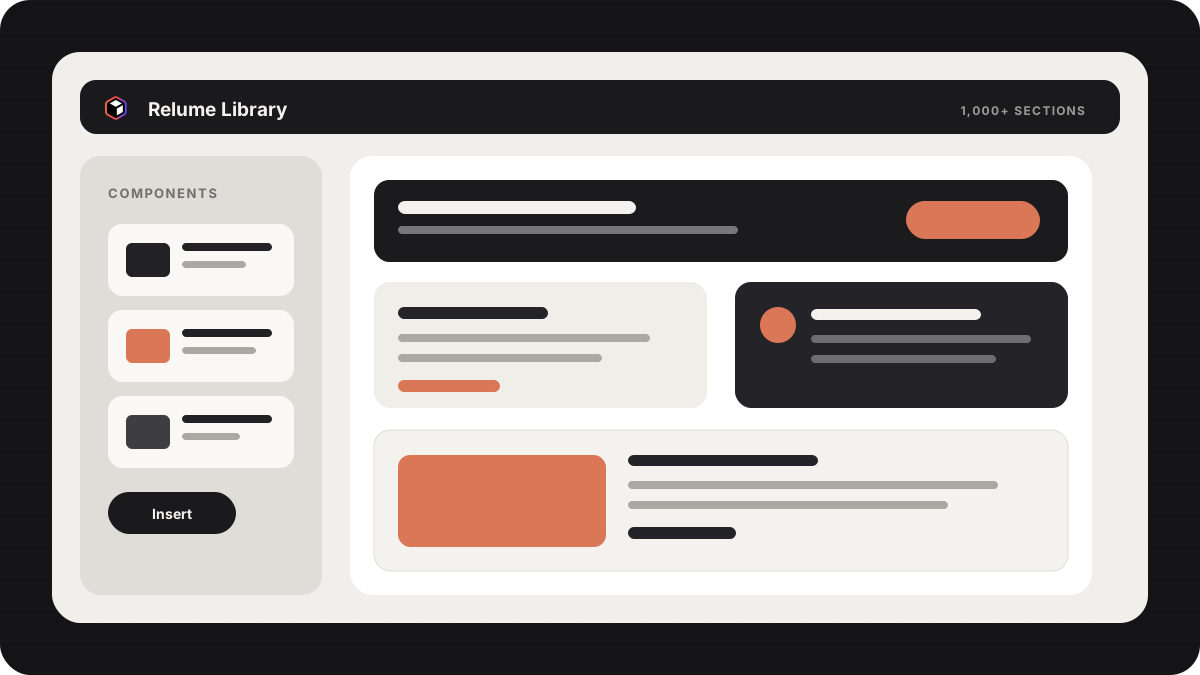
Where Mobbin gives you references, the Relume Library MCP gives you buildable parts: 1,000+ real, production web components and wireframe sections that plug straight into Claude. Rather than generating markup from scratch, the agent assembles pages from proven components, which is both faster and far more consistent.
Reference-first plus component-first is a strong pairing. Here's how Relume works and why it fits: Relume Library MCP: Give Claude 1,000+ Real Web Components
Figma's MCP: your own design system
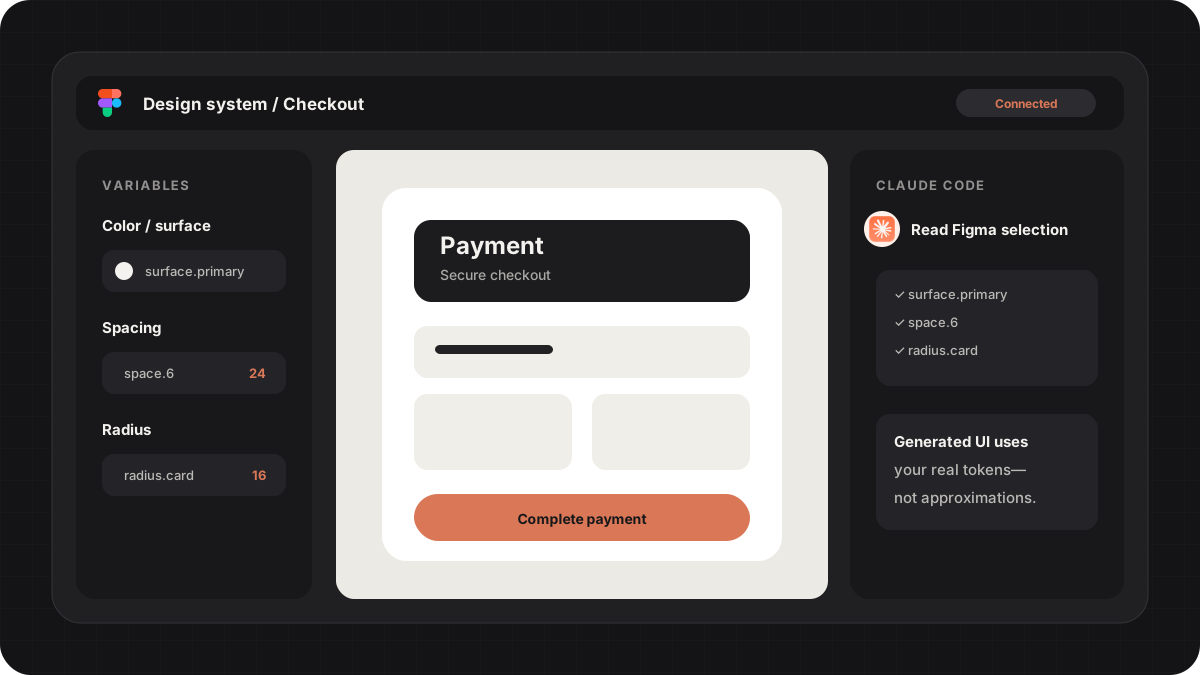
Figma ships an MCP server that exposes your actual design context: selected frames, variables, and components. Connected to an agent, it means the code the agent writes can reference your real tokens and component names instead of inventing a parallel system that only looks close.
As of September 2026 the official server exposes 29 tools in five groups: design to code, code to design, design systems and Code Connect, generative plugins and shaders, and account. Eleven of them write, so the agent can create files and native Figma content as well as read your selection.
If your team already lives in Figma, this is the server that keeps AI-generated work on-system rather than on-vibes. Point the agent at a selection and ask it to build from the variables it finds, not from guesses.
If you have moved off Figma, Brilliant, a free AI-native alternative, also supports MCP: Brilliant: The Free, AI-Native Figma Alternative (2026)
Miro: whiteboard and workflow context
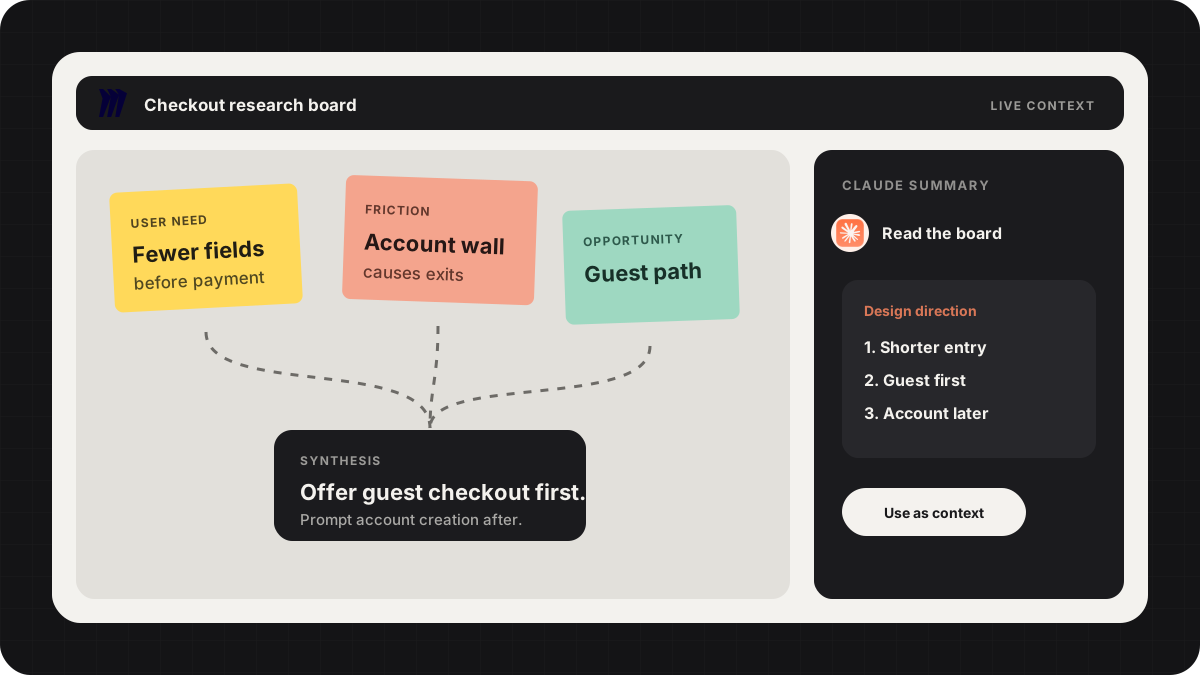
Miro's MCP brings the messy, upstream part of design into the loop: flows, research notes, and the board where a feature is still being figured out. An agent that can read the board understands intent before it draws pixels, which is where a lot of AI design work goes wrong.
I walked through using Miro's AI collaboration layer with an MCP here: AI Design Workflows in Miro: Flows, Sidekick and Claude MCP
Stitch and Paper: two newer servers worth a look
Google Stitch generates UI from prompts, and its MCP server (npx -y @google/stitch-mcp@latest) lets Claude Code, Cursor or Antigravity ask Stitch for a screen and then build it in your codebase in one pass. Google also publishes a set of Agent Skills for it that work across those same agents.
Paper is a newer design tool built around agents. Its MCP server exposes 25 tools, per Paper's docs, and they read and write: an agent can create artboards, set text, update styles, grab screenshots and pull the JSX or Tailwind for any node. It supports Cursor, Claude Code, Claude Desktop, Codex, GitHub Copilot and Antigravity.
Neither replaces Mobbin or Figma in my stack yet, but if you want the agent to draw as well as read, these are the two to try. The video above walks through the whole setup.
How to add an MCP server
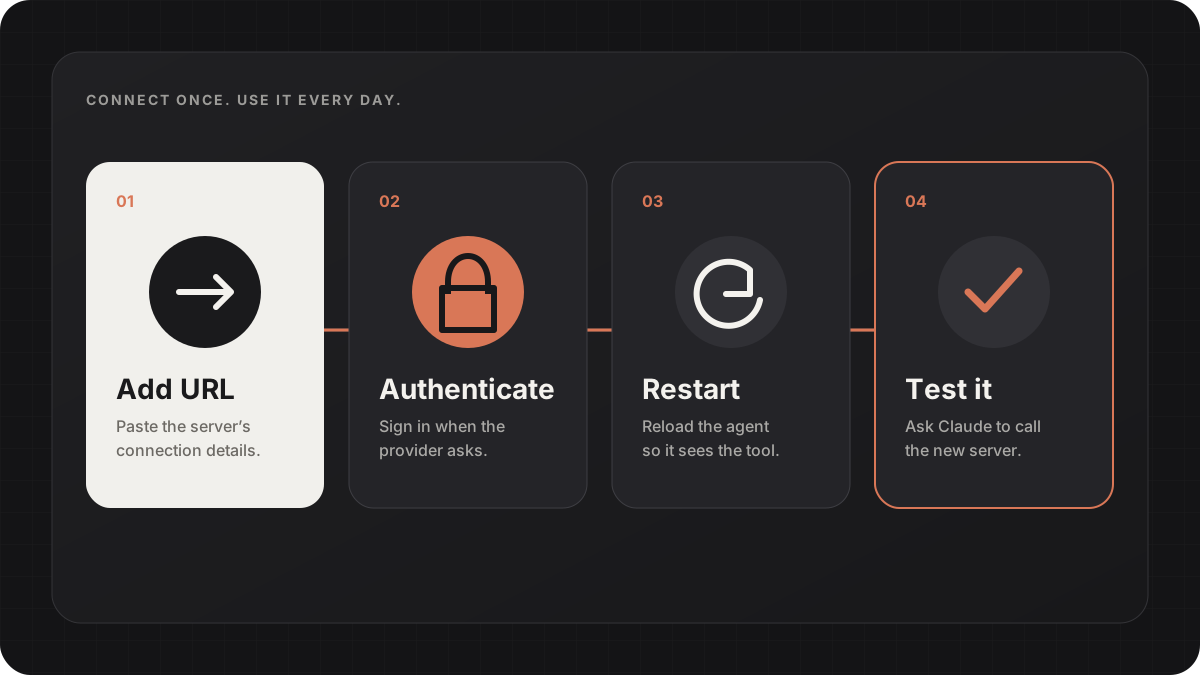
The mechanics are the same across most servers, and you only do it once per tool. In short:
- Find the server's connection details (a URL for hosted servers, or a command for local ones). The provider's docs give you this. - Open your agent's MCP settings. In Claude Code that's the MCP config; other tools have an equivalent. - Add the server, authenticate if it asks, and restart the agent so it loads. - Confirm it worked by asking the agent to use it once ("search Mobbin for checkout screens").
Start with one server, get comfortable with how the agent calls it, then add the next. A stack of three you actually use beats ten you connected once and forgot.
FAQ
No. Connecting a server is a one-time settings step, and after that the agent handles the calls. If you can install a plugin, you can add an MCP server.
Mobbin, for real design references. It has the biggest single effect on output quality because it stops the model from inventing screens from nothing.
No. MCP is an open standard, so the same servers work across tools that support it, including Claude Code, Cursor, and others. The setup screen differs but the server is the same.