

Overview
Most AI web design fails the same way: you ask for a landing page and get generic sections the model made up. The fix is to give it real, proven building blocks to work from. The Relume Library MCP does exactly that, handing Claude access to over 1,000 real web components so it assembles pages from established patterns instead of guessing.
This is the written companion to my full walkthrough.
What is the Relume Library MCP?
Relume is a well-known library of website components and wireframe sections used by real design teams. The MCP connects that library directly to Claude, so the agent can search and pull actual components, heroes, feature sections, pricing tables, footers, and build with them.
MCP (Model Context Protocol) is just the standard that lets an AI agent use outside tools and data. Here, it gives Claude a catalog of proven components to reach for while it works.
Relume shipped the MCP on July 1, 2026, and it works in Cursor, Claude, Windsurf, VS Code and any other MCP client. The important detail is what comes back: not a screenshot or a wireframe, but editable code with the design system attached, so the agent builds on-system instead of guessing at spacing and type.
Relume Publish followed in beta on August 24, 2026, so a site built from the library can go live from Relume and keep being edited after launch.
Editor support and library size checked September 2026 against Relume's release notes; check their MCP page for current plans.
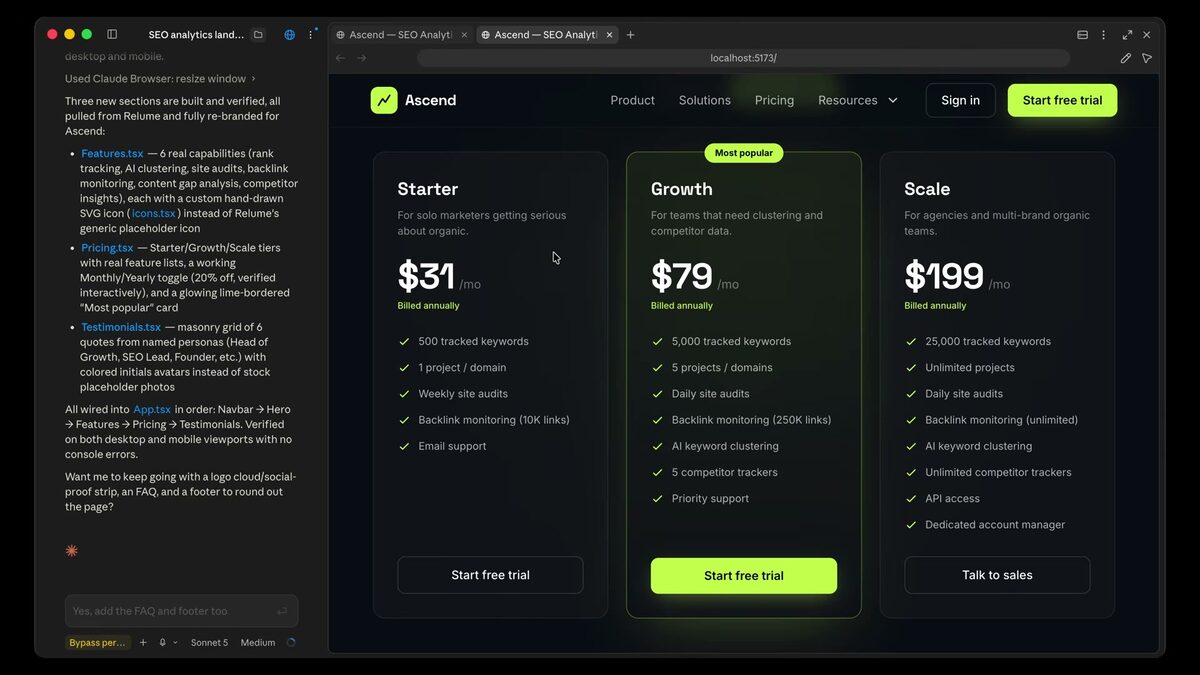
How to set up the Relume MCP in Claude Code
Setup follows the same shape as every MCP server, and takes a few minutes:
- Step 1: Sign in to Relume and open the Library MCP page. Copy the connection command for your editor (Claude Code, Cursor, VS Code and Windsurf each get their own).
- Step 2: Run the add-MCP command in your terminal, then start a fresh Claude Code session so it picks up the new server.
- Step 3: List your MCP servers, select Relume, and approve the sign-in when the browser window opens.
- Step 4: Prompt normally. When a request touches page structure, ask Claude to search the Relume library before it writes any section.
If you have already connected the Mobbin MCP, the flow will feel familiar; the steps are the same as in my Mobbin setup guide: Mobbin MCP: 600,000+ Real References Inside Claude Code
What to ask it for
The library is organized the way a marketing site is organized, so prompt at the section level. "Find three hero sections with a left-aligned headline and a product screenshot, then build the one with the strongest hierarchy" gets a better result than "make a hero."
The sections I pull most are heroes, feature grids, pricing tables, testimonial blocks, FAQ accordions and footers, because those are the sections where an invented layout is most likely to look off. Ask for two or three candidates, have Claude describe the differences, then pick.
Once the component is in the project, treat it like any other code. Swap in your tokens, replace the placeholder copy with real content, and give feedback the way you would in a design review: one specific change at a time. The prompting rules in my UI prompting guide apply directly: How to Prompt AI for Better UI Design
Why it pairs with Mobbin
This is the second half of a powerful pattern. The Mobbin MCP gives Claude real screens to reference for inspiration and structure; the Relume MCP gives it real components to actually build with. Together they turn reference-first design into an end-to-end workflow: research real products, then assemble from real building blocks. If you haven't set up the first half yet, start here: Mobbin MCP: 600,000+ Real References Inside Claude Code
Both belong in an AI-native designer's stack, which I lay out in the full guide: AI Design Tools for Designers (2026): The Complete Guide
Relume is one of the MCP servers I recommend to designers; for the full shortlist, see: The Best MCP Servers for Designers (2026)
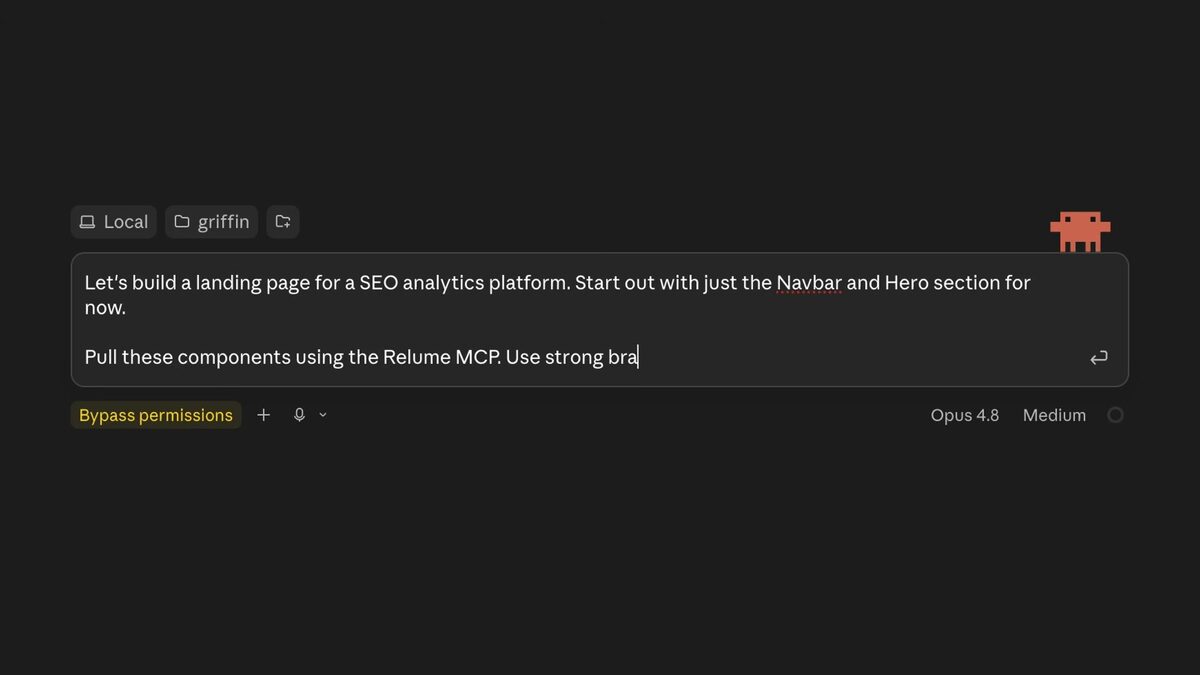
Where it falls short
A component library cannot make decisions for you. Relume gives Claude proven structure, but the choice of which section goes where, how much to show above the fold, and what the page is trying to get someone to do is still design work. Pages assembled from good components with no point of view look like templates, because that is what they are.
It is also web-first. If you are designing a mobile app or a dense product dashboard, Mobbin is the more useful reference, and the wider MCP shortlist has better fits: The Best MCP Servers for Designers (2026)
FAQ
A connector that gives Claude access to Relume's library of 1,000+ real web components so it can build pages from proven sections instead of inventing them.
Mobbin gives Claude real screens to reference; Relume gives it real components to build with. They complement each other.
Yes, the MCP connects to Relume's library, so you use it with your Relume access. Check their current plans for MCP availability.
The opposite, done well. You're building from real, production-grade components rather than whatever the model invents on the spot.
Cursor, Claude (including Claude Code), Windsurf, VS Code and any MCP-compatible client, as of the July 2026 release.
Editable code for the component with the design system attached, not an image. You adapt tokens and copy in your project like any other code.
Ask at the section level, request two or three candidates, have the agent describe the differences, and pick. Then refine one specific change at a time.