
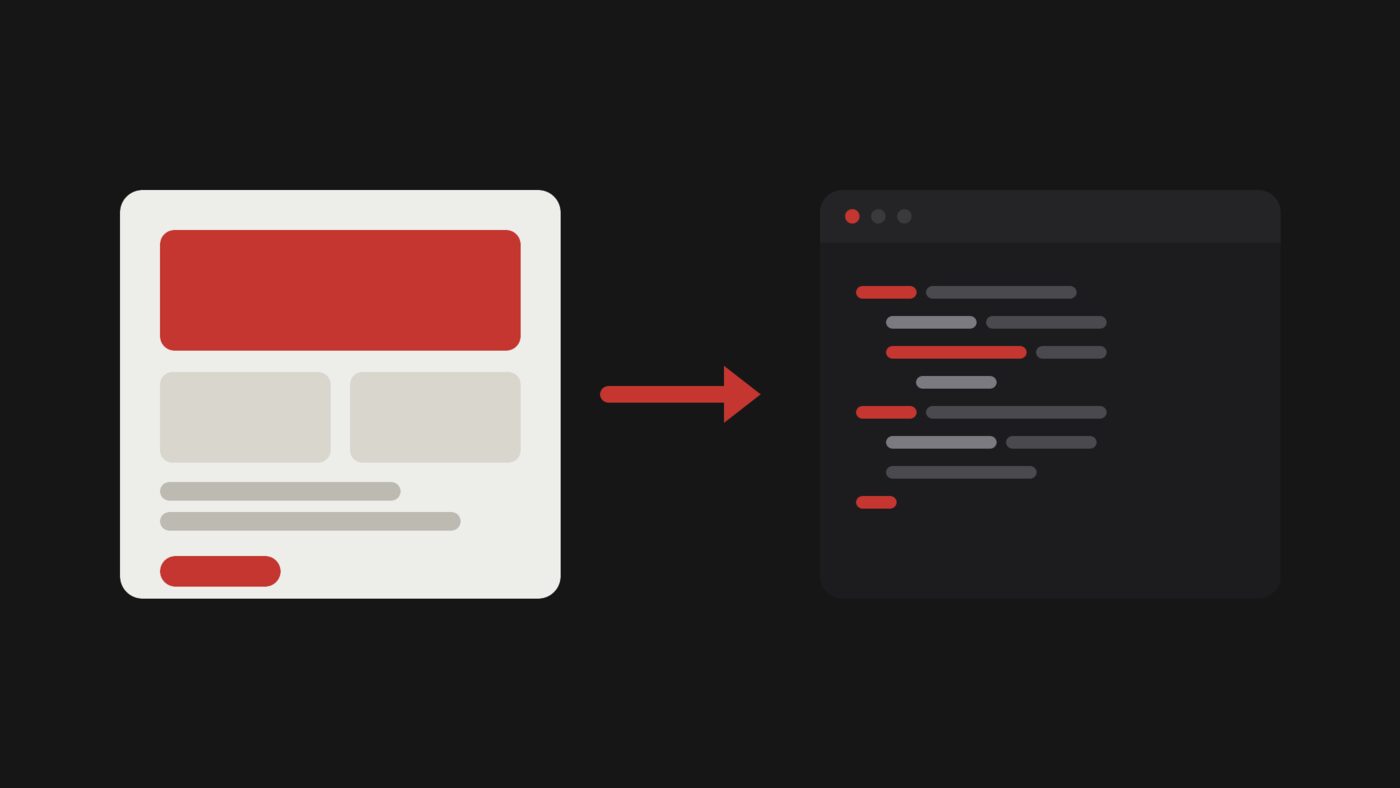
Overview
The handoff from design to code has always been where quality leaks out: spacing drifts, tokens get approximated, and the built version is almost-but-not-quite the design. AI agents can now turn a Figma frame into working code directly, which is genuinely a big deal, but the naive version of it produces a mess. The difference is entirely in the setup.
Here's the approach that gets clean, on-system code out of a design, instead of a brittle pixel-copy you have to rebuild anyway.
Why the naive approach fails
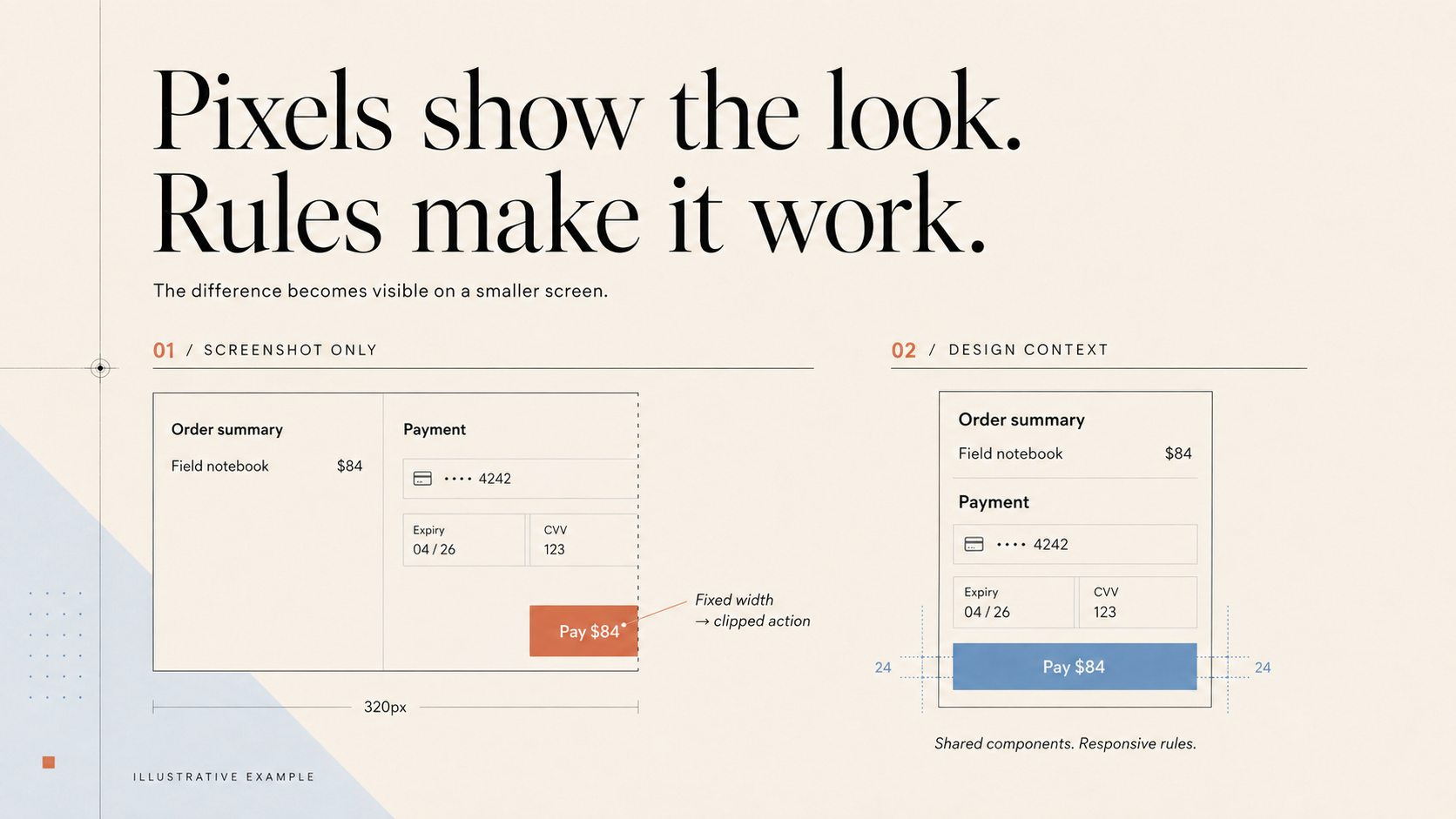
Hand an agent a flat screenshot of a Figma frame and say "build this," and you'll get something that looks close and is structurally wrong: absolute-positioned divs, hard-coded pixel values, invented color names, no reuse of anything you already have. It looks right in one viewport and falls apart everywhere else.
The problem is that a screenshot throws away everything that makes the design a system: the variables, the components, the intent. Good output needs that context back.
Give the agent your real design context
The single biggest upgrade is connecting the agent to your actual Figma data instead of an image. Figma's MCP server exposes your selected frames, variables, and components, so the agent writes code that references your real tokens and component names rather than guessing at them.
This is why an MCP setup matters so much for design-to-code specifically. The servers worth connecting, and how: The Best MCP Servers for Designers (2026)
Point it at your components, not a blank slate
Even with good context, an agent will happily invent a new button if you don't tell it not to. State the rule up front: reuse the existing components and tokens, don't create new primitives. The durable place for this is an AGENTS.md file in your repo, so the agent applies it on every task without you repeating yourself.
How to write one that keeps output on-system: How to Write an AGENTS.md File for Design Projects
Describe intent, not just the frame
Tell the agent what the screen does and how it should behave, not just how it looks. Which elements are primary, what should happen on smaller screens, which parts are interactive. A frame is a single state; real code has to handle all of them, and the agent makes far better calls when it knows the intent behind the pixels.
The same prompting principles that get good UI generation apply here: How to Prompt AI for Better UI Design
Review like a designer, iterate in passes
Treat the first output as a rough draft and review it the way you'd review a junior dev's PR: check the spacing against your scale, confirm it used your tokens, resize the window. Then fix one thing at a time with specific instructions, not a giant rewrite. Small, targeted passes preserve what's already right.
The goal is a fast loop where each pass gets measurably closer to the design, not one-shot perfection.
Which tool for this job
Any of the strong agents can do design-to-code well once it has context. Claude Code is a great default; Codex is especially strong on larger, logic-heavy builds; Cursor keeps you in a visual editor with more hands-on control. Pick per task, and learn one deeply before adding a second.
Designer-focused walkthroughs: How to Use Codex as a Designer and How to Use Cursor as a Designer For the full landscape, start at the guide: AI Design Tools for Designers (2026): The Complete Guide
Not in Figma at all? Brilliant is a free, AI-native alternative with MCP built in: Brilliant: The Free, AI-Native Figma Alternative (2026)
What changed at Config 2026
Figma's Config 2026 (June 23-24) moved a lot of this workflow inside Figma itself. Figma Motion adds timeline animation with keyframes and easing, inspectable in Dev Mode with CSS, JSON and React export. Custom shader effects and generative plugins are both in open beta: you describe the effect or the tool and the Figma agent builds it.
The one to watch for design-to-code is Code Layers, in closed beta since July: working code sits on the canvas as a layer next to your frames, so you can explore directions in code and design side by side. The waitlist is at figma.com
The MCP server grew too. As of September 2026 it exposes 29 tools in five groups, including code-to-design writes and generative plugins, which means the agent can push work back into Figma rather than only reading from it. The setup in this post still applies; the server just does more once it is connected.
FAQ
A screenshot works for a quick throwaway, but for anything you'll actually ship, connect the real Figma context. It's the difference between code that references your system and code that guesses at it.
Only if you give it the system: your tokens via Figma context, your components via an AGENTS.md rule to reuse them. Without that, it approximates, which is where drift comes from.
No. It collapses the tedious first-draft step and hands designers more reach, but judgment about architecture, edge cases, and accessibility still matters. It's leverage, not a replacement.