
Overview
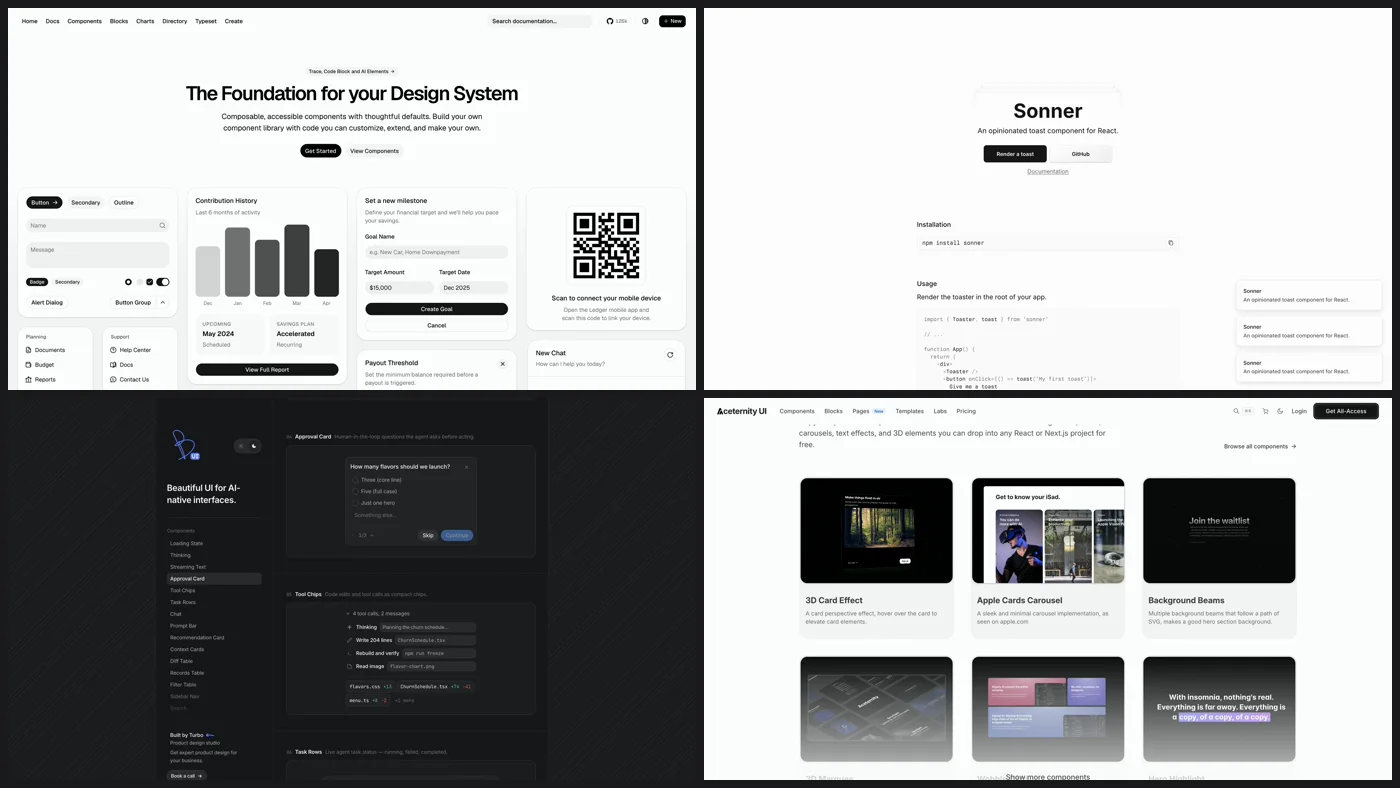
Short answer: use shadcn/ui, built on Base UI or Radix, for most of your app. Add Sonner for toasts, Vaul for drawers, cmdk for command menus and NumberFlow for changing numbers, because those are the components AI gets wrong when it builds them itself. Then pull one designed component per page from Beautiful UI, RareUI, Magic UI, Aceternity or 21st.dev.
One of the easiest ways to make AI-built UI look better is to stop letting the model build every component from scratch. Ask for a toast, a command menu or a loading state and it writes a new one with default styling every time. It doesn't know how a toast should stack, or how a drawer should feel when you drag it. A component library hands the model someone else's taste, and each kind of library does a different job.
The three kinds of UI component library
- Foundations (shadcn/ui, Base UI, Radix) give you the behavior of a component: keyboard navigation, focus and accessibility. You do the styling. Use them for most of your app.
- Specialists (Sonner, Vaul, cmdk, NumberFlow) each do one component really well. Use them for the details that make a product feel finished.
- Designed components (Beautiful UI, RareUI, Magic UI, Aceternity, 21st.dev) are finished, styled pieces you copy into your project. Use them for the moments you want people to notice.
The kinds stack: shadcn/ui for buttons, inputs, dialogs, dropdowns and tabs, Sonner for notifications, and one animated section from a designed library on the landing page.
Foundations: shadcn/ui, Base UI and Radix
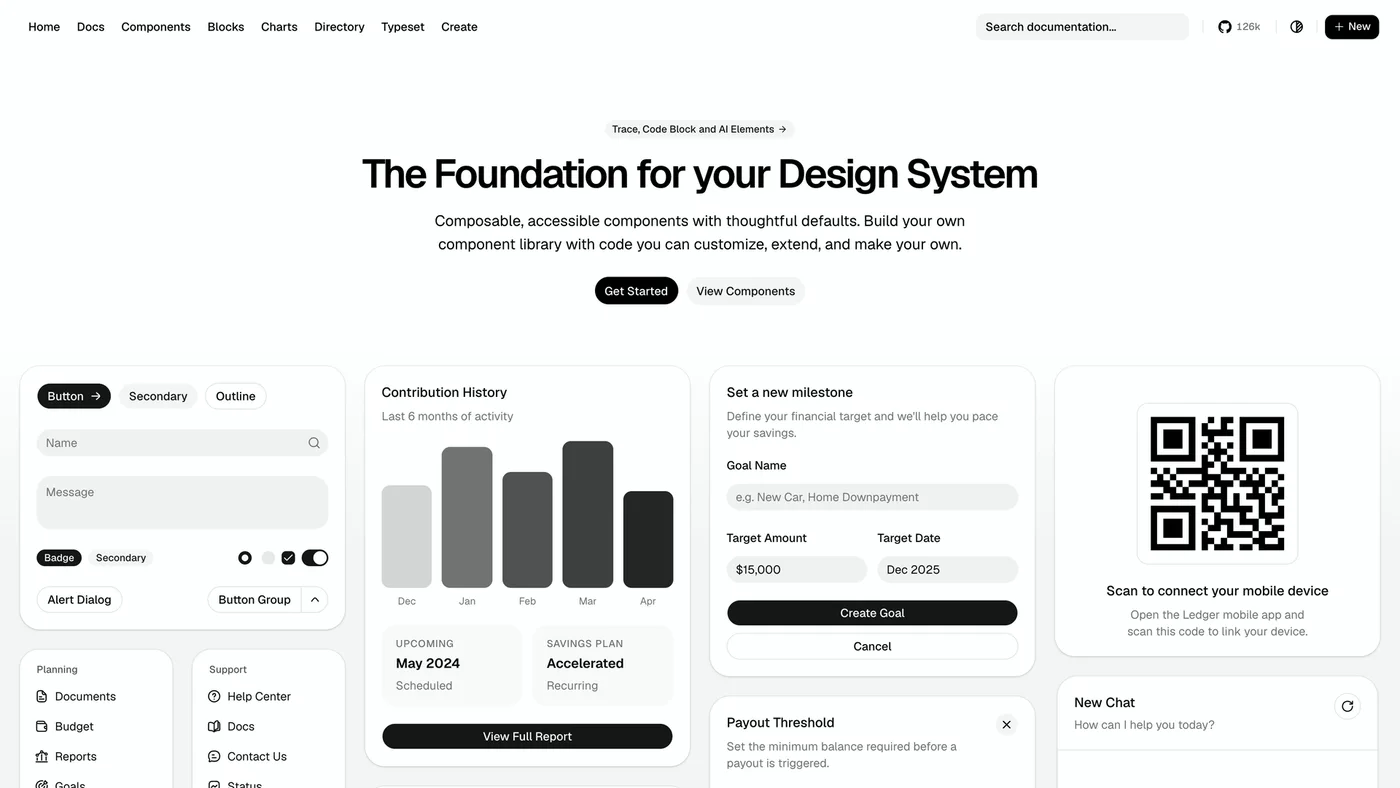
shadcn/ui
shadcn/ui describes itself as "not a component library" but a way to build your own. Its CLI copies each component's code into your project instead of hiding it in an npm package, so you own the code and Claude can read and change all of it. The docs let you build each component on Base UI or Radix underneath.
One thing to watch for: default shadcn has become an AI look of its own. If you have used Claude Code or Lovable enough, you can spot it right away: the same radius, the same gray, the same font. Treat it as a starting point and change the radius, the colors and the type so it looks like your product. Those three carry most of the personality. A tighter radius and a serif heading can make the same components feel like an editorial product instead of a SaaS template, and Claude is good at this if you give it your brand colors and fonts up front.
Base UI
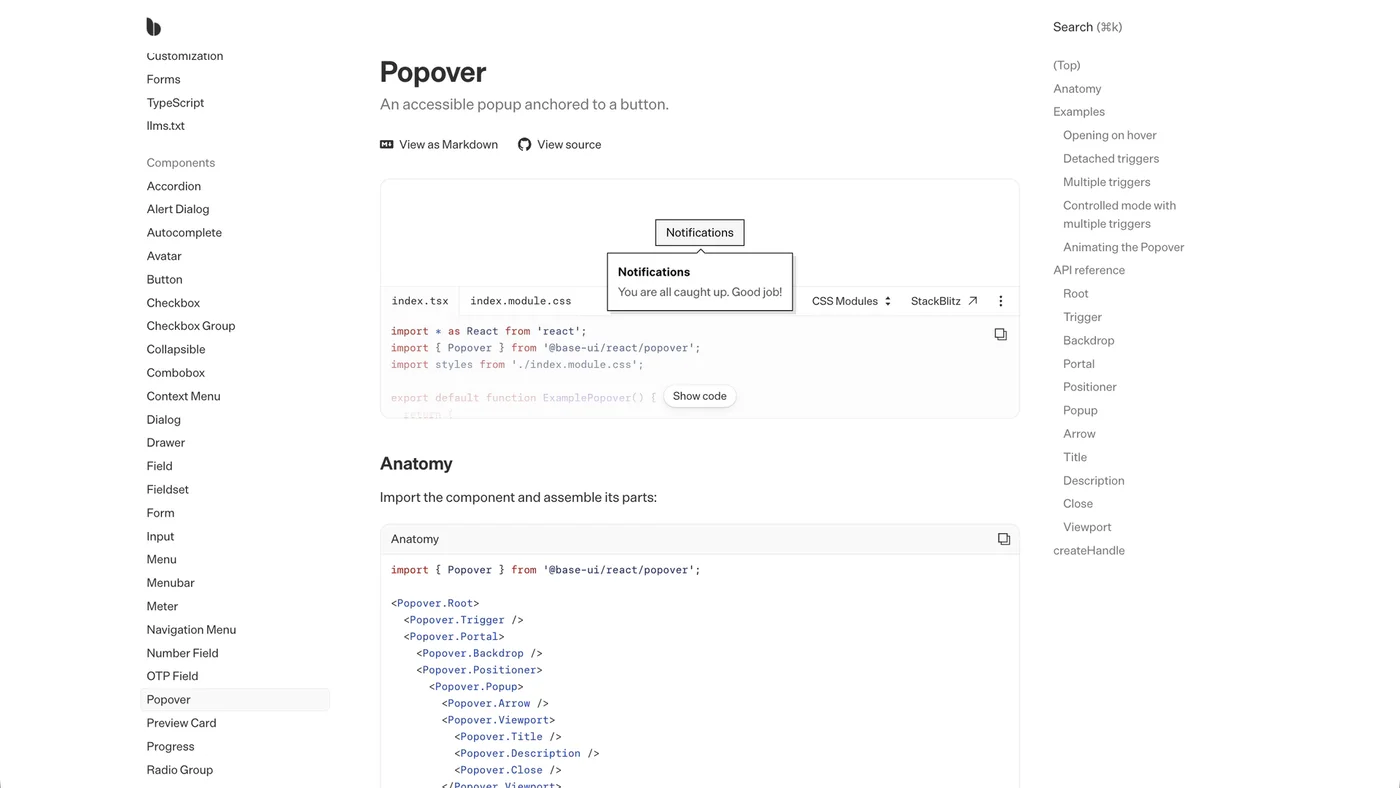
Base UI is a library of unstyled React components for building accessible interfaces, from the creators of Radix, Floating UI and Material UI. It handles behavior and accessibility and leaves every visual decision to you, which makes it a clean base for a design system that should not look like anyone else's.
Radix Primitives
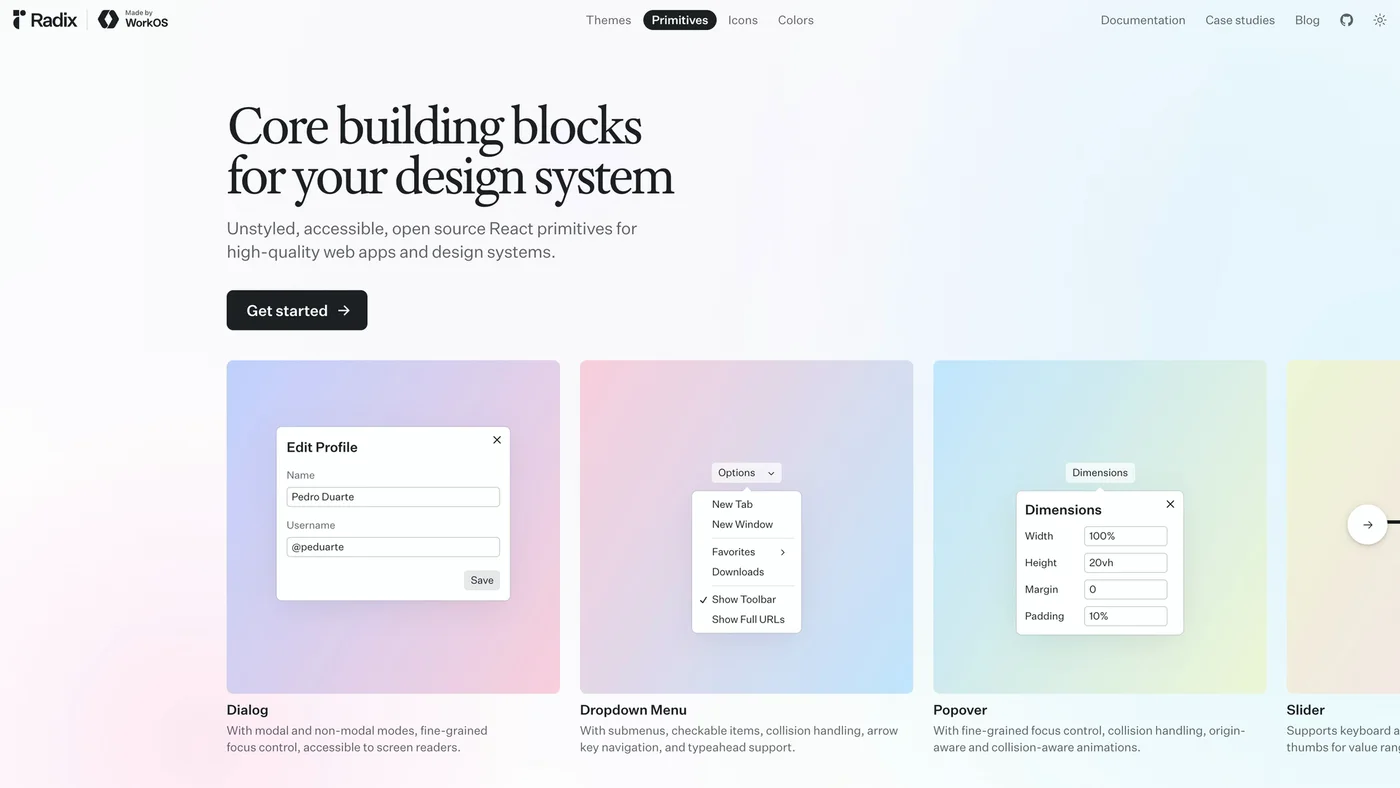
Radix Primitives are unstyled, accessible, open source React primitives, made by WorkOS. Each one documents its keyboard and focus behavior: the Dialog has modal and non-modal modes with fine-grained focus control, and the Dropdown Menu supports submenus, arrow key navigation and typeahead.
Specialists: Sonner, Vaul, cmdk and NumberFlow
Sonner for toasts
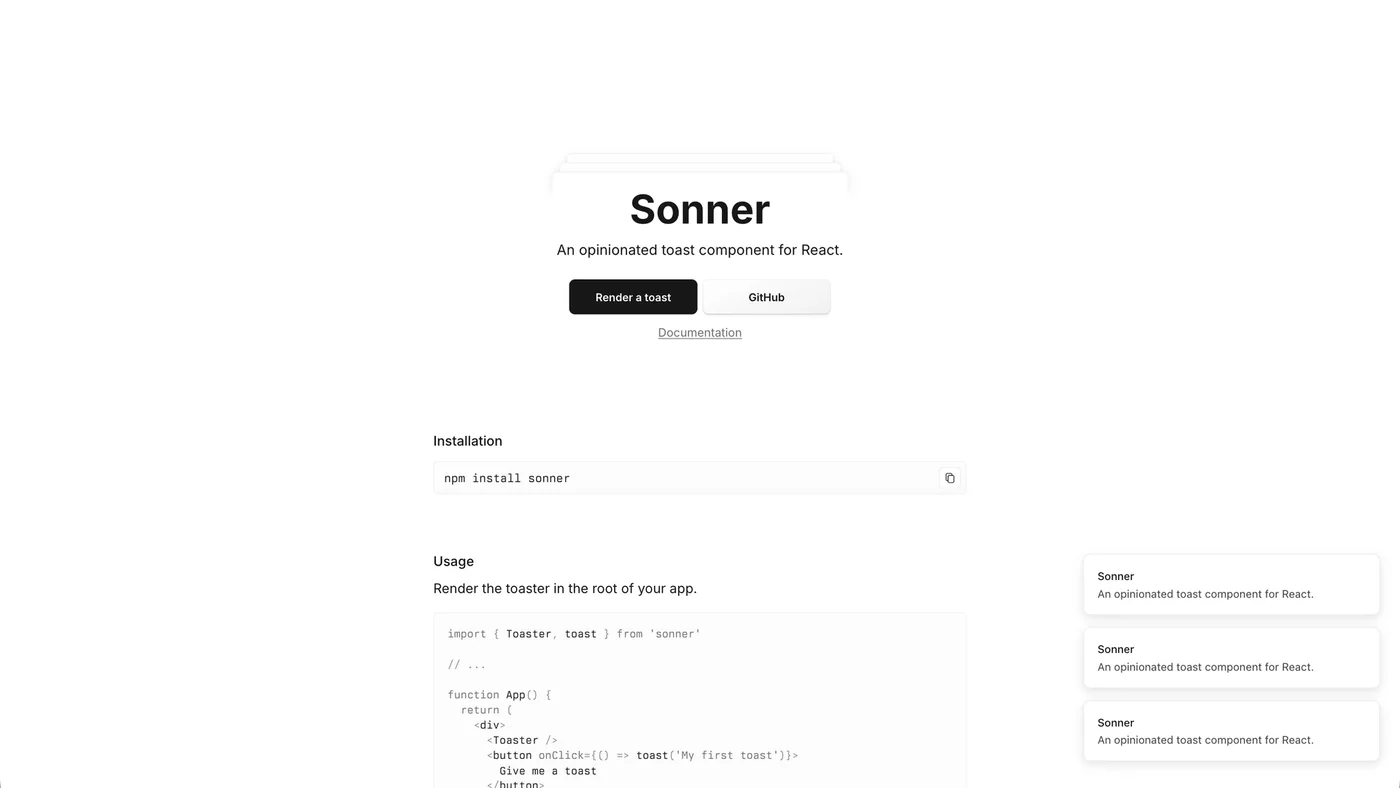
Sonner is an opinionated toast component for React, made by Emil Kowalski. It handles how toasts stack, how the stack expands when you hover it, and how each toast animates in and out. You render one <Toaster /> at the root of your app and call toast() anywhere. It installs with npm install sonner.
Vaul for drawers
Vaul is a drawer component for React, also by Emil Kowalski: the kind you drag up from the bottom on mobile and flick down to close. Install it with pnpm i vaul.
cmdk for command menus
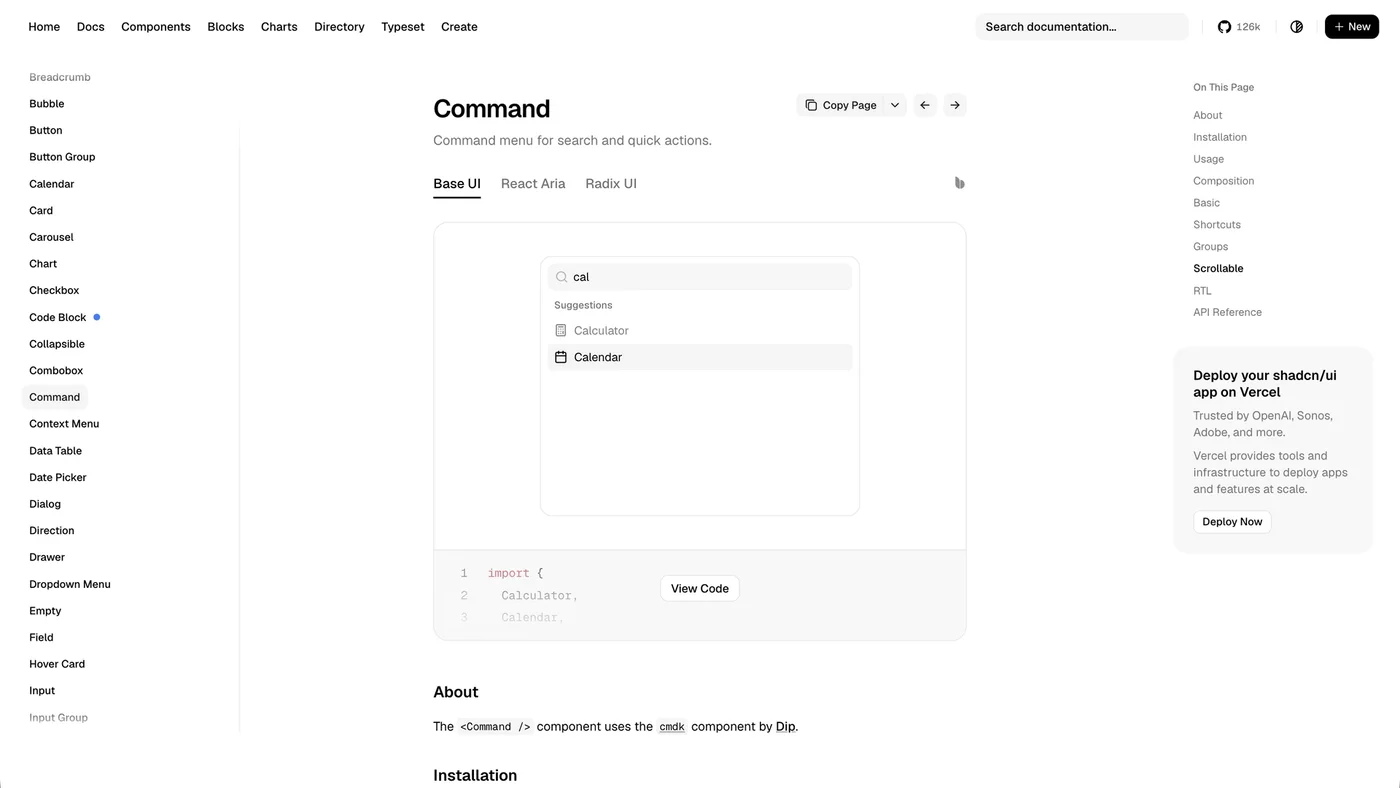
cmdk is a fast, unstyled command menu component for React, the search box you open with ⌘K. You render items and it filters and sorts them, and it also works as an accessible combobox. Its old site, cmdk.paco.me, now redirects to the GitHub repo at github.com/dip/cmdk. shadcn/ui's Command component is built on it, so if you use shadcn you may already have it.
NumberFlow for animated numbers
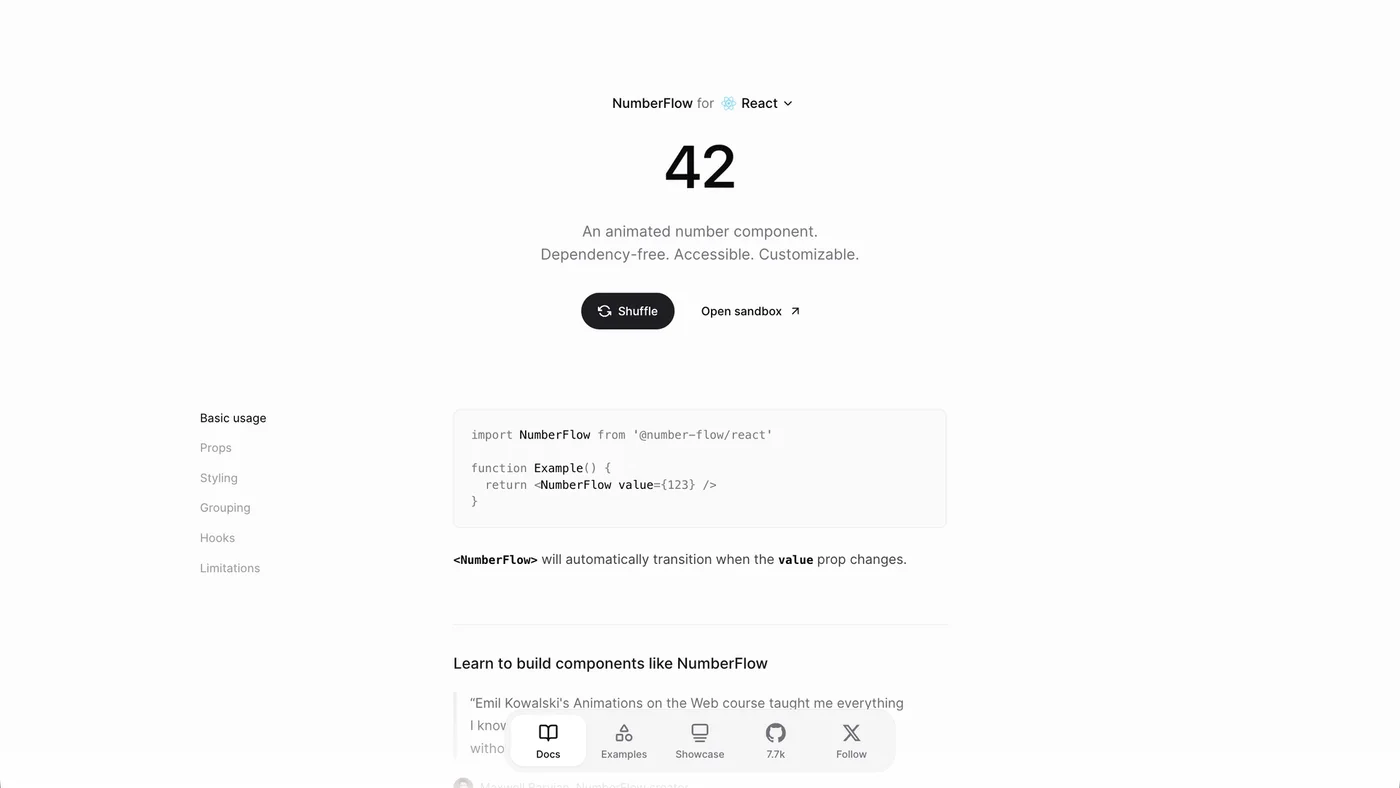
NumberFlow animates a number when its value changes, so a price or a count ticks over instead of jumping. Its site calls it dependency-free, accessible and customizable, and it takes standard Intl.NumberFormat options for currencies, percentages and compact notation.
You usually notice these components when they're missing. When AI builds toasts itself, they tend to pile on top of each other or vanish before you can read them. A hand-built drawer often won't drag at all; it opens and closes. A homemade command menu usually breaks the moment you use it with the keyboard. None of these are big features, but they are the details that make a product feel finished, and they are exactly the details AI skips when it builds from scratch.
The pick-ui-library skill
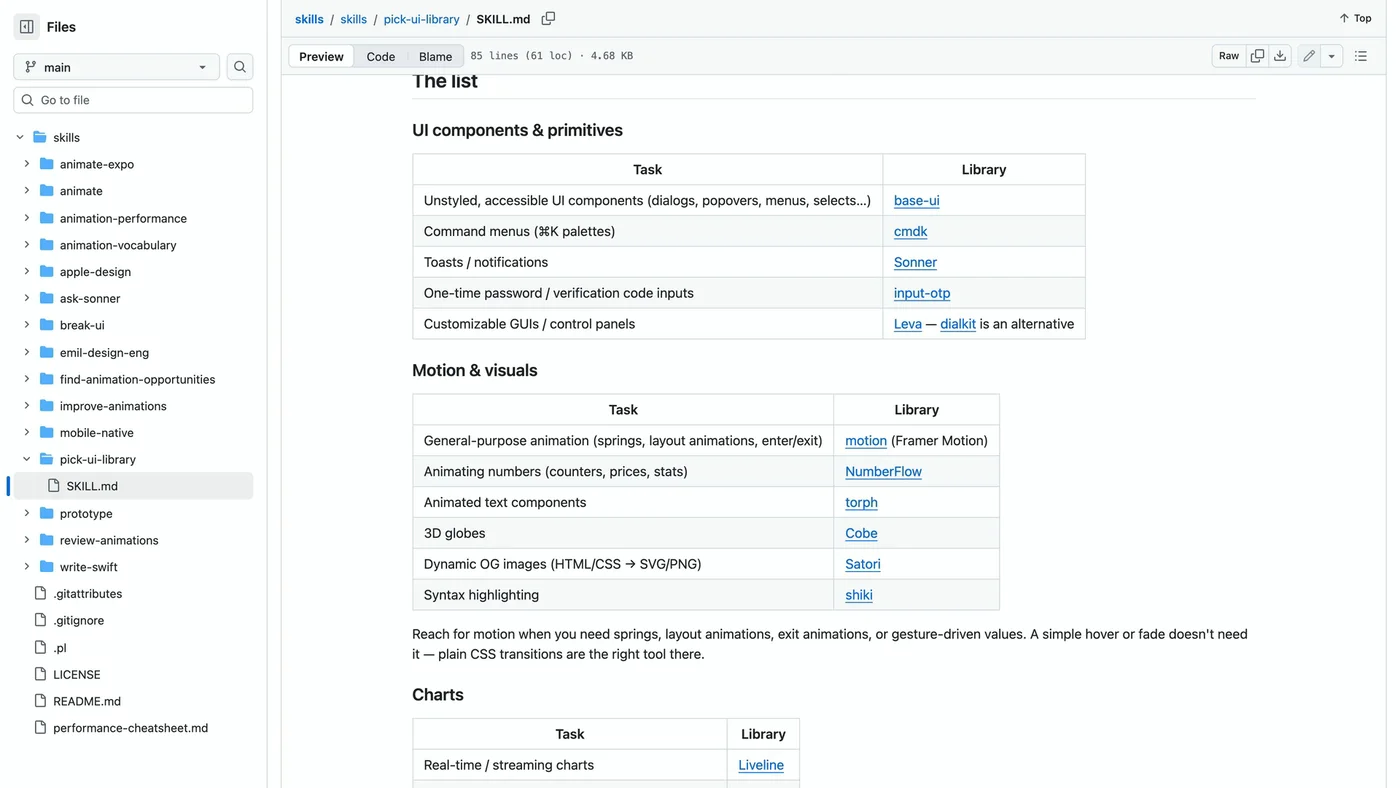
Emil Kowalski also publishes a Claude skill called pick-ui-library. When you invoke it with a task ("I need toasts", "what should I use for drag and drop?"), it matches the task to his curated list and recommends one library with one sentence on why, instead of a menu of options. The list includes Base UI for accessible primitives, cmdk for command menus, Sonner for toasts, input-otp for verification codes, motion for animation and NumberFlow for animated numbers.
The part I like most is its list of common mismatches to catch: toasts built by hand point to Sonner, a div-based dropdown with manual focus handling points to Base UI, and a number animated by re-rendering text points to NumberFlow. It also checks your package.json first and keeps a library you already use.
One detail worth knowing: the skill's frontmatter sets disable-model-invocation: true, so it only runs when you call it. It will not step in on its own when Claude starts building a toast system. Invoke it at the start of a feature, or put the same picks in your project instructions. New to skills? Here is how they work and which ones I use: Claude Skills for Designers
Designed components: Beautiful UI, RareUI, Magic UI, Aceternity and 21st.dev
Beautiful UI, for AI products
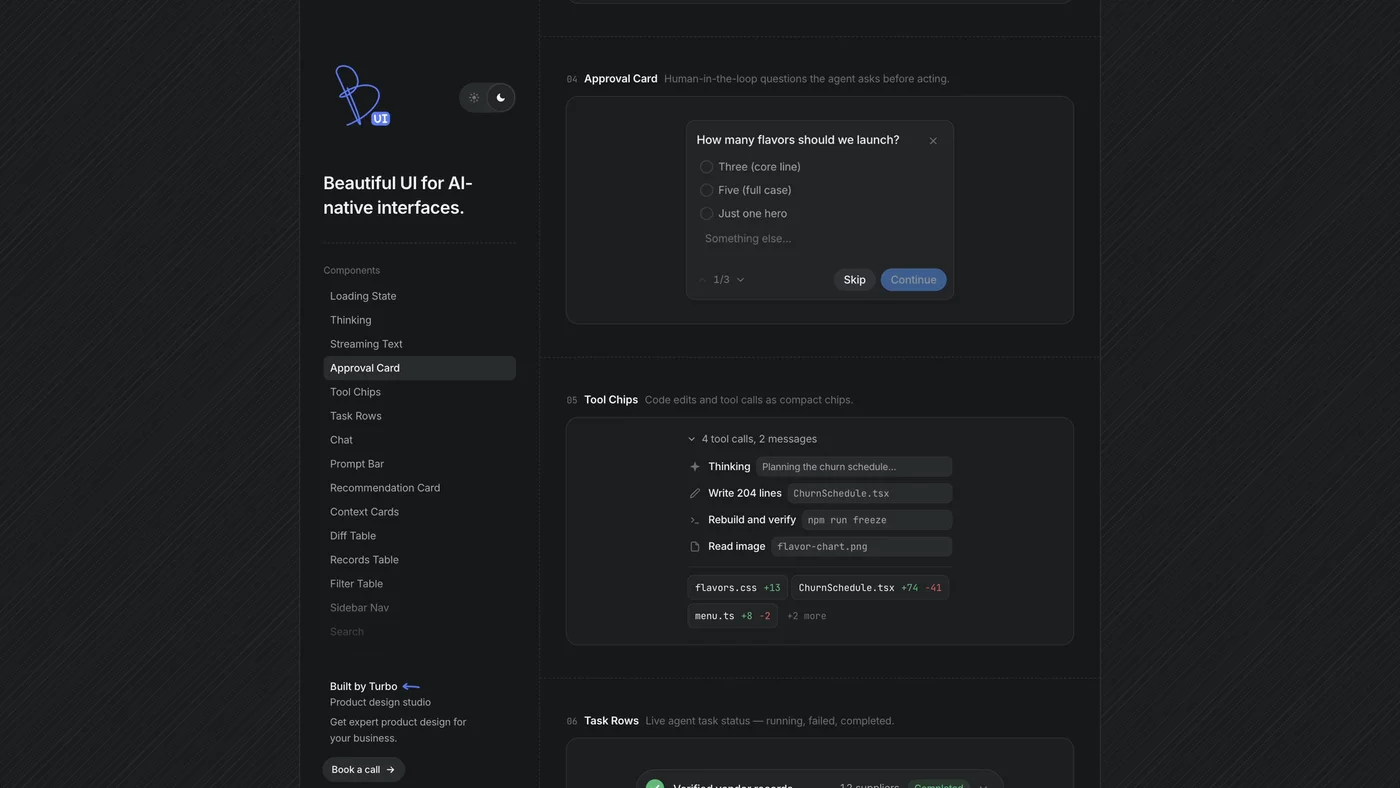
If you are building an AI product, Beautiful UI is the one I would look at first. It is built by Turbo, a product design studio, specifically for AI-native interfaces: loading and thinking states, streaming text with inline sources, approval cards for when an agent needs permission, tool chips, task rows, a diff table and an agent screen. Most component libraries were made before AI products existed, so they don't cover these states yet. Each component has a Copy code button on the site.
RareUI, for flashy moments
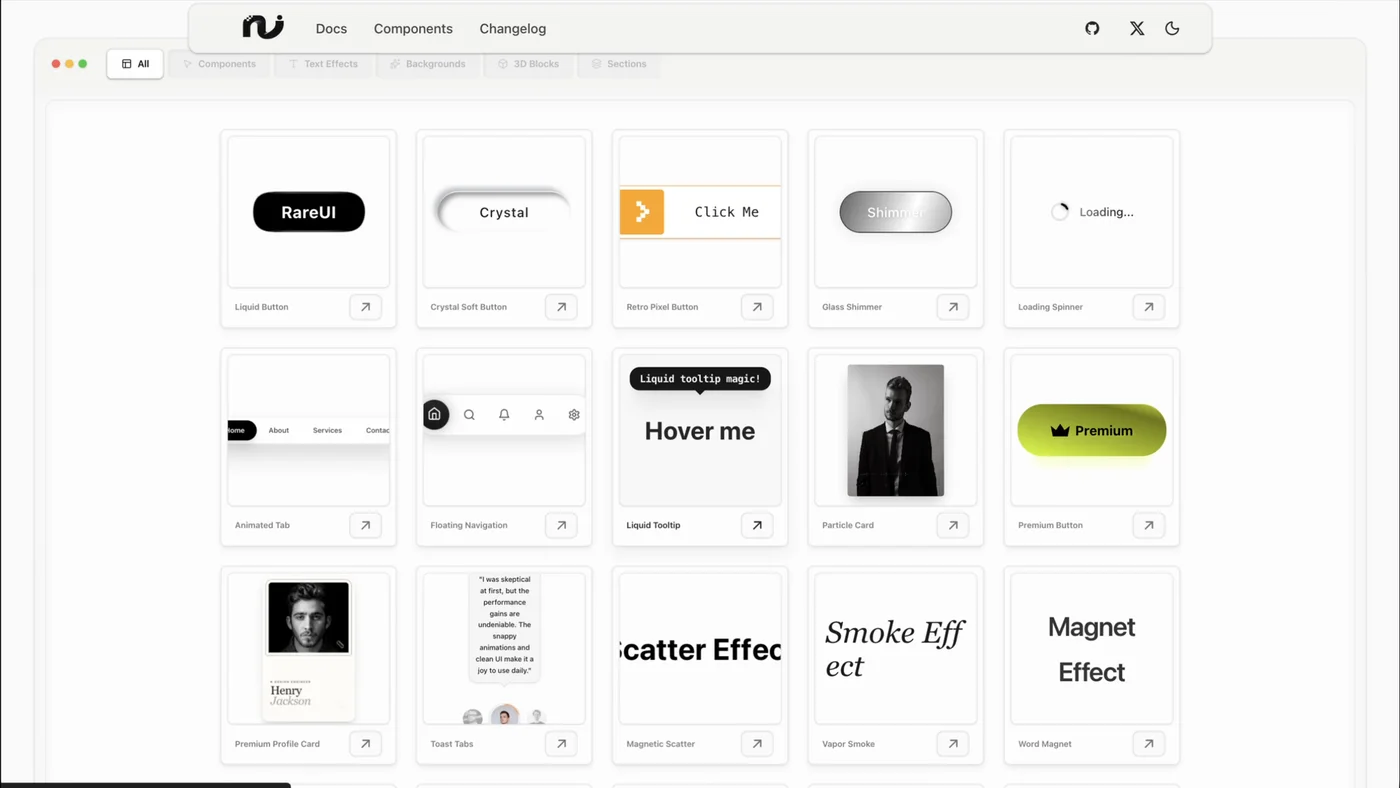
RareUI is a free React library for the flashy moments: animated buttons, text effects and interactive backgrounds. You install a component with one command (pnpm dlx rareui add liquid-button) and the code lands in your project so you can edit it.
Magic UI, on top of shadcn
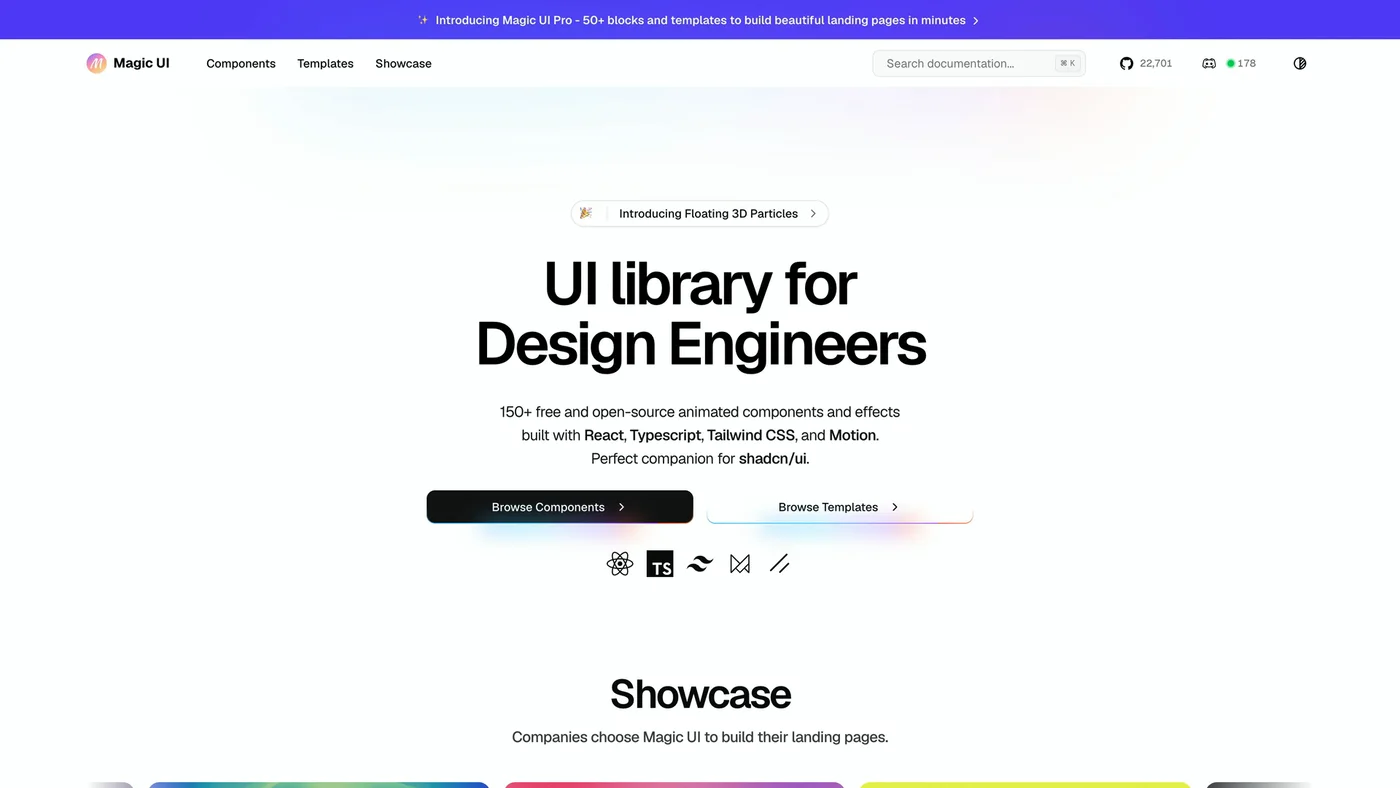
Magic UI has 150+ free and open source animated components and effects built with React, TypeScript, Tailwind CSS and Motion, and calls itself a companion for shadcn/ui. It fits right into the foundation above.
Aceternity UI, for landing pages
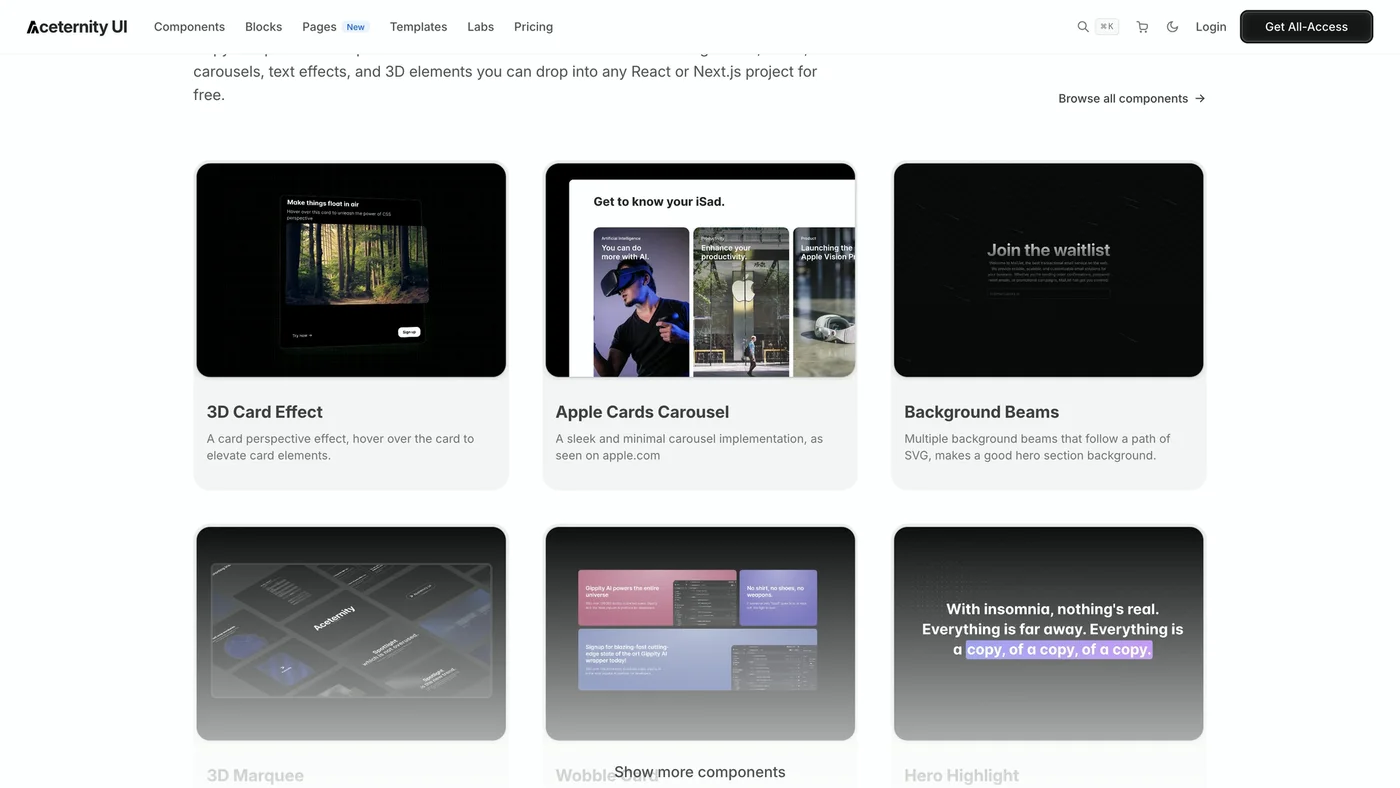
Aceternity is the one for landing page effects: 3D cards, background beams, carousels and marquees. You can install its components with the shadcn CLI (for example npx shadcn@latest add @aceternity/3d-card-demo) or have your coding agent add them.
21st.dev, the marketplace
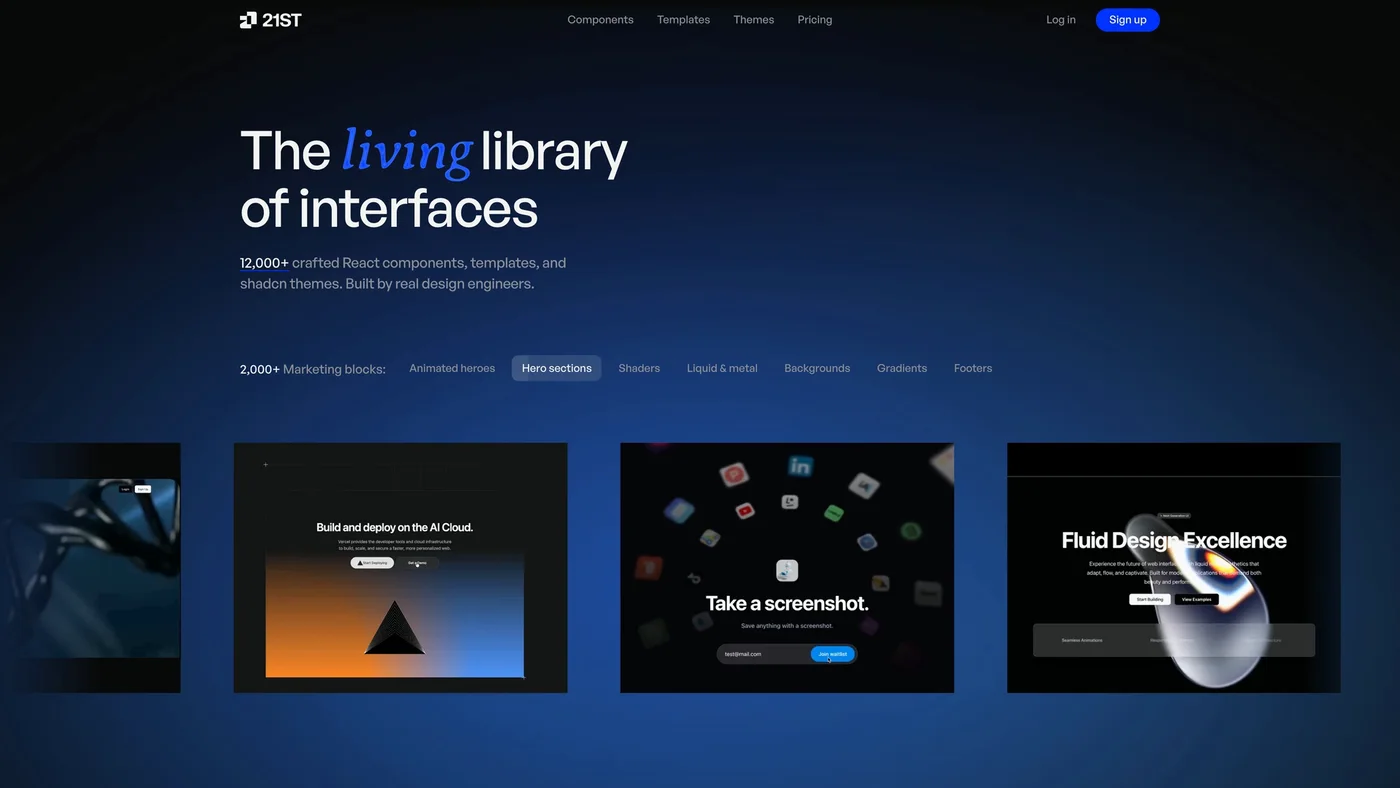
21st.dev is a marketplace rather than one library: 12,000+ React components, templates and shadcn themes published by many design engineers. Every component ships as a prompt you paste into Claude Code, Codex or Lovable. It is the place to look when you need something specific and don't want to commit to one library. I made a full video on using it with Claude Code:  Watch on YouTube
With this whole group, keep one rule in mind: one showpiece moment per page. One animated hero or one interactive background makes a page feel designed. Ten on the same page is how you get the next AI-generated look, where everything glows and moves and nothing stands out.
React UI library comparison table
| Library | Kind | Use it for | How you add it |
|---|---|---|---|
| shadcn/ui | Foundation | Most app components, as code you own | CLI copies code into your project |
| Base UI | Foundation, unstyled | Accessible primitives for your own design system | npm package |
| Radix Primitives | Foundation, unstyled | Accessible primitives for your own design system | npm package |
| Sonner | Specialist | Toasts and notifications | npm install sonner |
| Vaul | Specialist | Drawers and mobile bottom sheets | pnpm i vaul |
| cmdk | Specialist | ⌘K command menus and comboboxes | pnpm install cmdk |
| NumberFlow | Specialist | Prices, counts and stats that change | @number-flow/react |
| Beautiful UI | Designed | AI product states: streaming, approvals, agent screens | Copy code from the site |
| RareUI | Designed | Animated buttons and text effects | rareui add CLI |
| Magic UI | Designed | Animated sections next to shadcn/ui | Per-component docs |
| Aceternity UI | Designed | Landing page effects | shadcn CLI or your agent |
| 21st.dev | Marketplace | One specific component from many authors | Paste a prompt into your agent |
How to get Claude to use a component library
- 01Name the library in your promptSay "use shadcn for the base components and Sonner for toasts" and it will.
- 02Install through the CLI or registryThe code then lives in your project, so Claude can read it and you can change it.
- 03Give it your brand up frontColors, fonts and radius, so the defaults stop looking like every other AI app.
- 04Let pick-ui-library chooseInvoke the skill when you start a feature and don't want to think about which library fits.
If you name the same libraries in every prompt, put them in your project instructions instead, so the agent reads them on every task: How to Write an AGENTS.md File for Design Projects For the rest of the prompt, my approach to briefing AI on UI work is here: How to Prompt AI for Better UI Design
Libraries fix components; references fix layouts. For real product screens to design from, these are the reference sites I use alongside these libraries: Stop Letting AI Design From Scratch: 5 UI Reference Sites
FAQ
For most apps, shadcn/ui on top of Base UI or Radix, because it gives you accessible behavior and copies the code into your project where you and your AI agent can change it. Add specialists like Sonner, Vaul, cmdk and NumberFlow for the components that are hard to get right.
By its own description, no. shadcn/ui calls itself a way to build your own component library: its CLI copies each component's source into your project instead of installing a package you import.
Both are unstyled, accessible React component libraries. Base UI comes from the creators of Radix, Floating UI and Material UI; Radix Primitives is made by WorkOS. shadcn/ui can use either one underneath.
Beautiful UI, built by Turbo. It covers states older libraries skip: thinking and loading states, streaming text, approval cards for agent permissions, tool chips, diff tables and agent screens.
Change the radius, the colors and the type before anything else, and give Claude your brand colors and fonts up front. Then add one designed component per page, not ten.
No. Its frontmatter sets disable-model-invocation to true, so it only runs when you invoke it. When you do, it recommends one library from Emil Kowalski's curated list with a one-sentence reason.