

Overview
The designers pulling ahead right now aren't the ones who adopted one AI tool. They're the ones who rebuilt their workflow around AI so it touches everything they do. The good news: the path is learnable, and it's less about talent than about picking the right things to practice in the right order.
Here's the roadmap. The video walks through it with examples if you'd rather watch.
1. Shift the mindset first
Before any tool, the shift is mental: stop thinking of AI as a shortcut for isolated tasks and start treating it as a collaborator across your entire process. An AI-native designer delegates the mechanical work, first drafts, boilerplate, research synthesis, and spends their own time on judgment: what to build, why, and whether it's good. If you protect the judgment and hand off the rest, everything else follows.
The judgment part is the same work it always was. The Cashier UI redesign that cut transaction times 28% came from field research and workshops, not tooling: Cashier UI AI changes how fast you get to the decisions, not whether you have to make them.
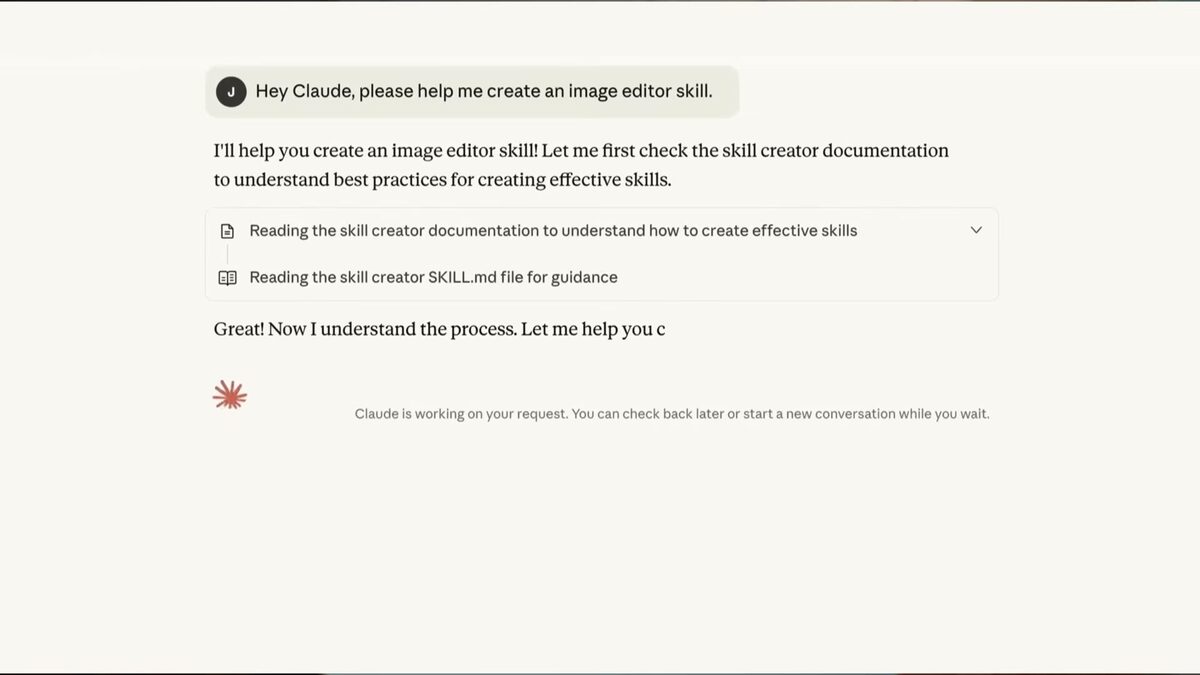
2. Learn to design from evidence, not taste words
The single most valuable skill is reference-first design. Generic AI output comes from generic prompts. When you ground your work in real references, real products, real content, real design systems, the quality jumps. Learn to research shipped products before you design, and increasingly to let your tools do that research for you. A connector like the Mobbin MCP puts 600,000+ real screens inside your AI so it designs from evidence: Mobbin MCP: 600,000+ Real References Inside Claude Code
3. Learn to build, not just mock up
The line between design and implementation is dissolving. You no longer need to hand-code, but you do need to be able to turn an idea into a real, working interface. That means getting comfortable with an agent that builds: Claude Code, Codex, or Cursor. You don't have to master all three, pick one and go deep. I've written designer-focused guides for How to Use Codex as a Designer and How to Use Cursor as a Designer to get you started.
The goal isn't to become an engineer. It's to be able to produce the real thing, not just a picture of it.
For context on where I started, the agent route gets you to the same place in a fraction of the time as this military logistics app, which I learned React by hand on in 2022: MarkLogic Logistics App
4. Build a tool stack around your process
Once the mindset and core skills are in place, assemble tools by the job they do rather than by hype: models for generating UI, connectors for real references, editors or agents for building, and workflow tools for research and notes. The point is a coherent process, not a pile of subscriptions. My full guide to the AI design tool landscape lays out what fits where: AI Design Tools for Designers (2026): The Complete Guide
For the model layer, as of September 2026: Claude Fable 5.1 for one-shot UI where the first pass matters, Opus 5 for daily building at half Fable's price, Sonnet 5 when cost matters most, and GPT-6 Astra in Codex when the page needs generated imagery. Hiring is moving the same way: in Figma's 2026 design hiring research, 73% of hiring managers said they increasingly need candidates who are proficient with AI tools, and 79% said the same about designing AI products.
Part of the stack is showing your work well; here's how I make crisp product demos: Product Demos: The Missing Piece of Your Marketing Strategy
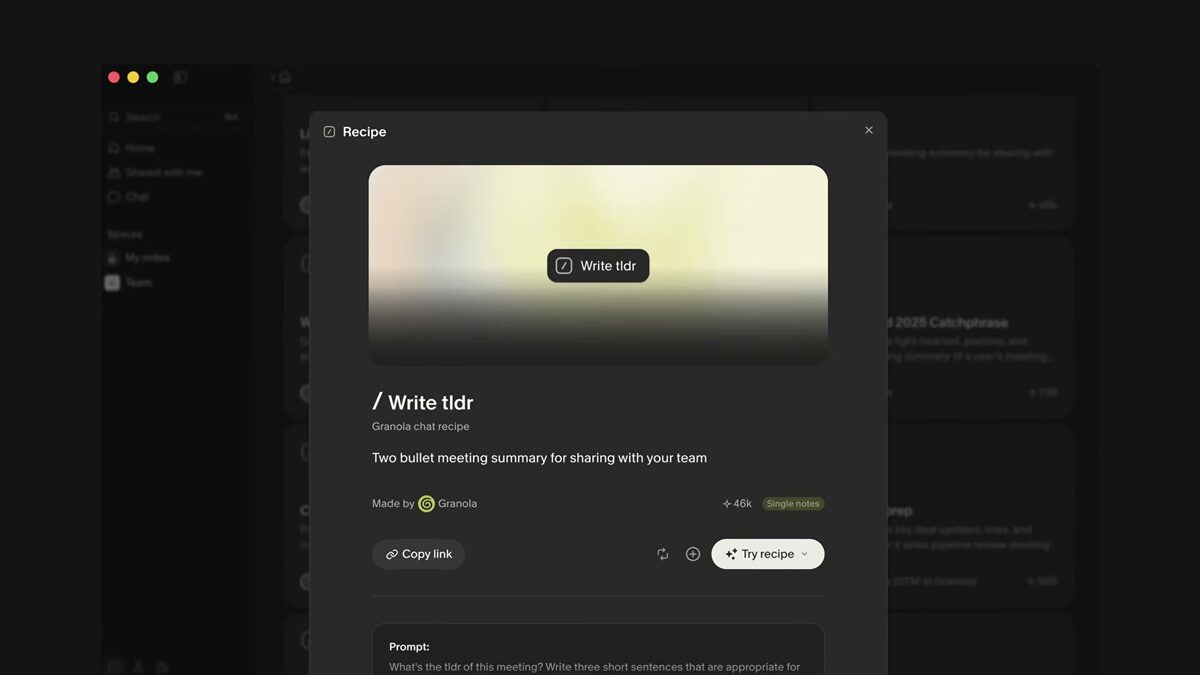
For the research and notes layer, Granola turns the meetings themselves into notes you can act on: The AI Notepad Changing How I Work: Granola
Miro's AI keeps that synthesis on the board your team already uses: AI Design Workflows in Miro: Flows, Sidekick and Claude MCP
FAQ
A designer who has rebuilt their workflow so AI is part of every stage, research, ideation, design, and building, rather than a one-off shortcut. The focus stays on judgment while AI handles the mechanical work.
Not in the traditional sense. You need to be able to build real interfaces using AI agents like Claude Code, Codex, or Cursor, which handle the code for you. Basic literacy helps you steer them.
Start with one model for generating UI and one way to build (an agent or editor). Depth beats breadth, learn one deeply before adding more.
It's a shift in workflow, not a certification. Most designers feel the difference within a few weeks of deliberately routing real work through these tools instead of doing it by hand.