
Overview
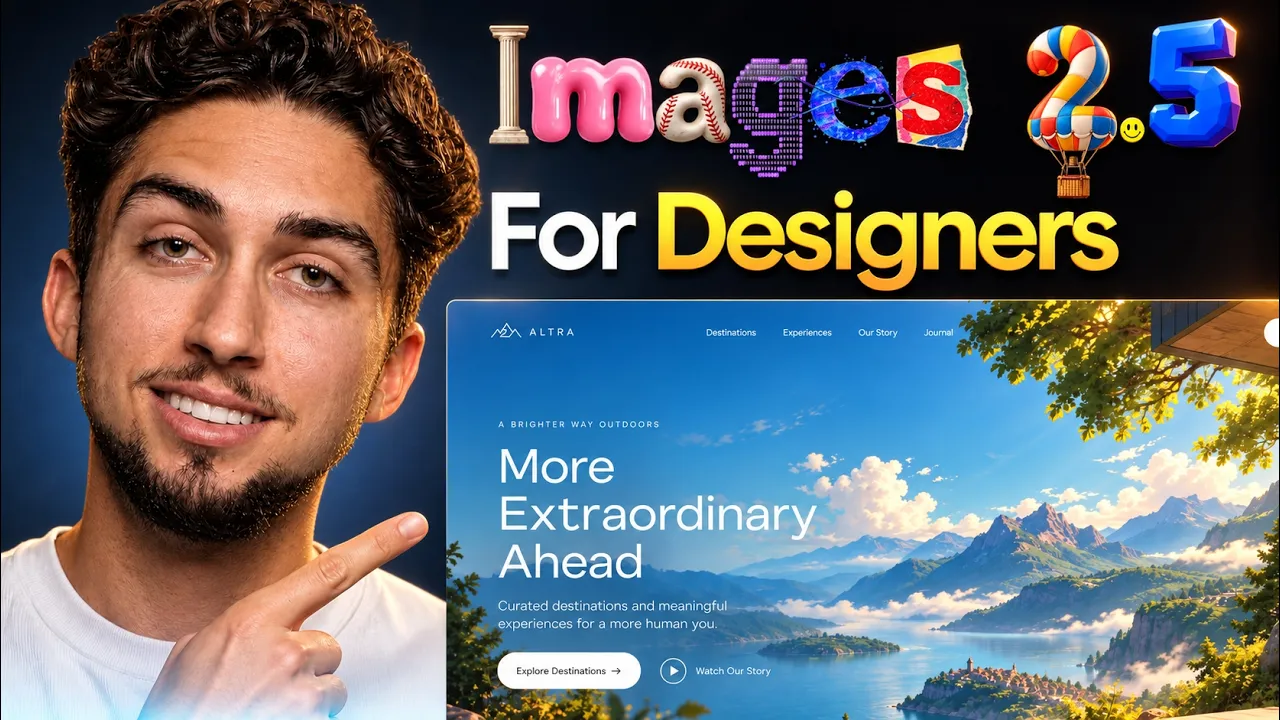
Images 2.0 was the release that made generated imagery usable in real web design work; it is the model behind the Astra landing page test. Images 2.5 is not a rethink. It is the same model made faster, more obedient in editing, and better at keeping a subject consistent from one edit to the next, which for design work matters more than another jump in raw prettiness.
Short version: use it for hero and section imagery, illustration sets, and quick visual explorations. Use it with care for icons, and do not use it as your UI design tool, because typography and dense small text are still where it falls over.
The full Astra plus Images 2.0 build, which is the workflow this update improves, is here: I Tested GPT-6 Astra for Web Design (with Images 2.0)
Features, availability and API pricing checked September 2026 against OpenAI's announcement, developer docs and launch posts. Free-tier image counts are not published by OpenAI and are left out.
What changed in ChatGPT Images 2.5?
From OpenAI's announcement, in order of how much each one matters for design work:
- Consistency across edits. Details hold from one turn to the next, so a character, product or layout stays itself through five rounds of changes instead of drifting.
- Comment-based edits. Place a comment on a region of the generated image and describe the change; the model edits that region and leaves the rest alone.
- Better reference fidelity. Subjects in reference photos are preserved more reliably, which is what makes brand-consistent imagery possible.
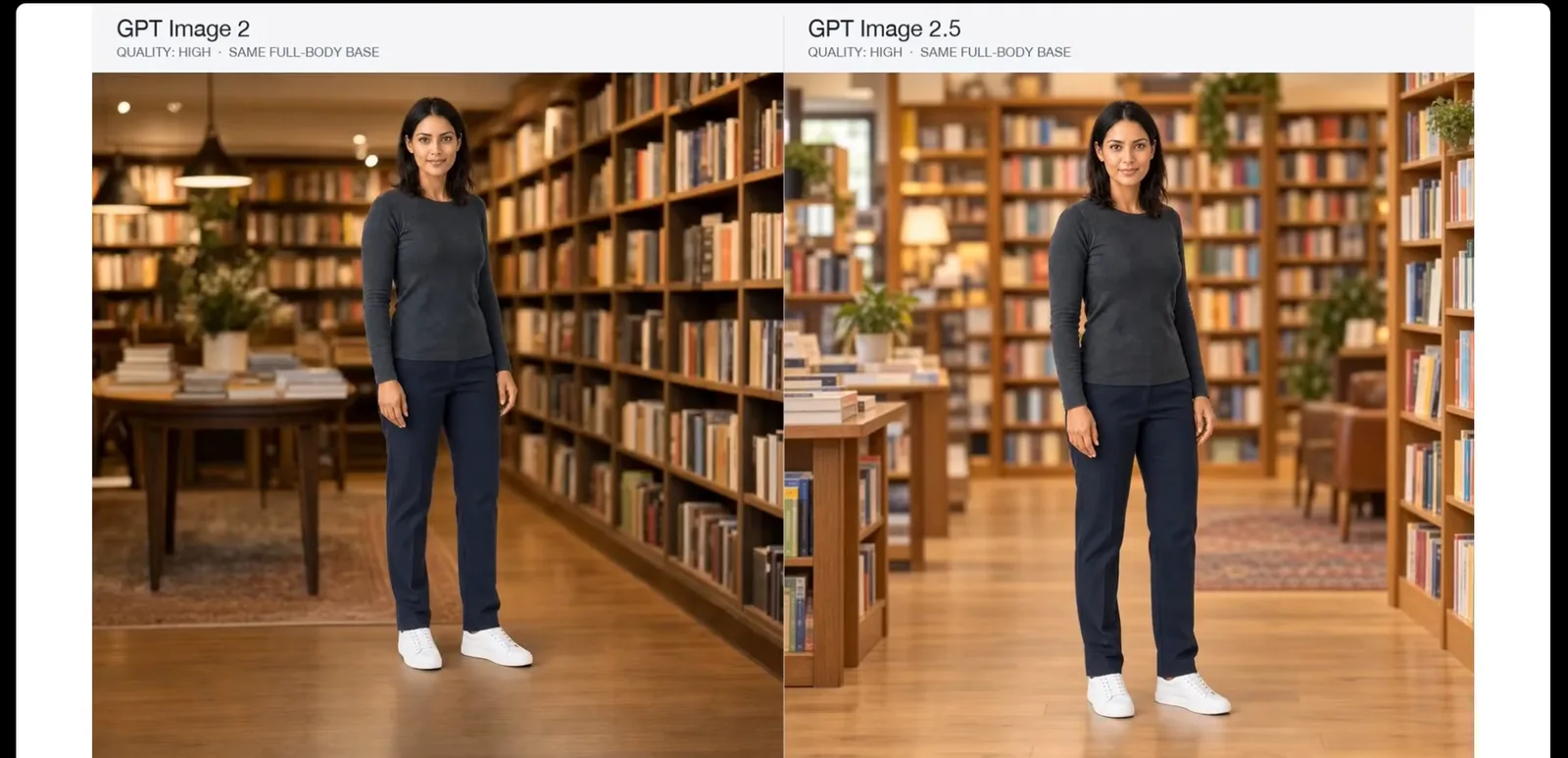
- Speed. Generation latency is down by up to 50% compared with Images 2.0, which changes how many variations you are willing to try.
- Sketch. Type
@Sketchand draw directly in ChatGPT; the drawing becomes a composition reference for the final image. - Templates and shared prompts. Preset formats such as Poster and Merch, and the ability to share a prompt with someone else.
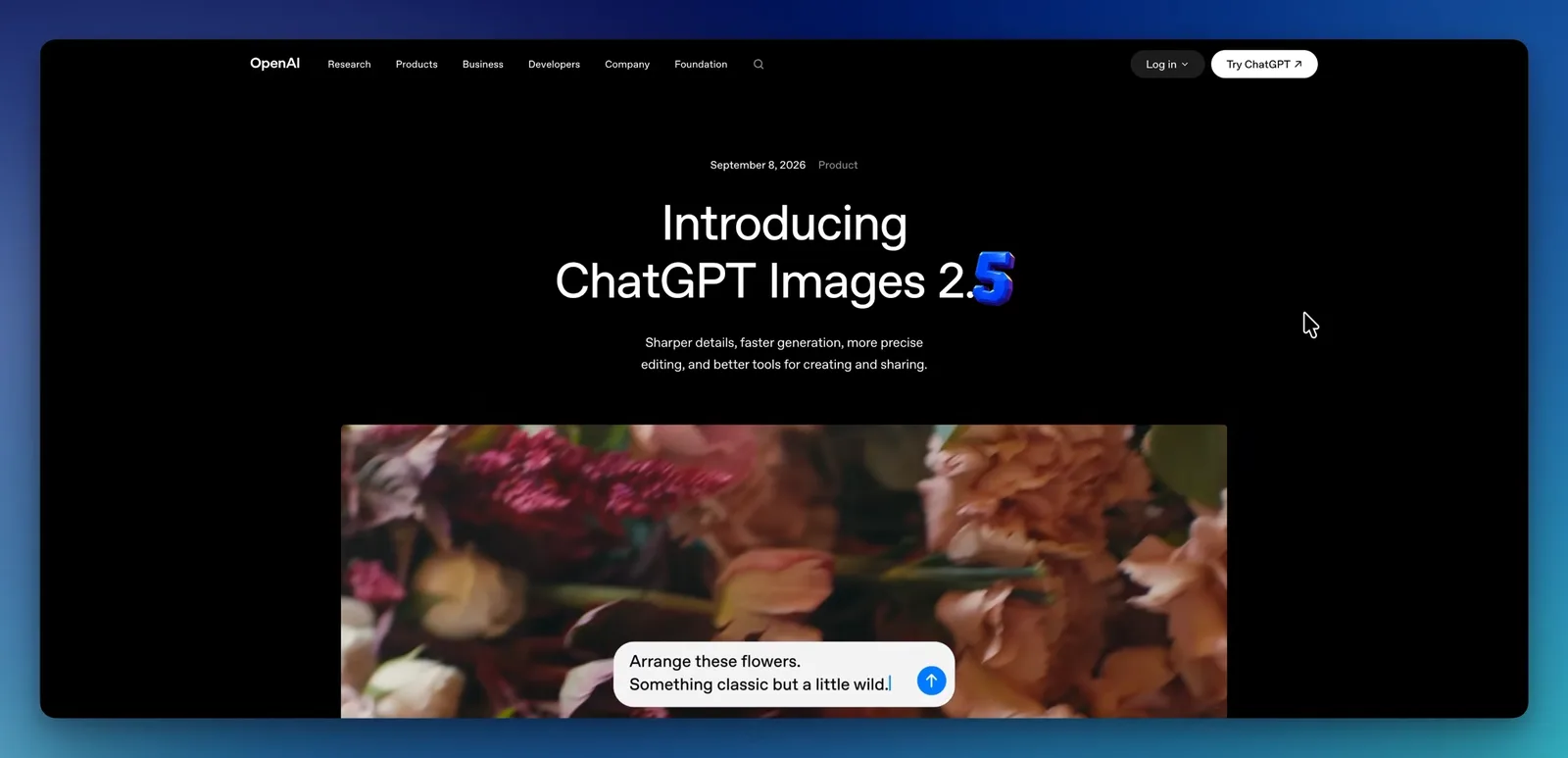
It rolled out on September 8, 2026 to ChatGPT, ChatGPT Work and Codex users across tiers, on desktop, mobile and web. The Codex part is the one designers should notice: the same model is available inside the agent that builds the page.
Flare vs Sunburst: which API model, and what does it cost?
For developers, OpenAI released two API models. GPT-Image-2.5 Flare is the default: the same quality, editing and speed gains, at half the latency of GPT Image 2, aimed at high-volume work. GPT-Image-2.5 Sunburst trades speed for tighter control across edits and is aimed at production creative work where drift on the third or fourth edit costs real time.
Pricing is identical for both, per OpenAI's model page: $5 per million text input tokens ($1.25 cached), $8 per million image input tokens ($2 cached), $30 per million image output tokens. Quality settings run low, medium, high, xhigh, max and auto, and the model is served on the image generation and image edit endpoints only. Because the price is the same, Flare is the default and Sunburst is what you switch to when you have measured that its lower edit drift is worth the wait.
Inside ChatGPT and Codex you do not pick; you get Images 2.5. The Flare and Sunburst distinction only exists in the API.
Hero images and section imagery
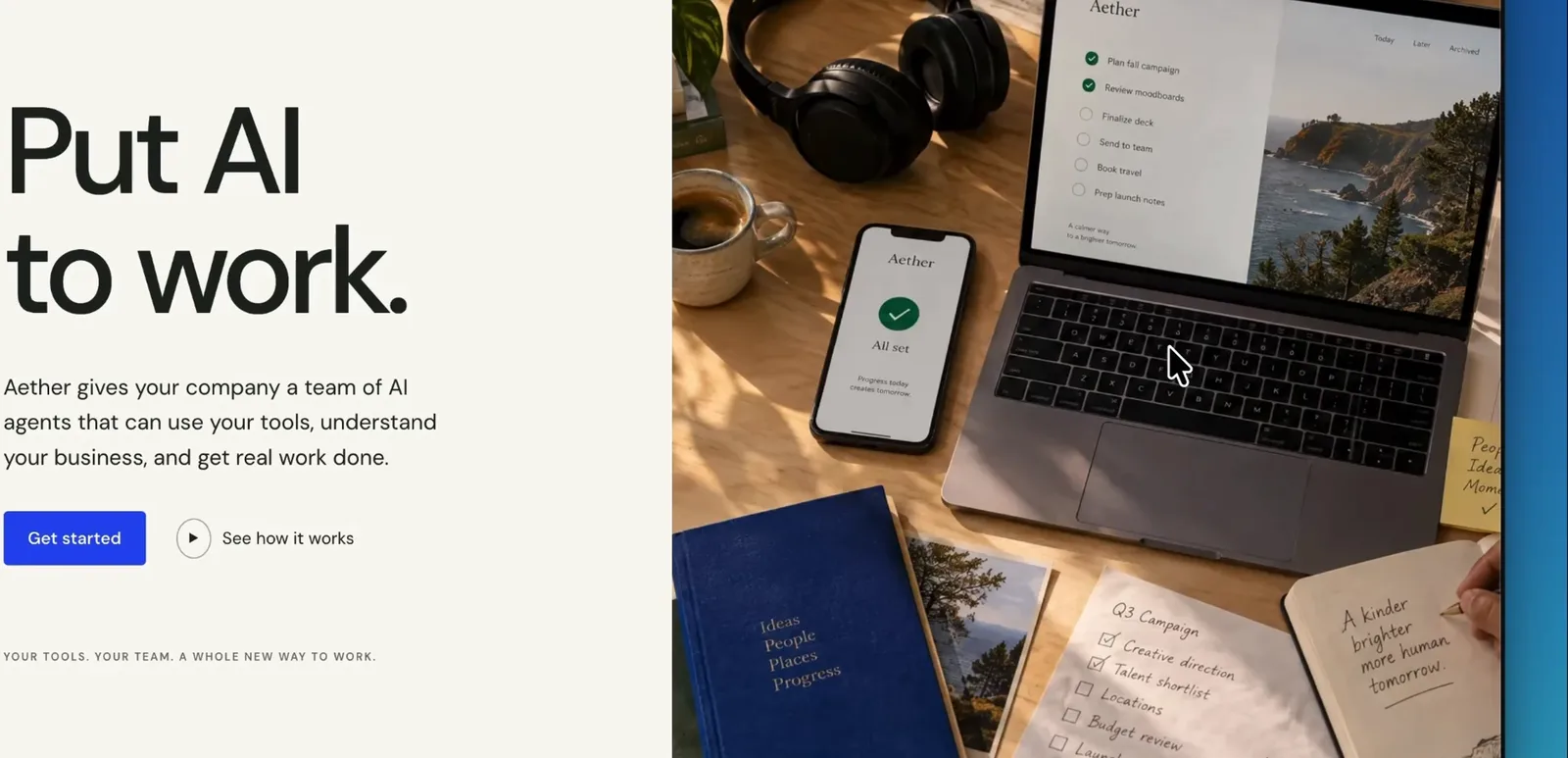
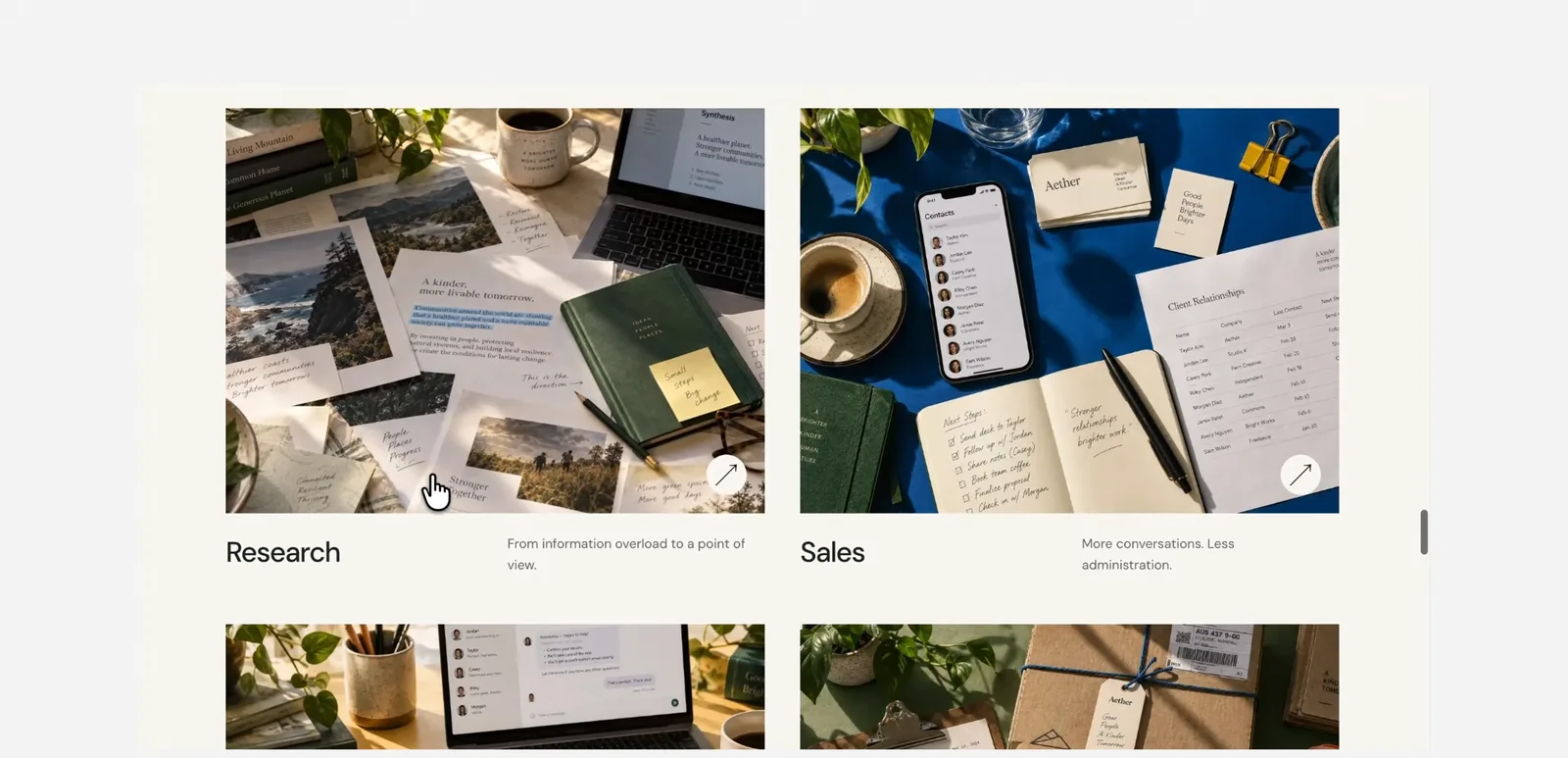
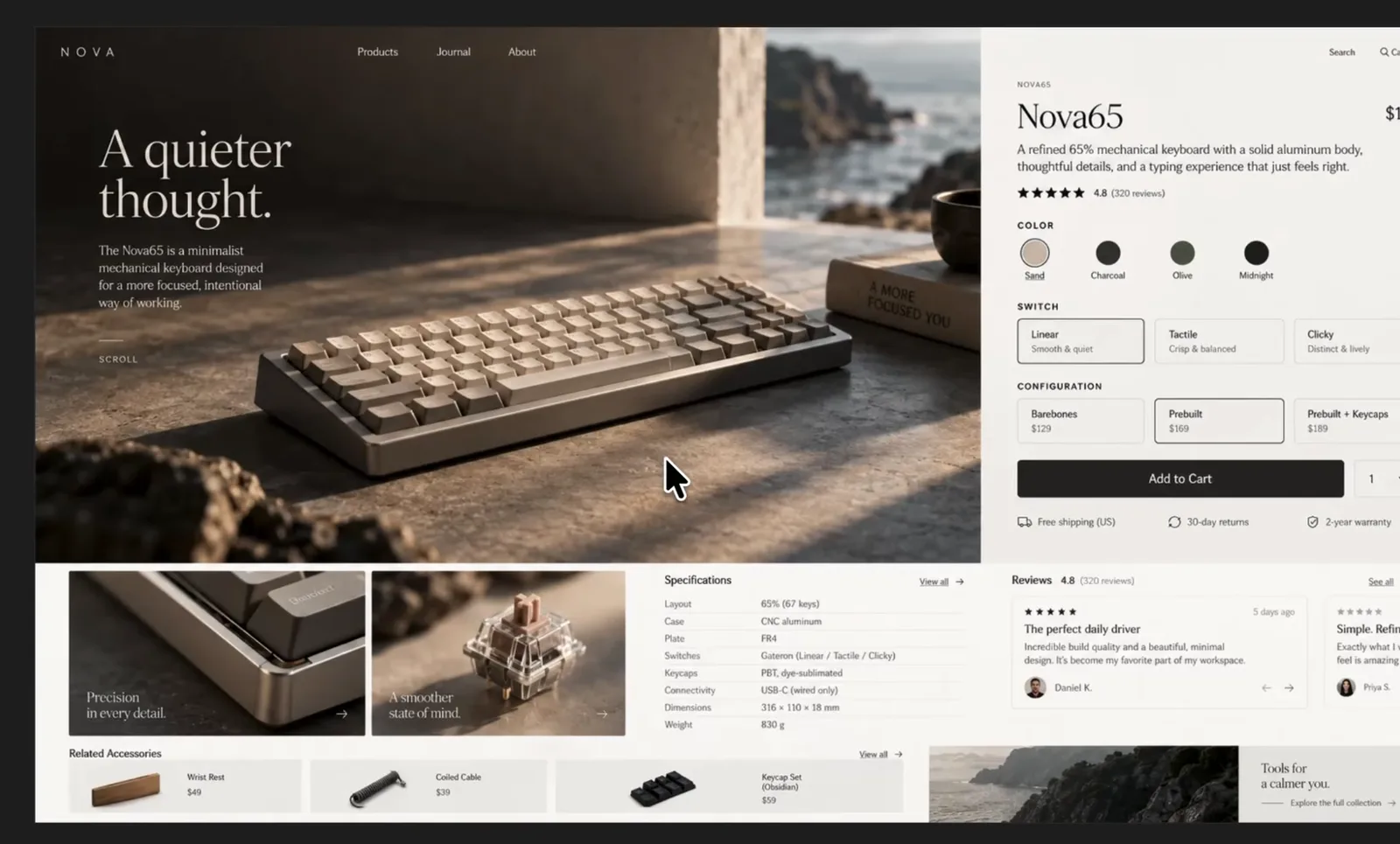
This is the best use, and where the consistency improvement lands hardest. A landing page needs a hero, three or four section images and often a few smaller supporting shots that all read as one photoshoot. With Images 2.0 that meant regenerating until the lighting and palette matched. With 2.5, generate the hero first, then reference it for every subsequent image: "Same set, same lighting, same lens, new subject: the product on a desk from above."
Write the prompt like an art director's brief, not a caption. Camera and lens, light source and time of day, palette limited to your brand's two or three colors, a note on what must not appear (text, logos, extra people). Then ask for the aspect ratio your layout needs rather than cropping later. My general prompting rules for UI carry over here: How to Prompt AI for Better UI Design
Comment-based editing changes the revision loop. When a hero is right except for one thing, comment on that thing ("replace the mug with a phone") instead of re-rolling and losing the composition you liked.
Icons and illustration sets
Sets are where consistency across edits earns its keep. Generate one icon with a fully specified style (stroke weight, corner radius, palette, perspective, background), then ask for the next one in the same style and reference the first. Do a sheet of eight or twelve at once when you can, so the model resolves the style once.
Two honest limits. First, the output is raster. For product UI you want SVG, so treat the generated set as a reference for a designer or an agent to redraw as vectors, or accept PNG for marketing use only. Second, small glyphs at small sizes are exactly where dense-detail rendering is weakest; generate large and check at the size you will ship. For UI icons you will use in a real product, an icon library plus your own adjustments is still faster than generating.
UI mockups: useful for exploration, not for design
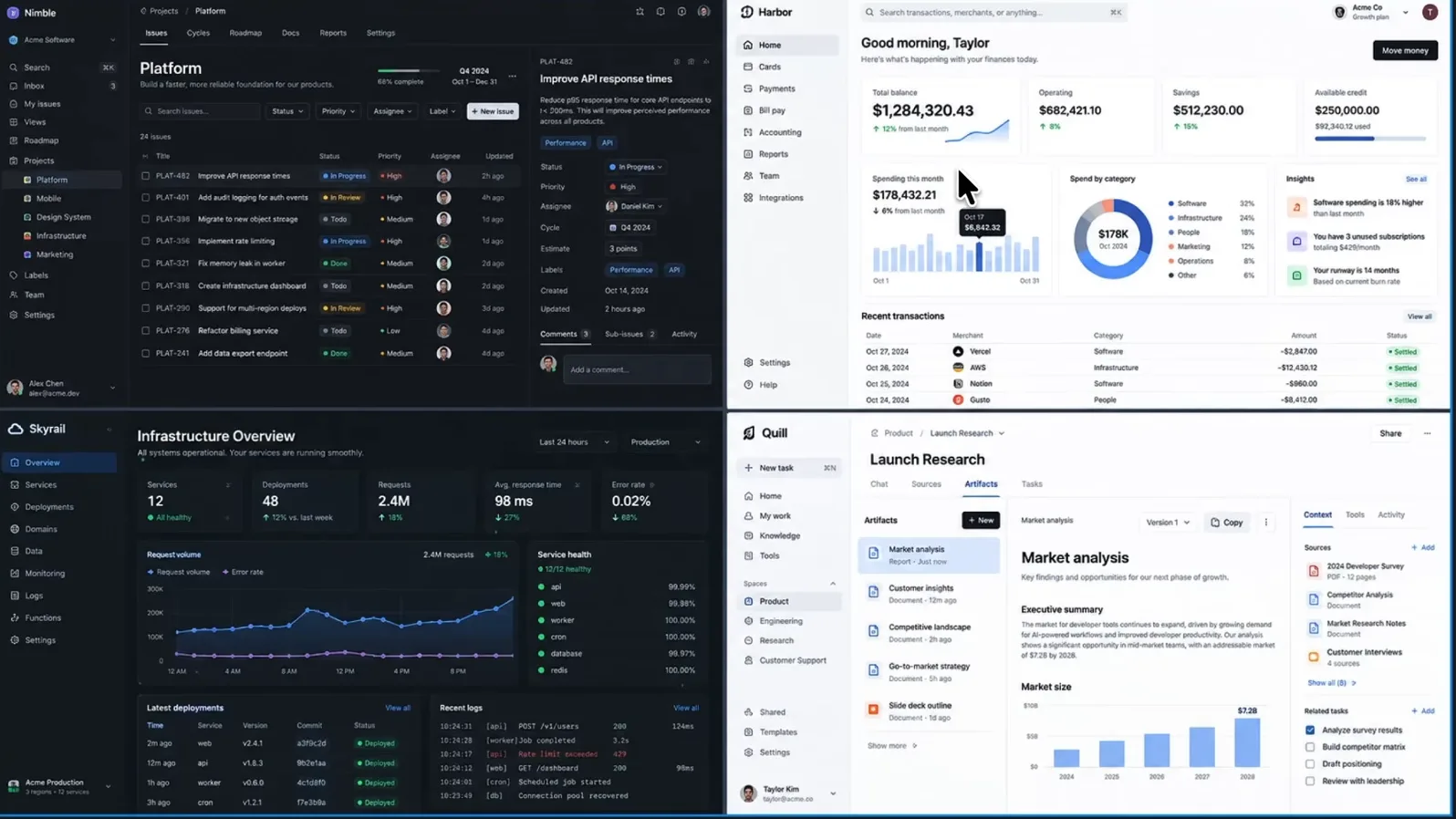
You can ask Images 2.5 for a dashboard or an app screen and get something that looks like one. Use that for mood and direction: a client conversation about density or tone, a thumbnail for a pitch, a Sketch-driven layout exploration where you draw the rough structure and let the model render a version. It is a fast way to see three directions in a minute.
Do not use it as the design. The text is still where it goes wrong: labels, numbers and small type can come out plausible but wrong, and nothing in the output is a real component. The moment you need exact spacing, a type scale or a state, move to a tool that produces structure. That is Claude Code, Codex, Claude Design or Figma, with the mockup as reference. In Codex specifically, the good pattern is the reverse: let GPT-6 Astra build the real page and call Images 2.5 for the imagery inside it, which is what the Astra test did with 2.0.
Where it still breaks
Typography and dense small text. Better than 2.0, not solved. Any image whose job depends on readable words needs the words added in a design tool afterward.
Structured graphics. Charts, tables, dense diagrams and anything with alignment as a requirement come out approximately right, which for that class of image is wrong.
Drift on long edit chains. Consistency is much improved, and Sunburst is tuned for it, but past a handful of edits it is still faster to restart from the best version than to keep patching.
Rights and provenance. Nothing in the 2.5 release changes the questions about using generated imagery commercially, using someone's likeness as a reference, or generating in a living artist's style. Keep your reference images to ones you own.
FAQ
Faster generation (up to 50% lower latency than 2.0), more natural lighting and texture, better preservation of subjects from reference photos, edits that stay consistent across turns, comment-based editing, a Sketch tool and templates. Released September 8, 2026.
OpenAI says it is rolling out to all ChatGPT, ChatGPT Work and Codex users across tiers. What differs by tier is how many images you can generate before waiting, and OpenAI does not publish those numbers.
Both are API models with the same price. Flare is the fast default; Sunburst takes longer and is tuned for tighter control across edits. Inside ChatGPT you get Images 2.5 without choosing.
It can render something that looks like a UI, which is useful for exploring direction. It does not produce reliable text, components or spacing. Use it for reference and build the screen in a design or coding tool.
Yes, as a consistent raster set if you specify the style precisely and reference the first icon. For product UI, redraw the set as SVG or use an icon library.
Yes. OpenAI lists Codex in the rollout, so an agent building a page can generate the page's imagery in the same session.
Where this fits
Images 2.5 makes the imagery half of an AI-built site faster and more consistent; it does not make the design half. Pair it with an agent that produces real structure, and treat the generated image as a component you art-direct rather than a page you accept. For the rest of the Codex-side workflow, start here: How to Use Codex as a Designer