
Overview
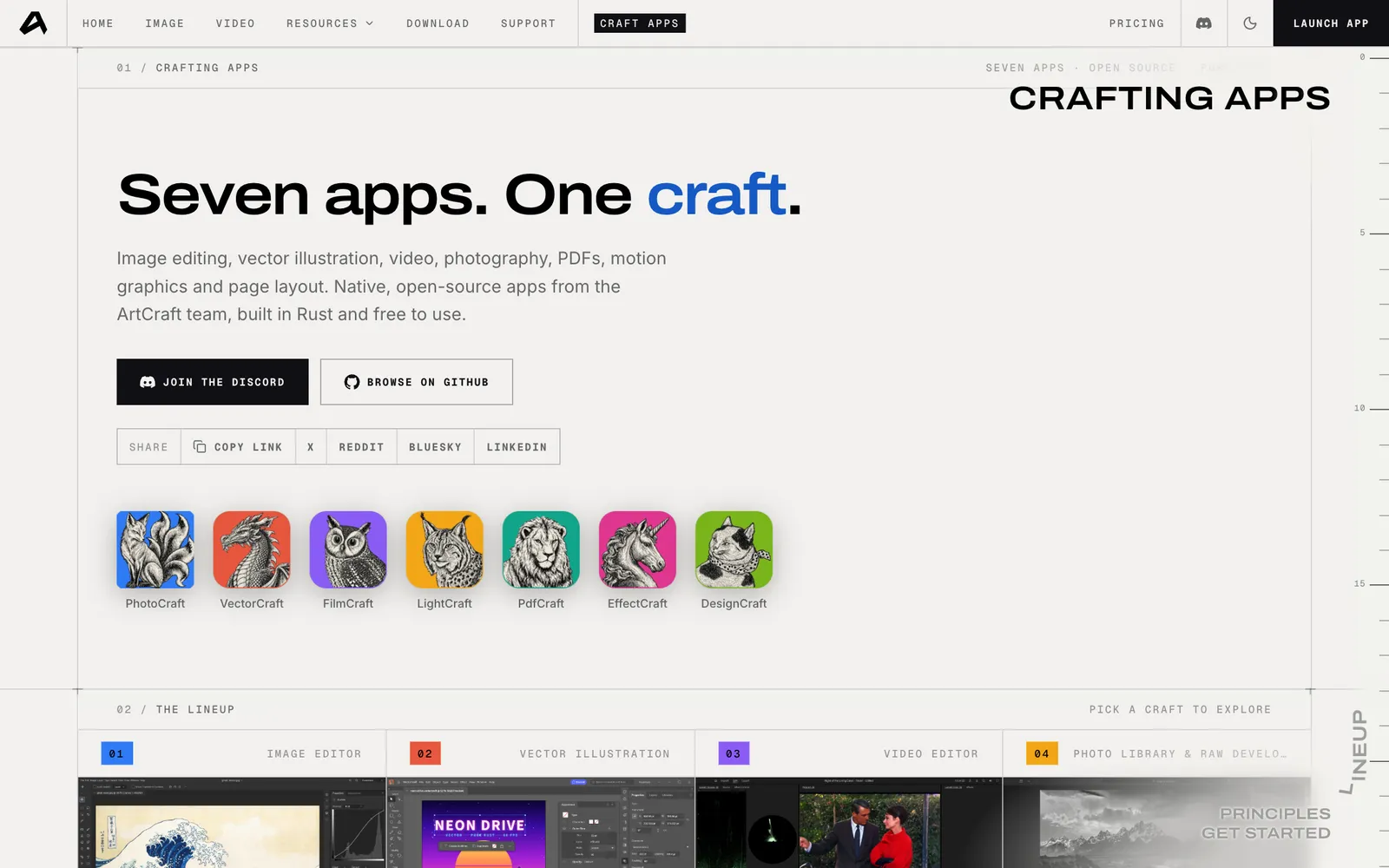
If you want to leave Adobe, there are two kinds of option in 2026. The established open-source tools (GIMP, Inkscape, Krita, darktable, Kdenlive, Blender, Scribus) are free, mature and ready for daily work. The new one is ArtCraft, a set of seven apps rebuilt in Rust to feel like the Adobe apps they replace, down to the menus and shortcuts.
ArtCraft is the reason I made this post: my short about it passed 82,000 views on Instagram in three days. It is genuinely interesting, and it is also not ready to replace Creative Cloud for client work. Both things are true, so this guide covers both.
What is ArtCraft?
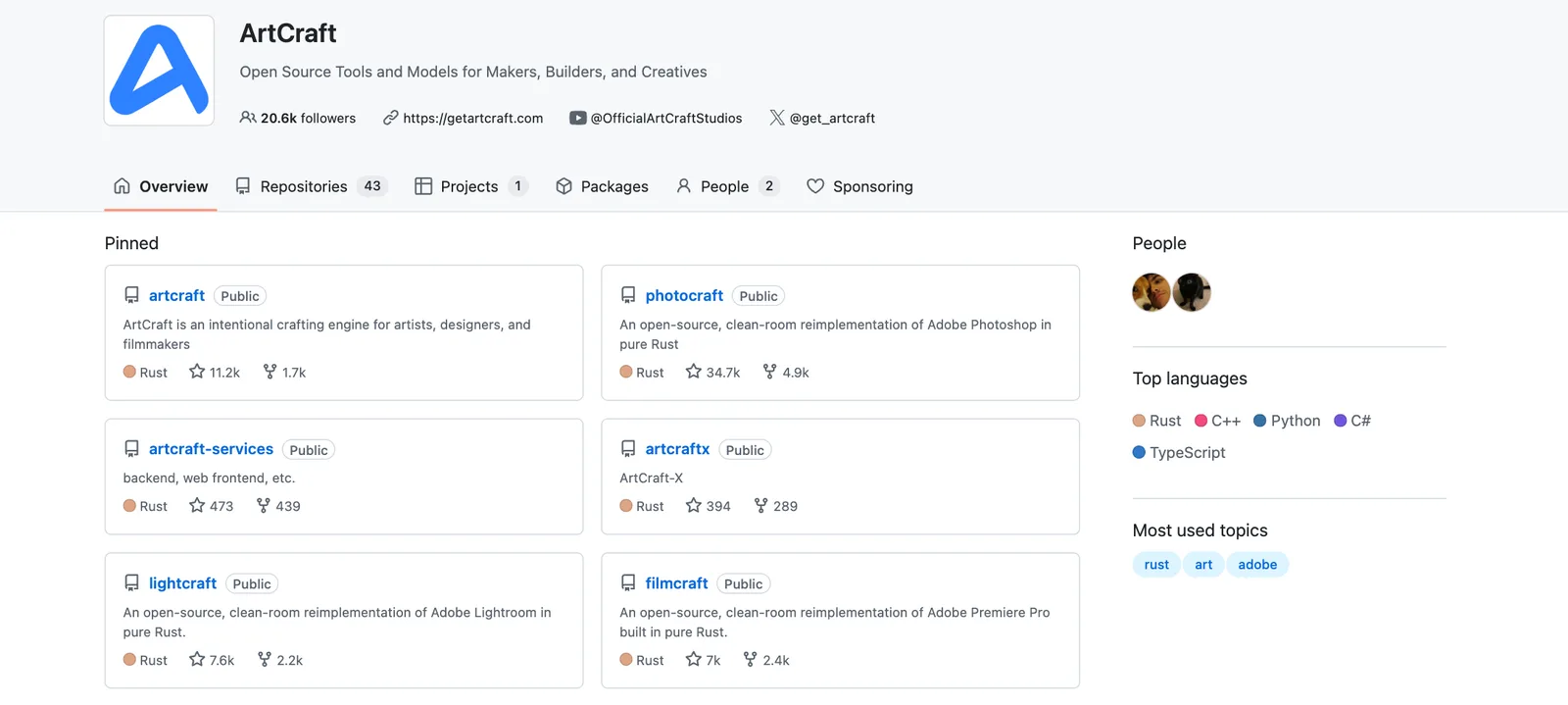
ArtCraft is an open-source project publishing "clean-room reimplementations" of Adobe's apps: written from scratch without Adobe's code, in pure Rust, as native desktop apps for macOS, Windows and Linux (most also run in the browser). The code is on GitHub under the storytold organization with permissive licenses (MIT or Apache 2.0).
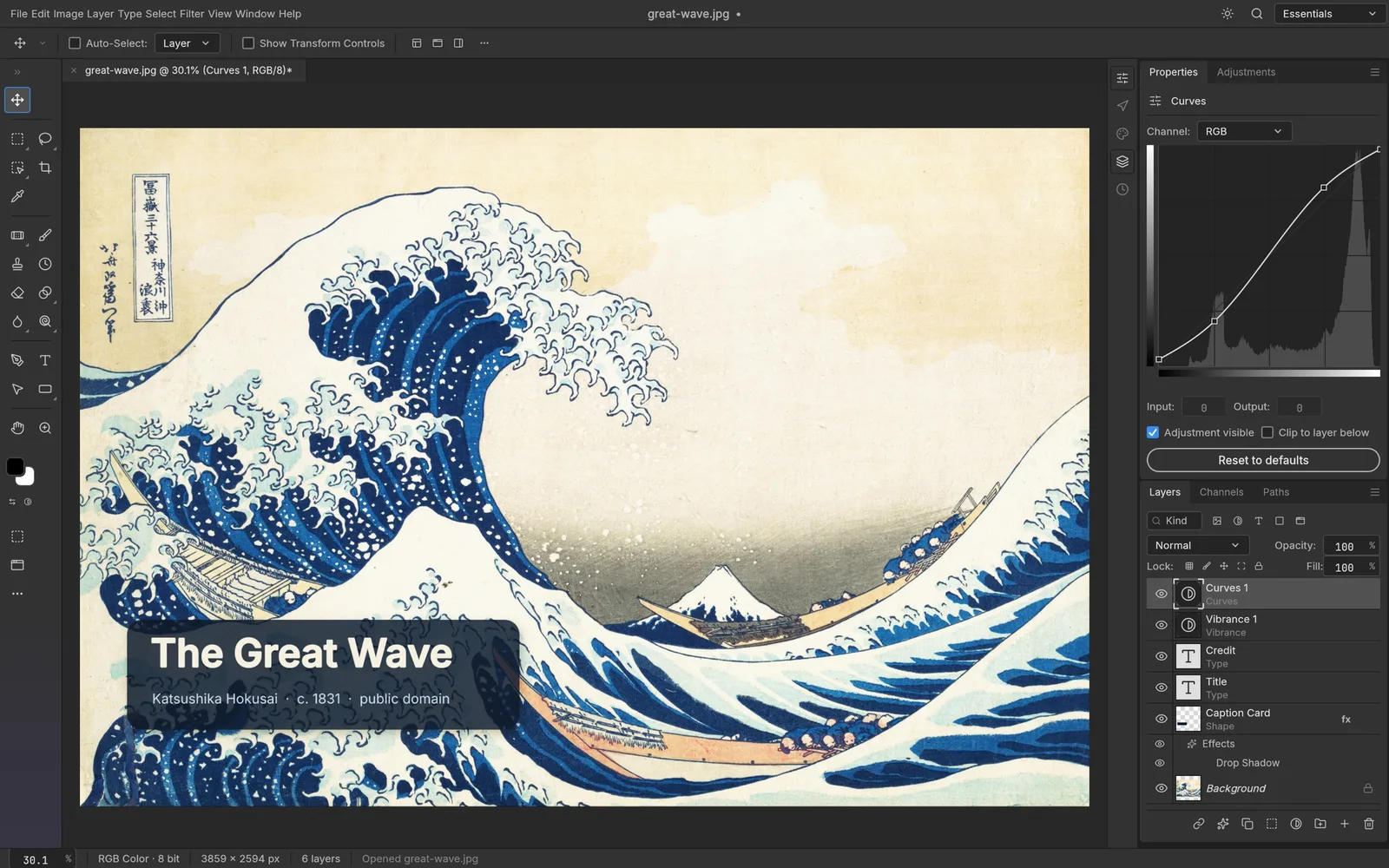
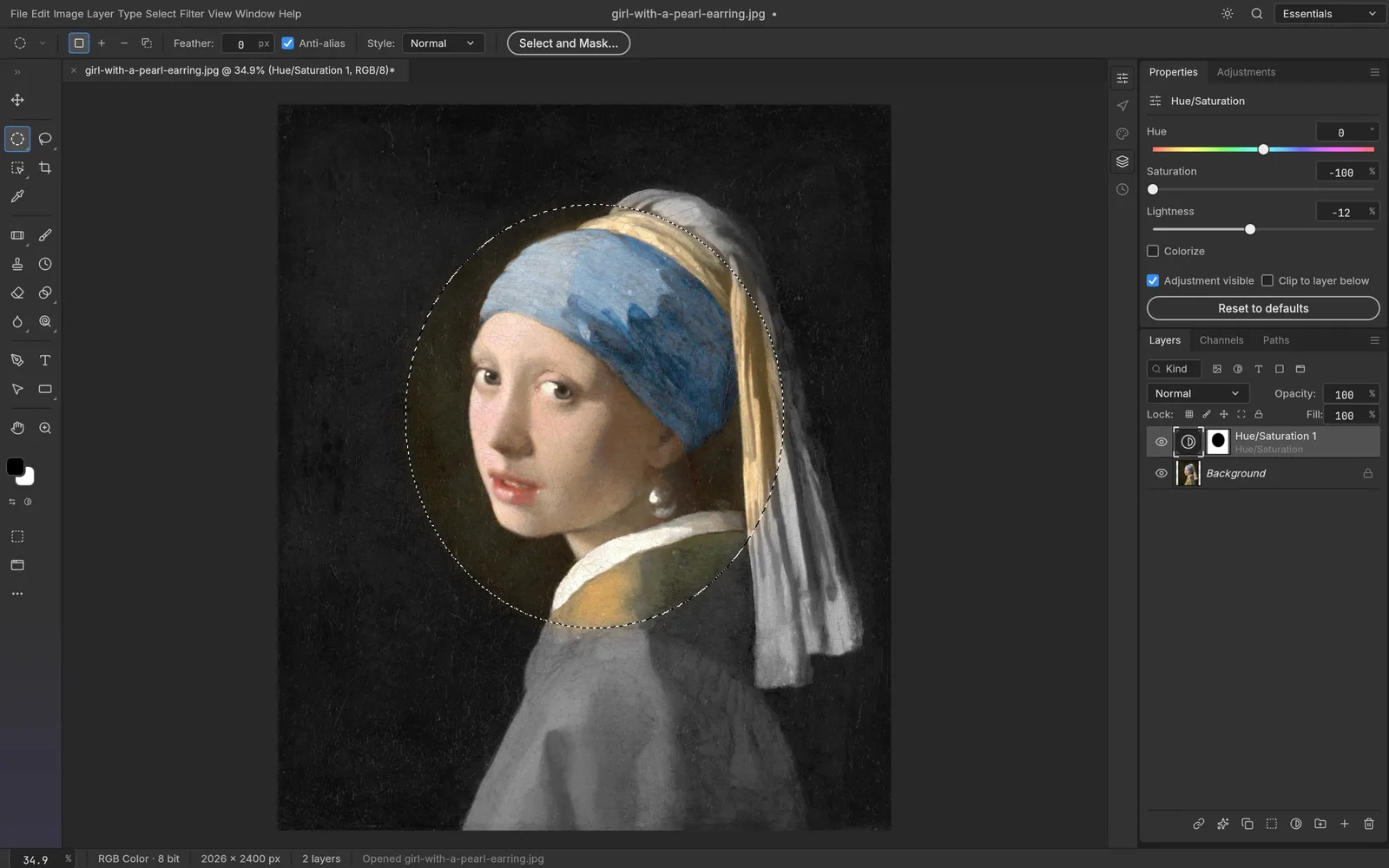
Two things make it different from older alternatives. First, it copies the Adobe layout on purpose: the PhotoCraft README says the menus, shortcuts and panels are "where your hands expect them." Second, it is built for AI agents. Every PhotoCraft action is a command, so the same engine can be driven from the UI, a command-line tool, a JSON control channel or an MCP server.
- Apps in the suite
- 7
- GitHub stars on PhotoCraft
- 34K+
Status checked October 9, 2026. PhotoCraft and PdfCraft are labeled early alpha and the other five "in development." The PhotoCraft README says plainly that it is not yet a Photoshop replacement for daily professional work.
PhotoCraft: the open-source Photoshop alternative
PhotoCraft is the furthest along and the most popular, with more than 34,000 GitHub stars. It has layers, masks, adjustment layers, layer styles, type, vectors and brushes, and it opens and saves real layered PSD files. Its README reports that re-saving keeps the render of 307 of the 309 files in the psd-tools test set.
It runs on a GPU compositor (Metal, Vulkan, DirectX 12 or WebGPU) with no Electron or web view, and installers are signed for macOS and Windows.
VectorCraft: the Illustrator alternative
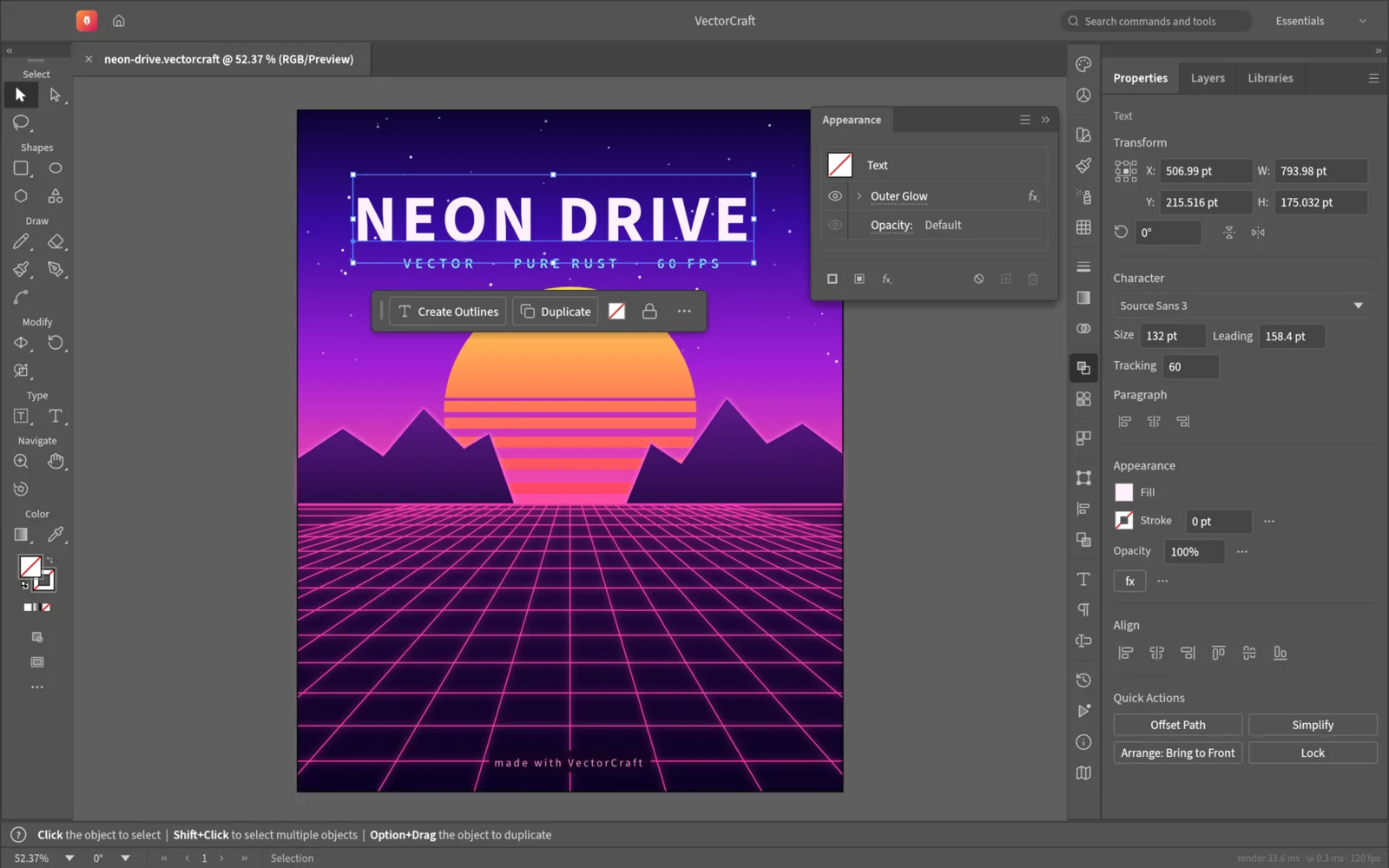
VectorCraft is a vector illustration app modeled on the Illustrator workflow: artboards, shapes, the pen and Bezier editing, type and an appearance panel. It is in active development, with installers for macOS, Windows, Linux and the web.
FilmCraft: the Premiere Pro alternative
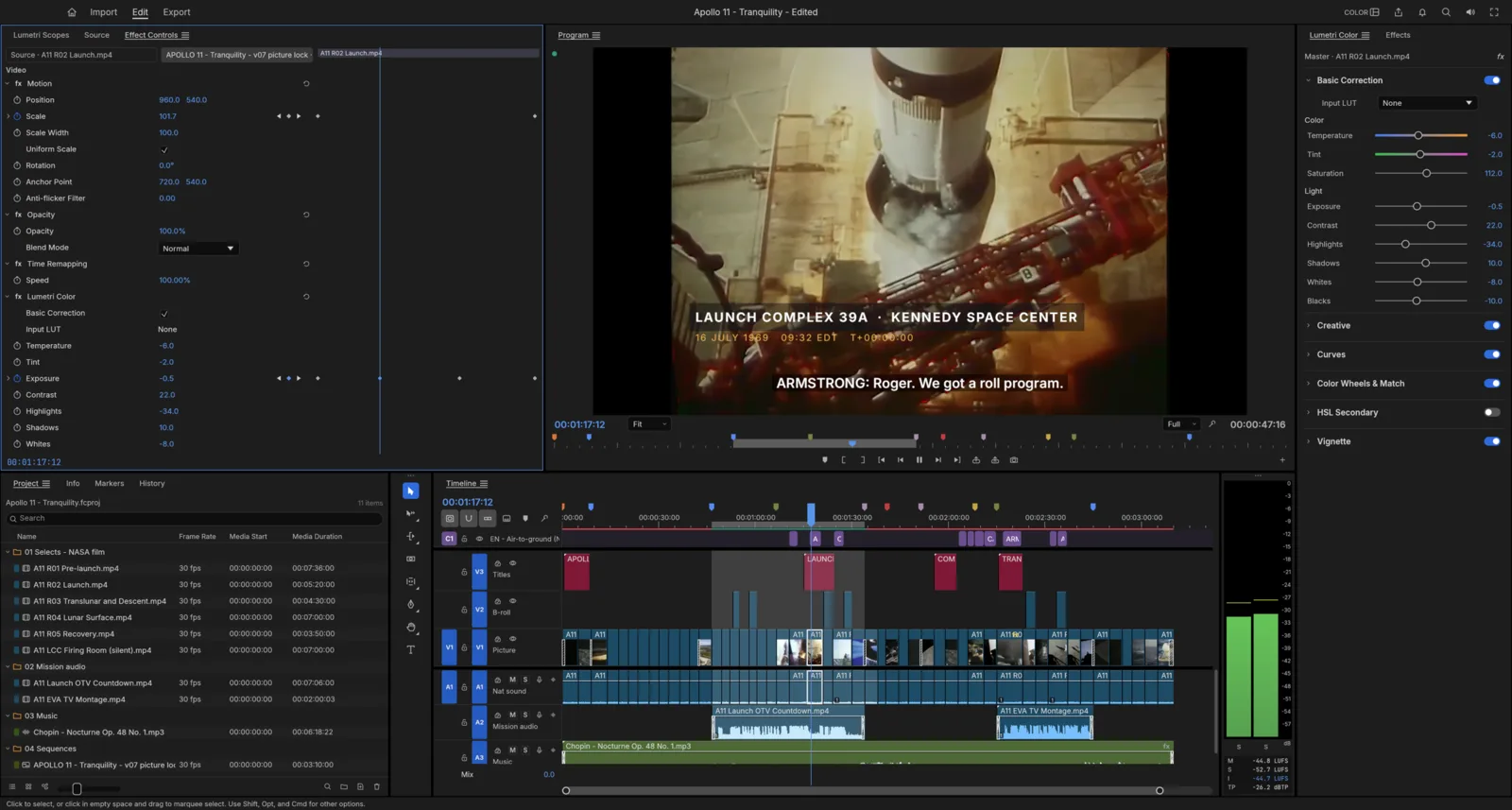
FilmCraft covers video editing, color and sound in one app: a multi-track timeline, a source and program monitor and color tools, rebuilt in Rust. It runs natively on macOS, Windows and Linux and in the browser through WebAssembly. Its README calls it "young and moving fast."
LightCraft: the Lightroom alternative
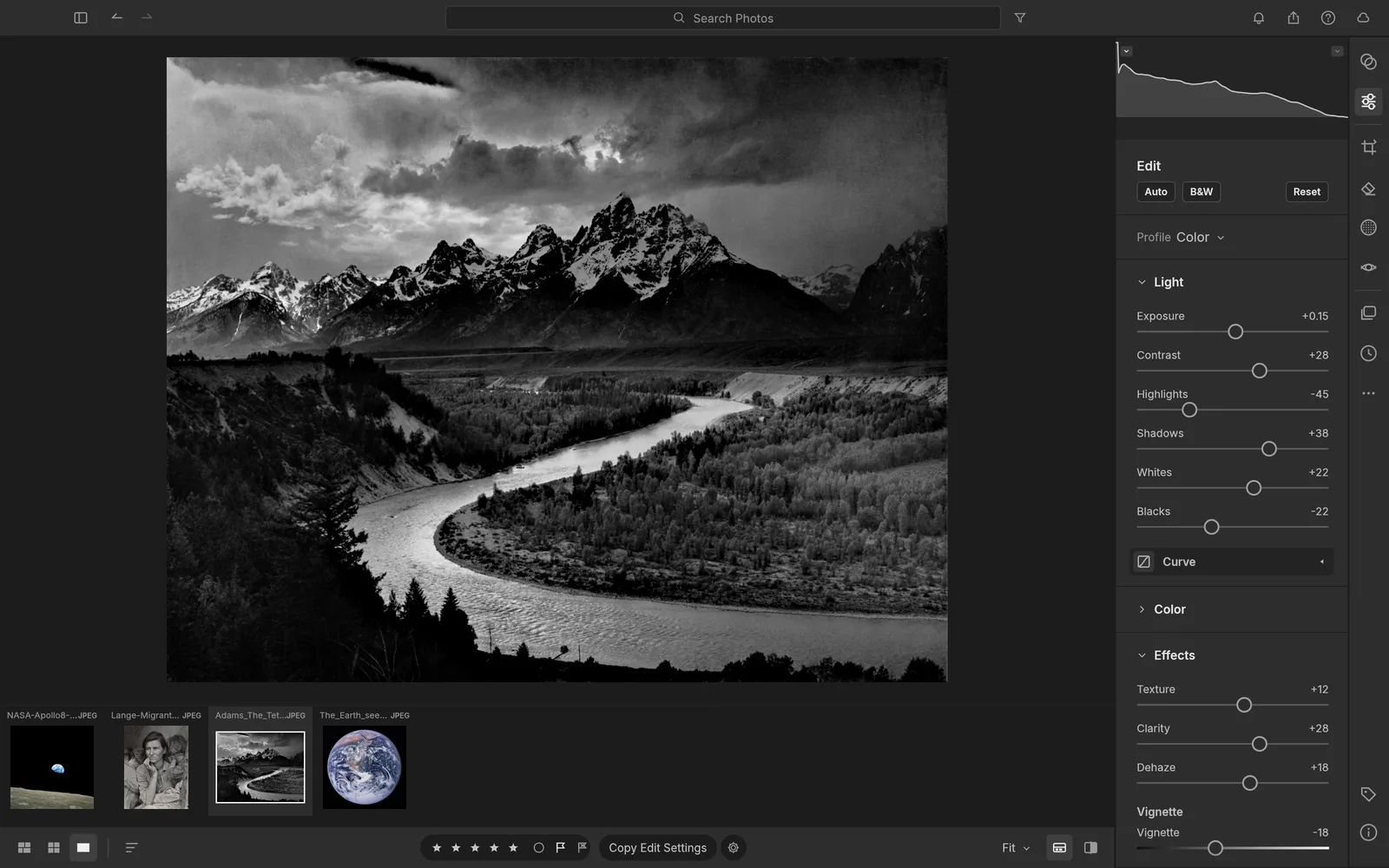
LightCraft is a photo library and raw developer that runs entirely on your machine. The team says it is clean-room in a strict sense: they never read Adobe binaries or GPL raw-processing code such as darktable, RawTherapee or LibRaw while building it.
EffectCraft, DesignCraft and PdfCraft
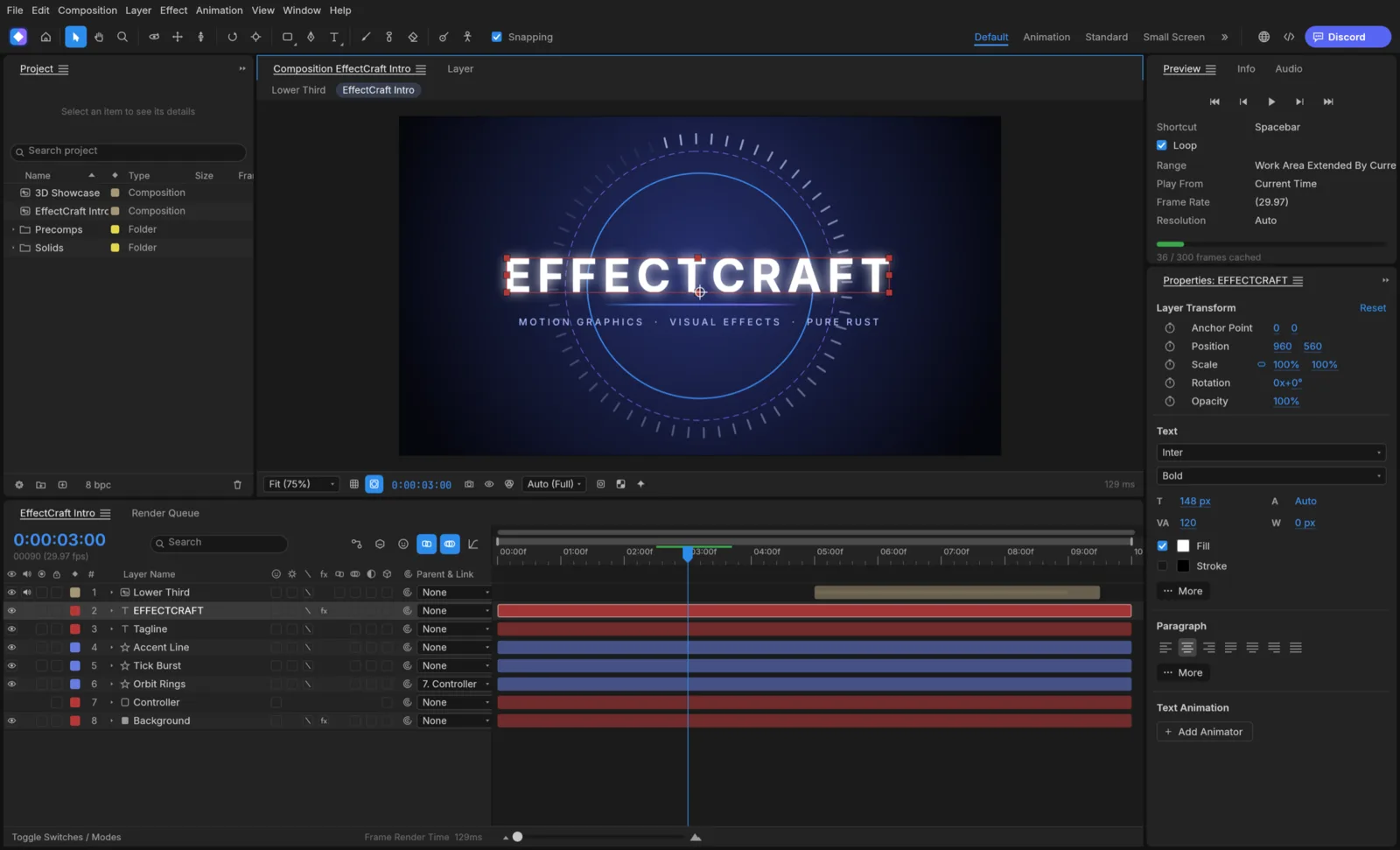
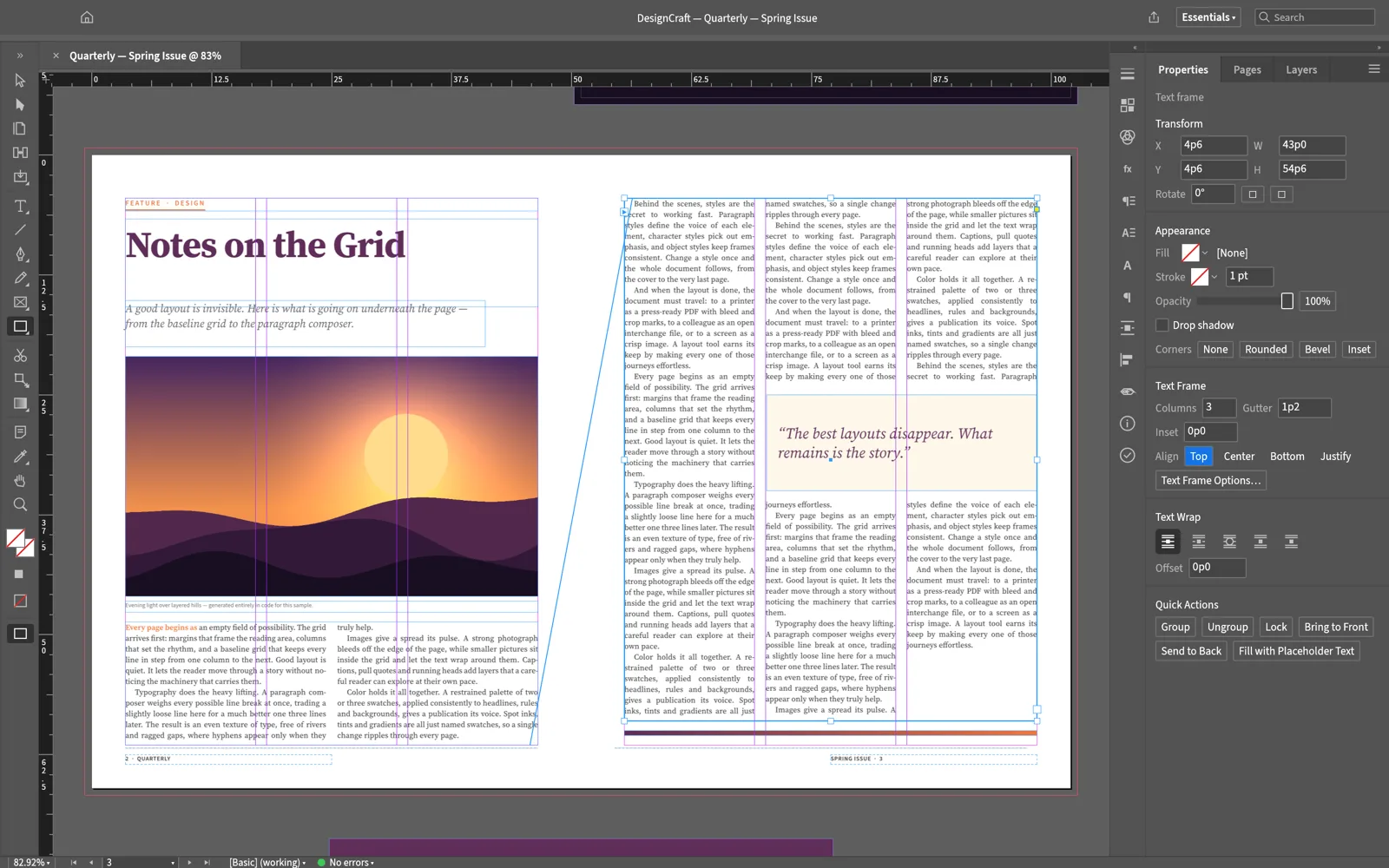
EffectCraft is the After Effects counterpart: compositions, a timeline with keyframes, a graph editor, effects and 3D layers. DesignCraft targets InDesign with page layout, frames, threaded text and spreads. PdfCraft is a PDF workbench for reading, organizing, combining, splitting and securing files, an alternative for the Acrobat jobs most designers actually do.
All three are early. Try them for the idea of where creative software is going, and keep your current tools for deadlines.
The proven open-source alternatives you can use today
If you need software that works on a deadline, these are the mature open-source tools, each with years of releases behind it:
GIMP for Photoshop
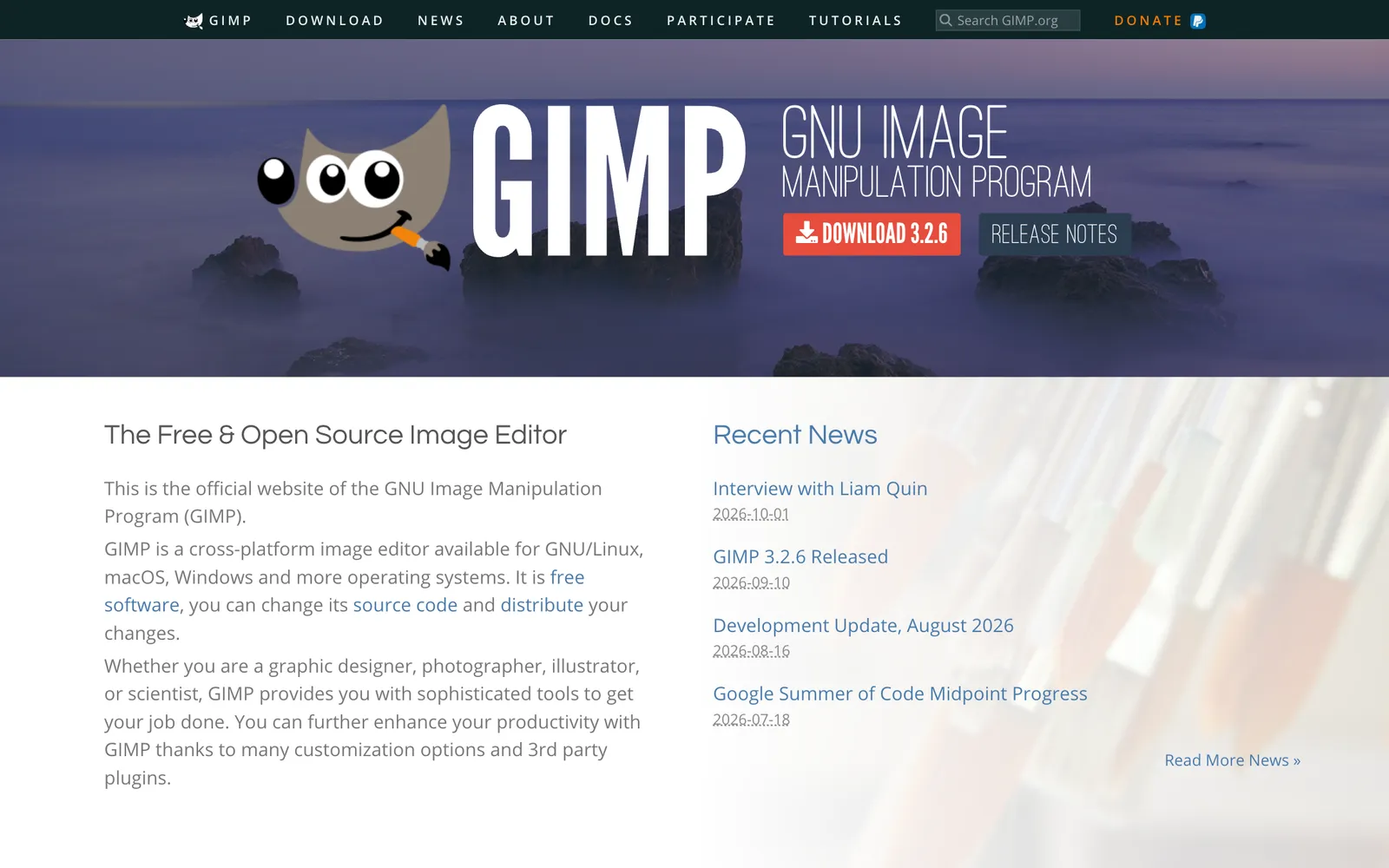
GIMP is the long-standing free, open-source image editor. It handles layers, masks, selections, retouching and filters, and runs on Linux, macOS and Windows. The interface does not copy Photoshop's, so expect a learning curve, but nothing else in open source matches its maturity for photo editing.
Inkscape for Illustrator
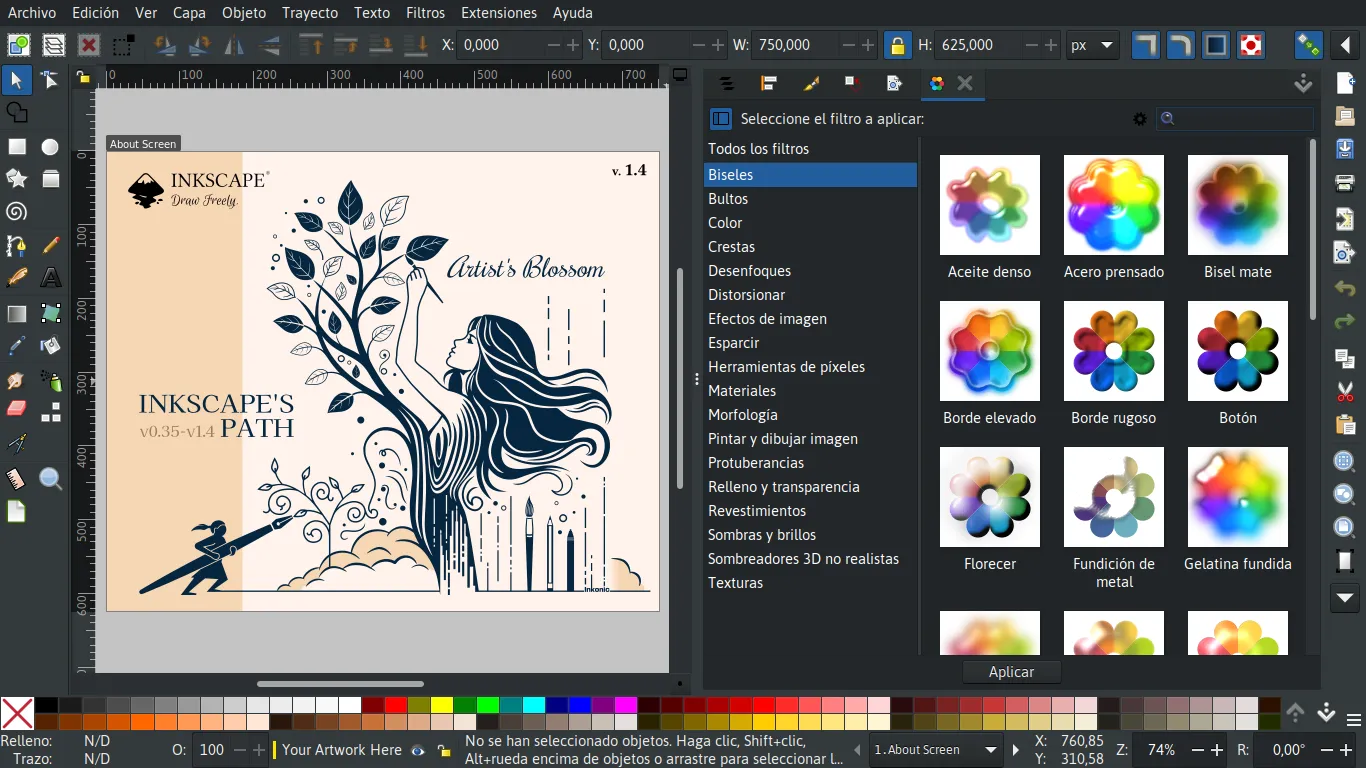
Inkscape is a professional vector editor built on SVG, with paths, the pen tool, text on paths, filters and extensions. If you design logos, icons or illustrations for the web, it is the strongest free option.
Krita for digital painting
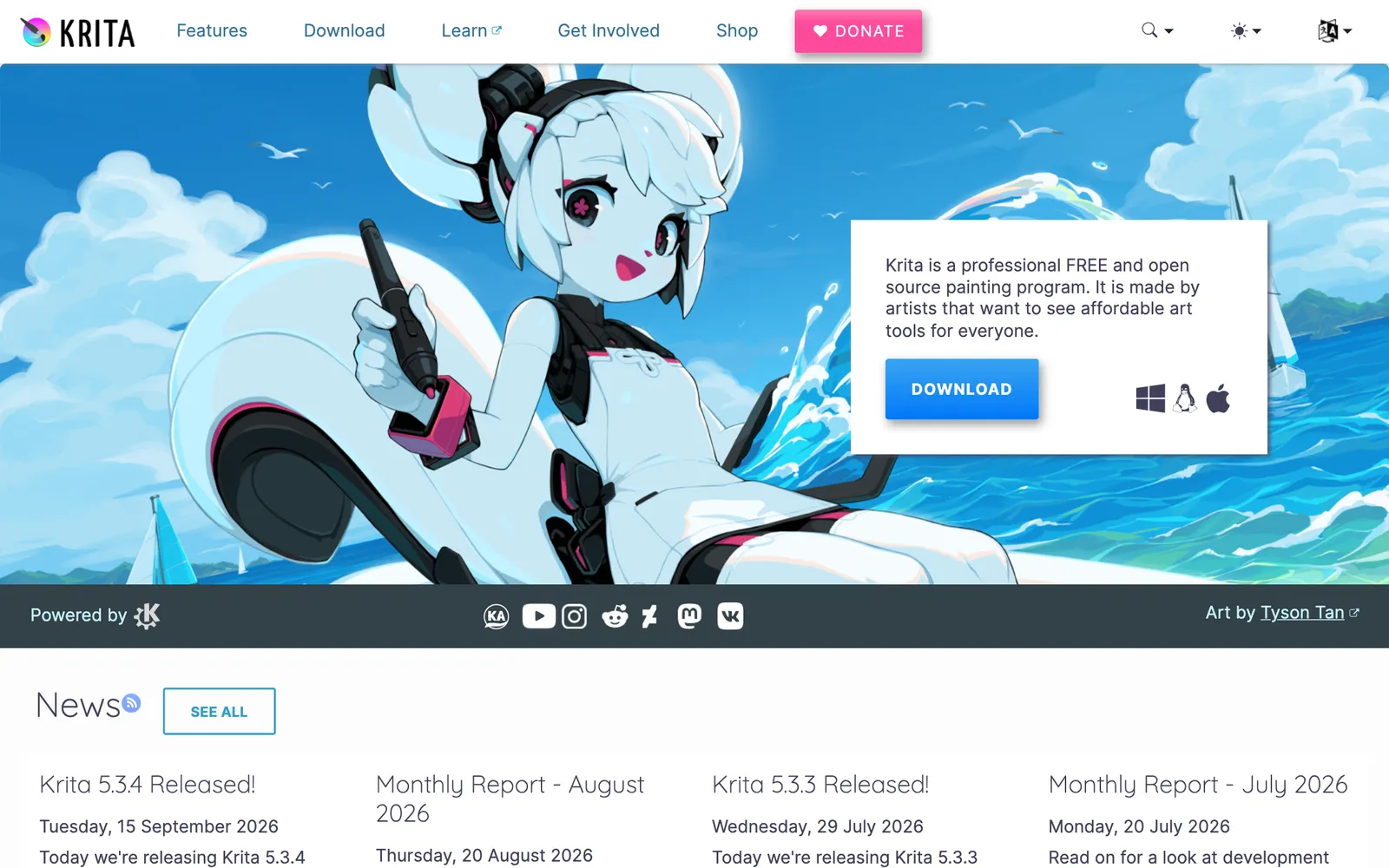
Krita is a painting app first: brush engines, a huge brush library, wrap-around mode for textures and animation tools. For illustration and concept art it is a better fit than GIMP.
darktable for Lightroom
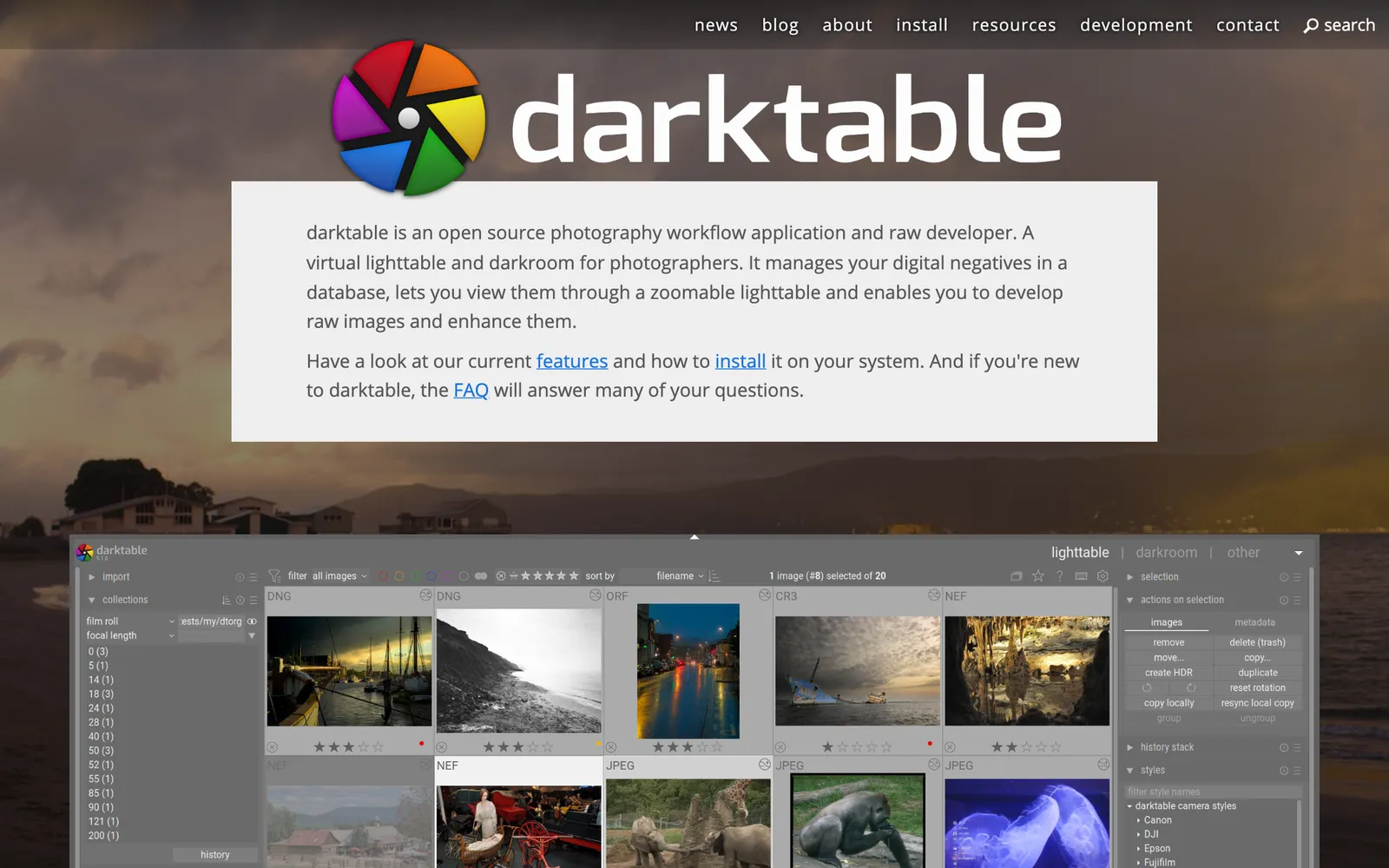
darktable is a raw developer and photo manager with a lighttable for culling and a darkroom for non-destructive edits. It is the closest open-source match to the Lightroom workflow.
Kdenlive for Premiere Pro
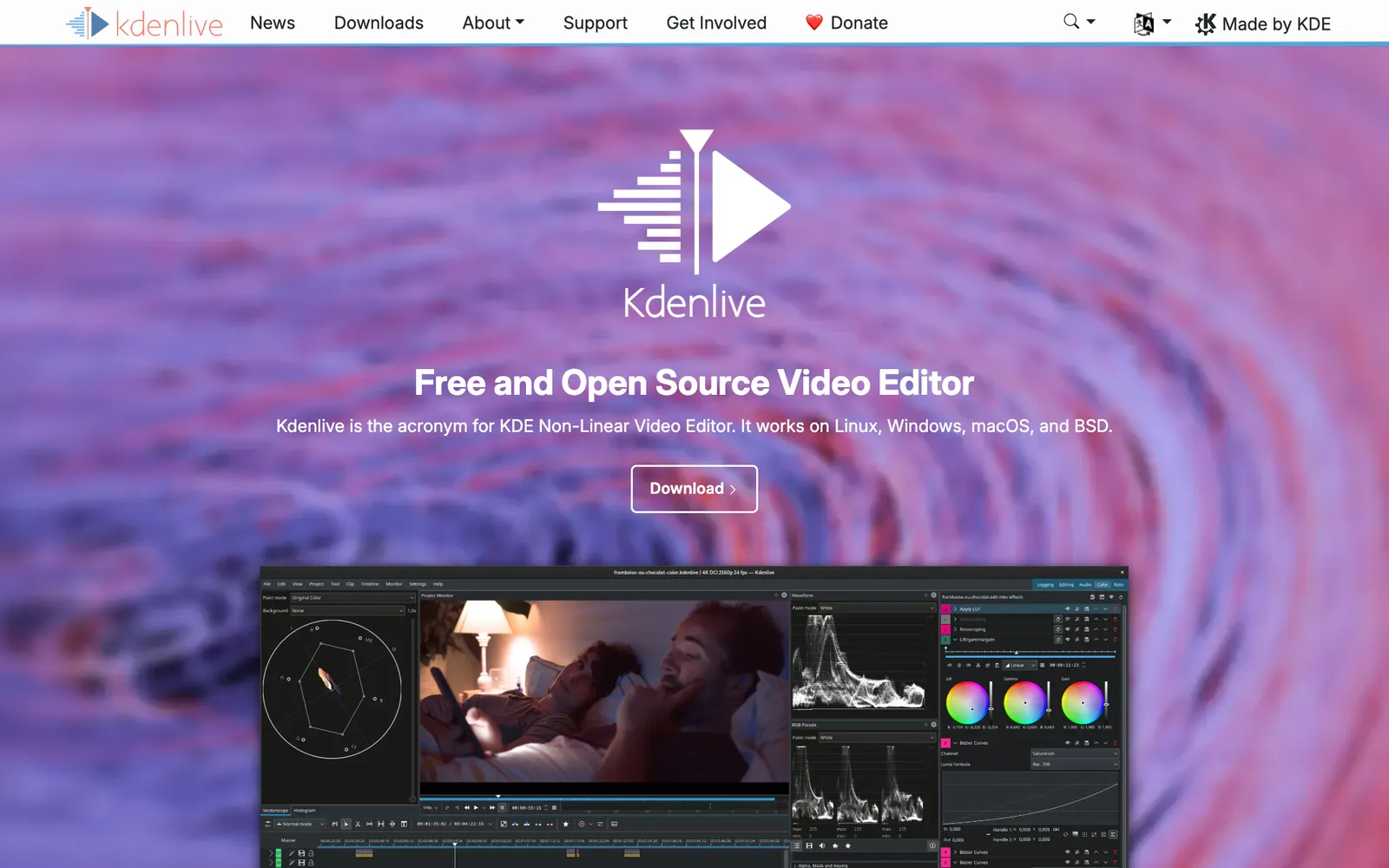
Kdenlive is KDE's free video editor for Linux, Windows and macOS: multi-track editing, effects, transitions, titles and color tools. It is the most complete open-source answer to Premiere for everyday edits.
Blender for After Effects
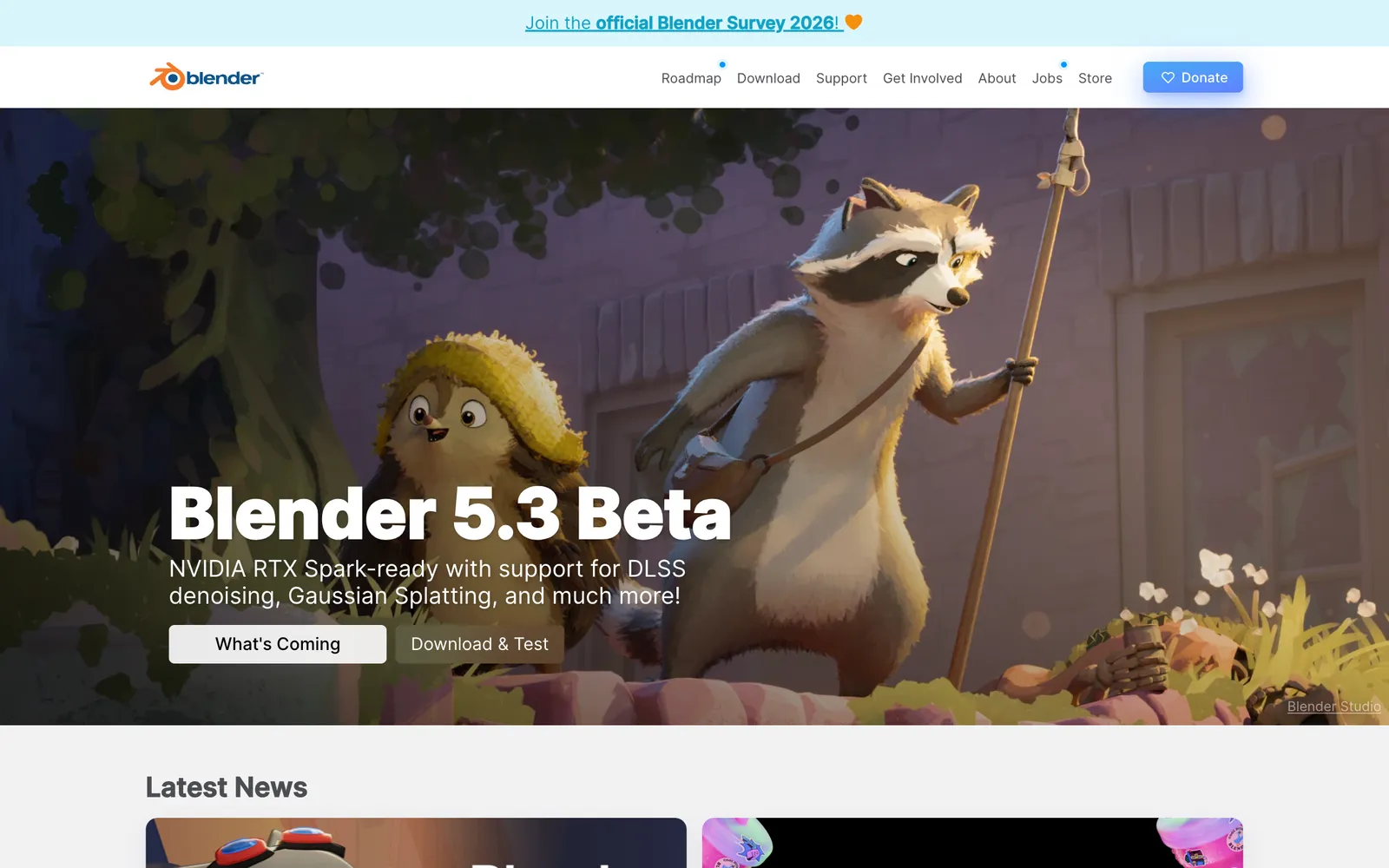
Blender is known for 3D, but its compositor, motion tracking and 2D animation tools make it a capable motion graphics and VFX app too. It is the most actively developed project on this list.
Scribus for InDesign
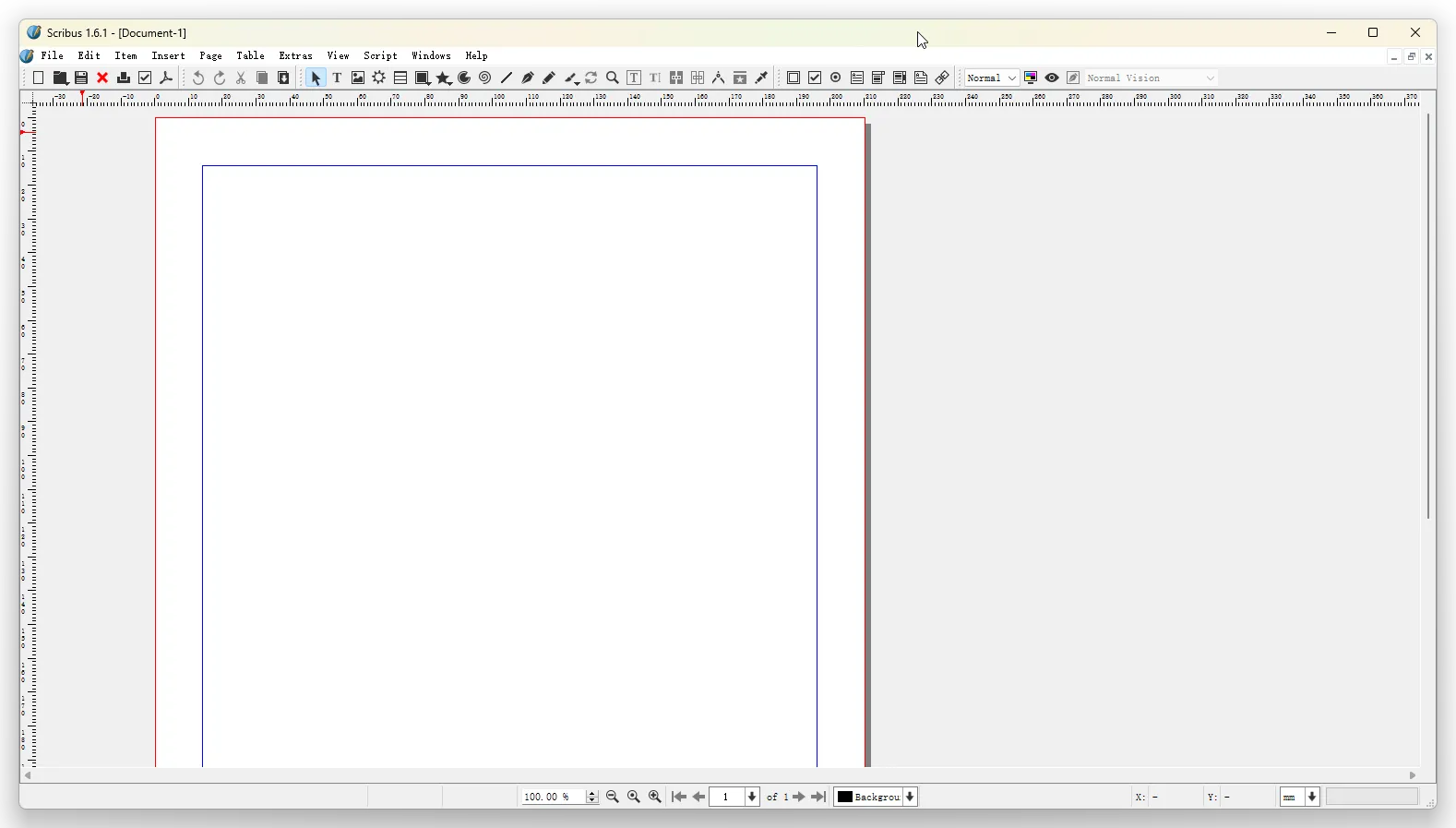
Scribus is an open-source desktop publishing app for print layouts and PDFs, with master pages, text frames and CMYK color support. It is dated in places, but it is the established free choice for page layout.
Should you switch from Adobe?
For client work today, switch app by app to the proven tools above, starting where Adobe matters least to you. Keep Creative Cloud for anything a client hands you as a native Adobe file you cannot risk.
Watch ArtCraft. Familiar shortcuts, real PSD support and an MCP server in every app is a different idea of what creative software can be, and how fast a small team built it is a sign of how much AI-assisted development is changing what is possible. Try PhotoCraft on a copy of a real file and see where it breaks.
FAQ
Yes. GIMP is the mature option. PhotoCraft from ArtCraft is a newer, Photoshop-style alternative that opens real PSD files, but it is in early alpha.
Yes. The apps are on GitHub under the storytold organization, licensed MIT or Apache 2.0.
No. ArtCraft is an independent project. Its apps are clean-room reimplementations, written without Adobe's code.
PhotoCraft can be driven from its UI, a command-line tool, a JSON control channel or an MCP server, so tools like Claude can control it directly. If you are new to MCP: The Best MCP Servers for Designers (2026)
Kdenlive is the most complete open-source option. FilmCraft is a promising Rust rebuild that is still young.