
Overview
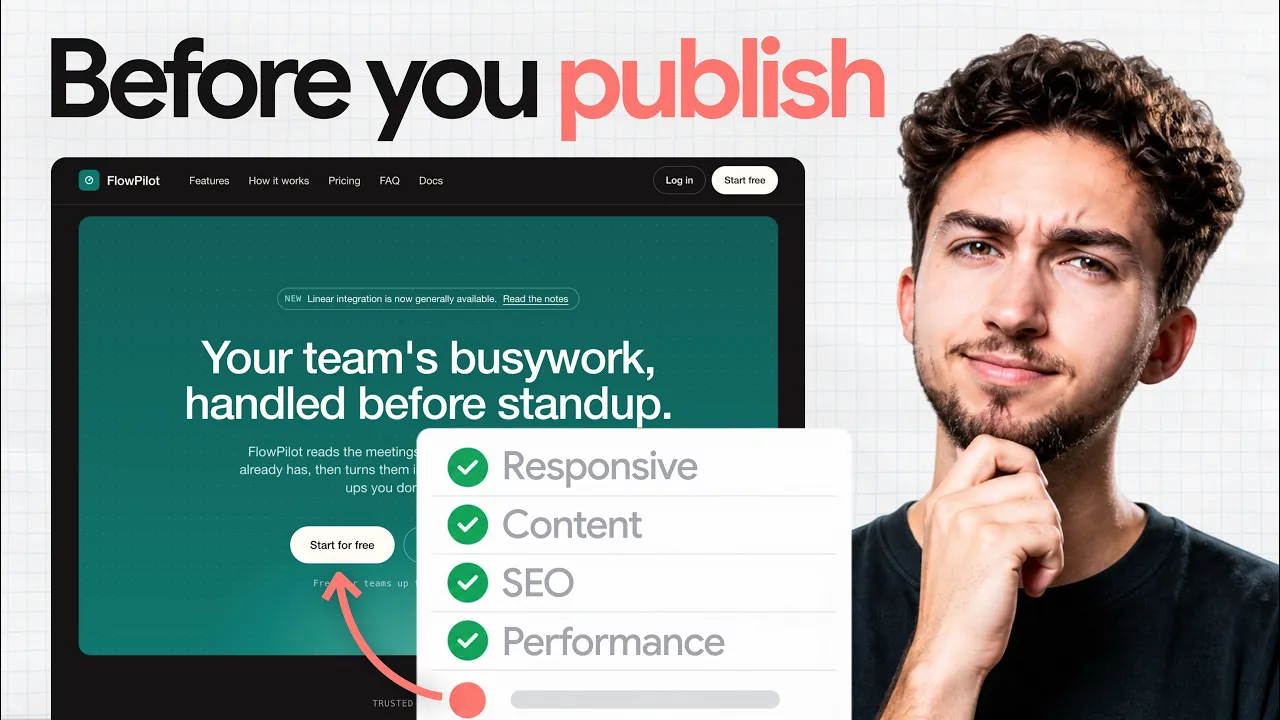
The video above is the checklist as a walkthrough. This is the written version, with the specific thing to look for in each check and the prompt to give the agent when it fails.
The premise: an AI agent optimizes for the thing you asked for, which is usually the desktop screenshot. Everything you did not ask for (the phone view, the metadata, the empty states, the error path on the form) is where it improvises. The checklist is a list of the things nobody asks for.
Run it on the deployed URL, not the local preview. Half of these only show up once the site is on a real host with a real domain.
Thresholds in this post (Core Web Vitals, WCAG contrast) are from Google's web.dev and the W3C as of September 2026.
Why AI-built sites fail after launch
Three reasons, and they compound. The agent builds against the viewport it was shown, so responsive behavior is a guess. The agent fills gaps with plausible content, so lorem-adjacent copy and stock-looking imagery survive into production. And the agent treats infrastructure (forms, analytics, redirects, legal pages) as out of scope unless you put it in scope.
None of that is a reason not to build this way. It is a reason to review the way you would review a contractor's work: walk the site on the devices your visitors use, click every link, submit every form, read every line of copy once.
Step 1: Restack every page on a phone
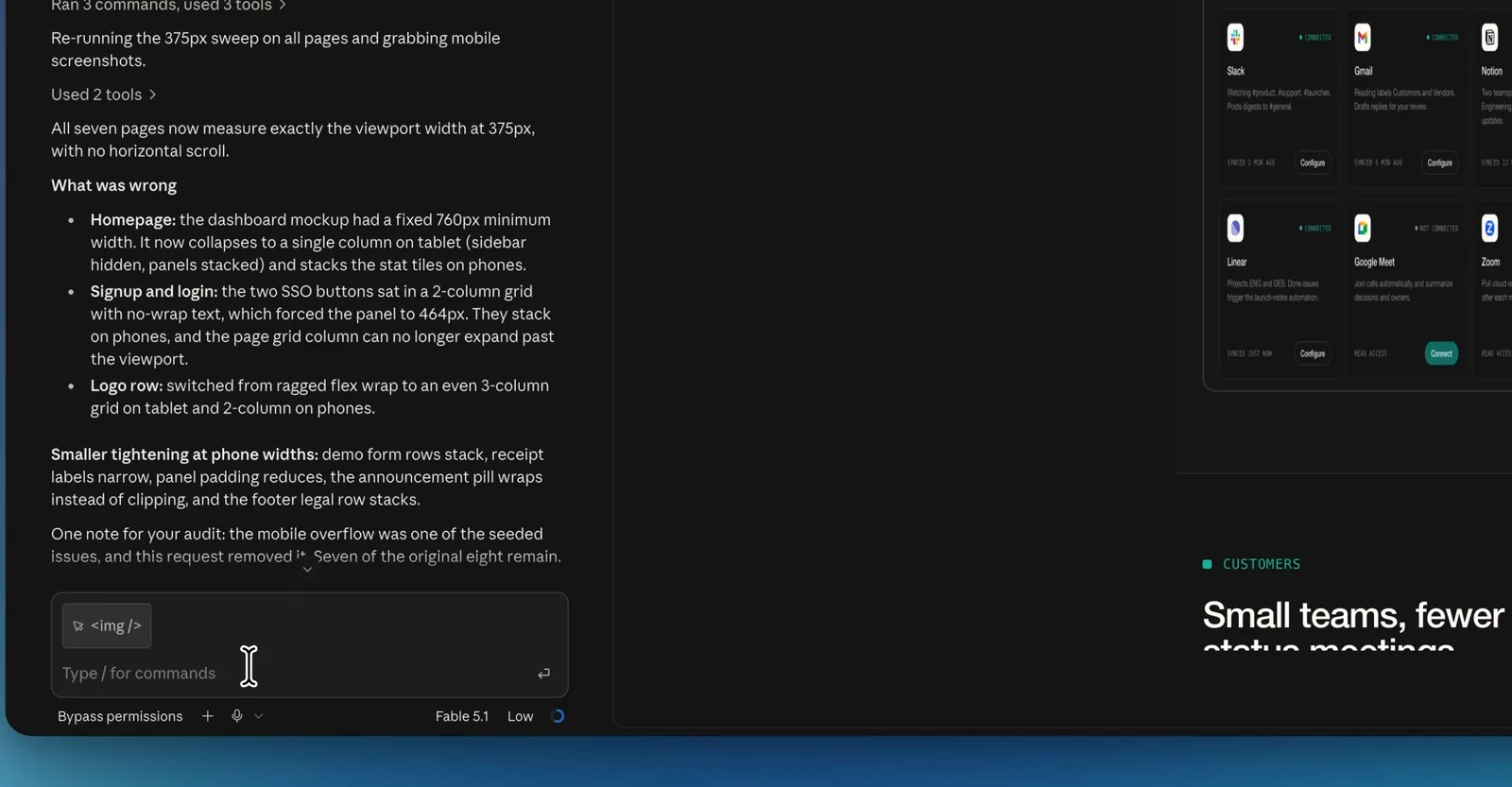
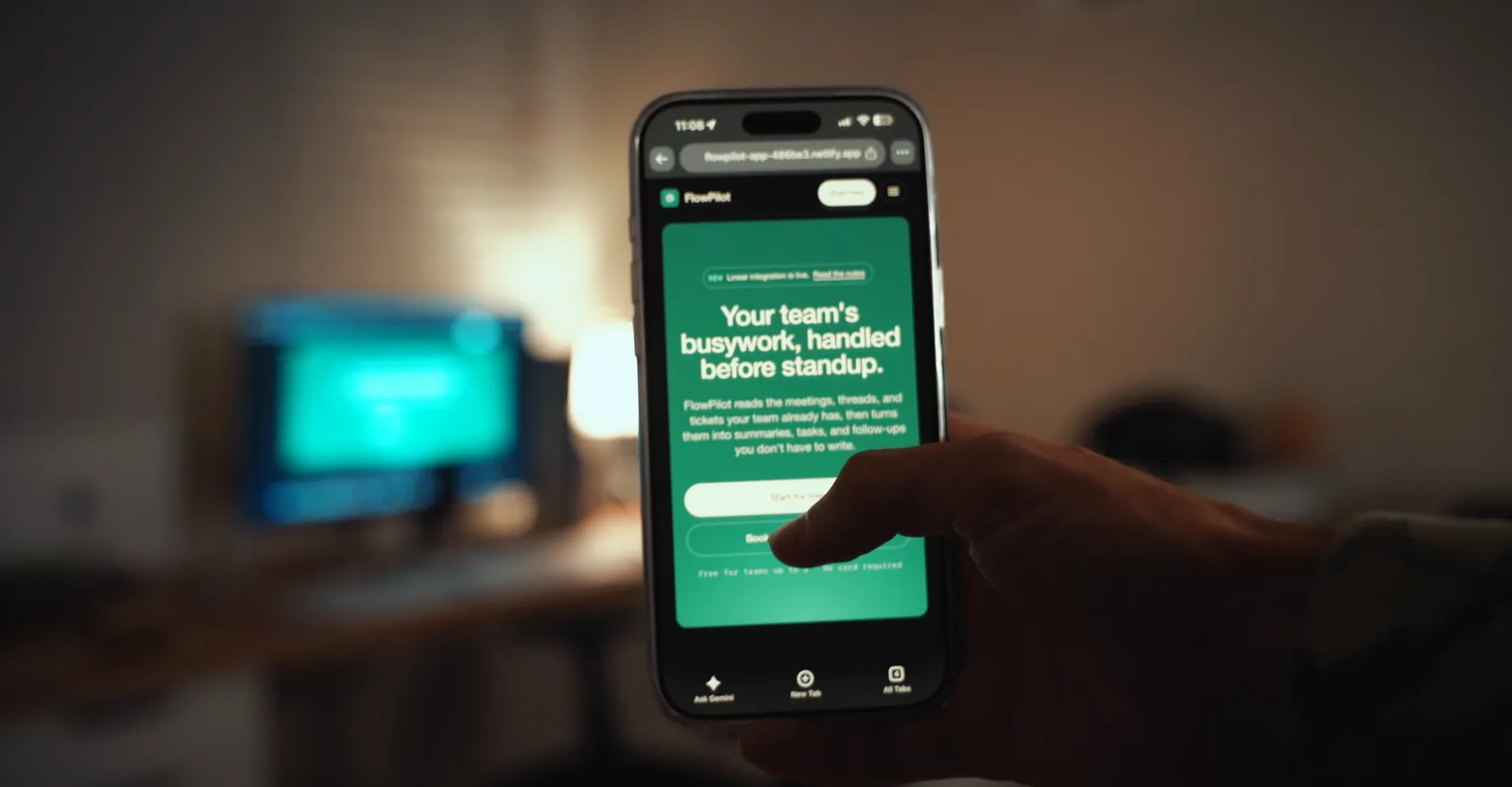
Open the live site on an actual phone, not a resized browser window. Scroll every page top to bottom. What you are looking for: horizontal scroll (a section is wider than the screen), text that wraps into one word per line, hero type that takes three screens, image grids that stack into a single tall column with no rhythm, and navigation that either disappears or overlaps the content.
When it fails, the prompt is specific: "On viewports under 768px the pricing grid stacks to one column with 64px gaps. Make it two columns under 768px and one under 480px, cap card padding at 20px, and keep the section under two screen heights." Give the breakpoint and the target, not "fix mobile."
If you built on a website builder instead of an agent, this check is where the builders separate; my breakpoint-by-breakpoint comparison is here: Best Responsive Website Builders (2026): 6 Tested & Ranked
Step 2: Replace every piece of generated content
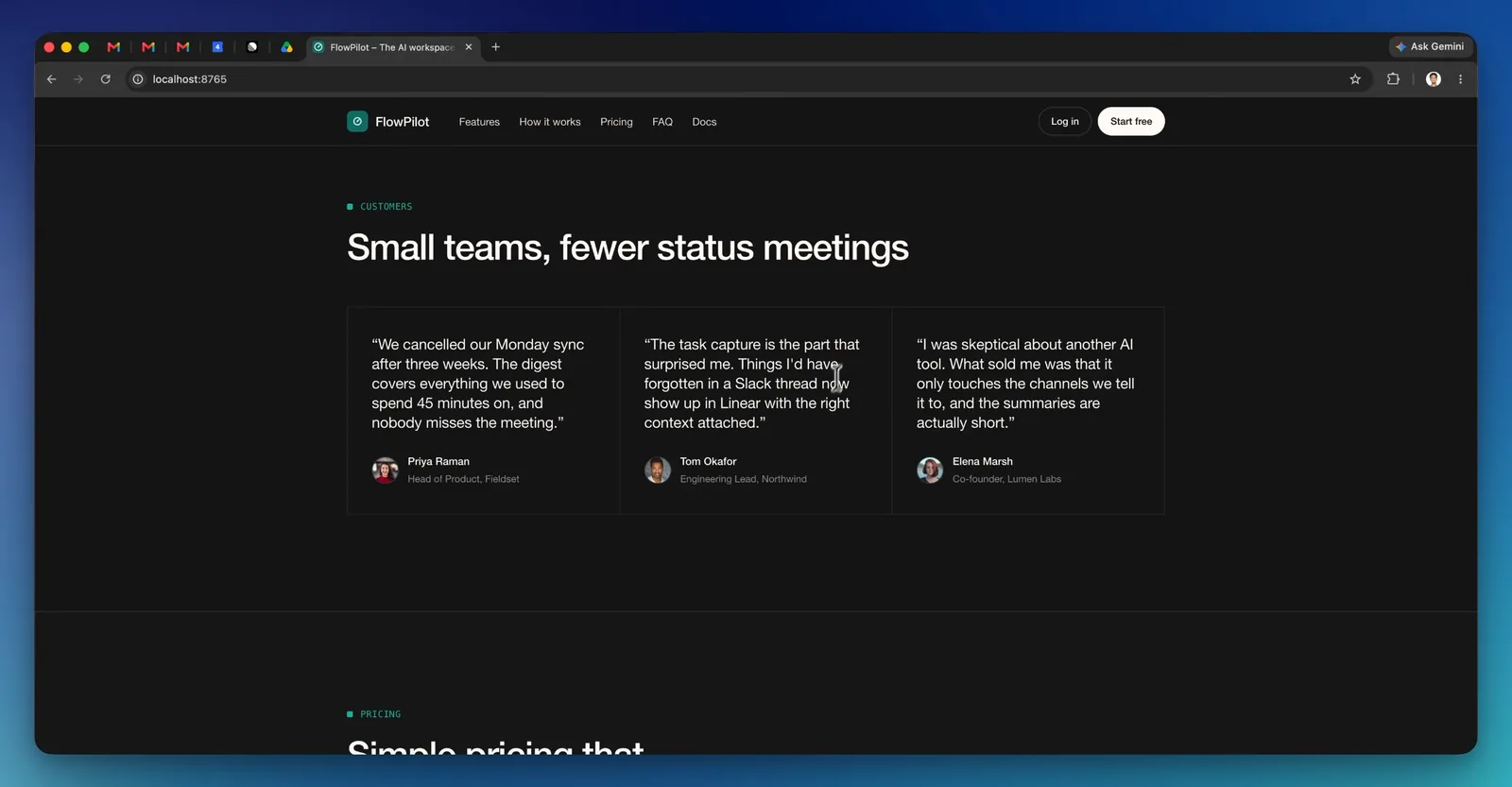
Search the codebase for the tells: "Lorem", "John Doe", "Acme", "example.com", "123 Main St", "+1 (555)", "Your Company", "Coming soon", and any testimonial with a first name and a last initial. Agents write filler that reads like real copy, so grep rather than skim.
Then the images. Every hero, team photo and product shot: is it yours, licensed, or generated with a model whose terms allow commercial use? Swap anything you cannot answer for. If you generate imagery, do it with a consistent art direction rather than accepting whatever the agent pulled in; the process I use is in the Astra test: I Tested GPT-6 Astra for Web Design (with Images 2.0)
Step 3: Title, description, canonical, Open Graph
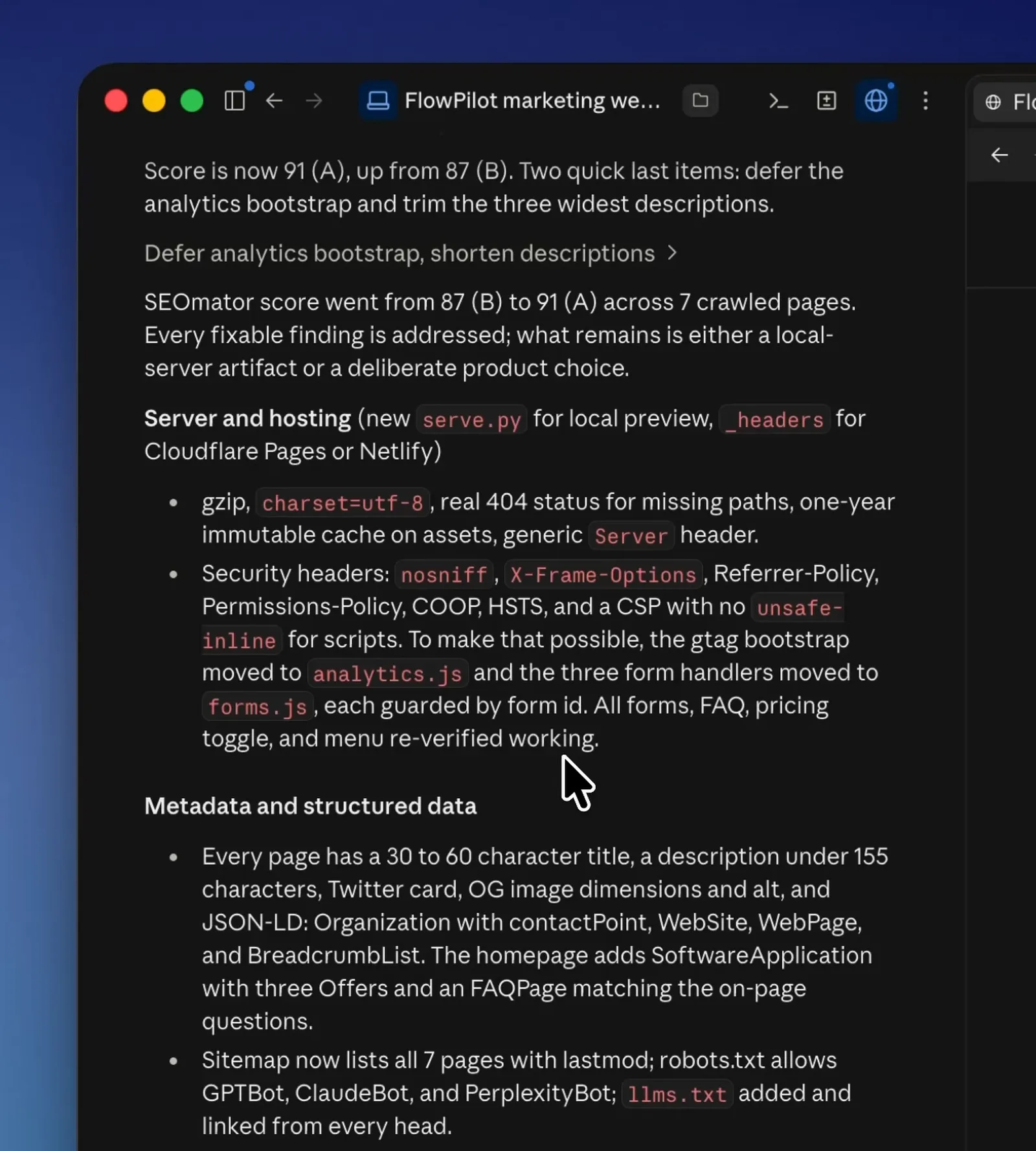
View source on every page and check four things in the head. A unique <title>. A unique <meta name="description"> (Google says identical descriptions across pages are not helpful, and it will rewrite ones it does not trust). A self-referencing <link rel="canonical"> with an absolute URL. Open Graph and Twitter card tags with a real image so the link unfurls when someone shares it.
Then the site-level pieces: a sitemap.xml, a robots.txt that does not block the whole site (agents sometimes leave a staging Disallow: / in place), and a favicon. If you have a physical business or publish articles, add the matching schema.org JSON-LD; it is a five-minute prompt.
Ask the agent for all of it in one pass: "Add unique title and meta description to every page, a self-referencing canonical, OG and Twitter tags using /og.png, a sitemap, and a robots.txt that allows everything. List what you changed per page."
Step 4: Accessibility basics
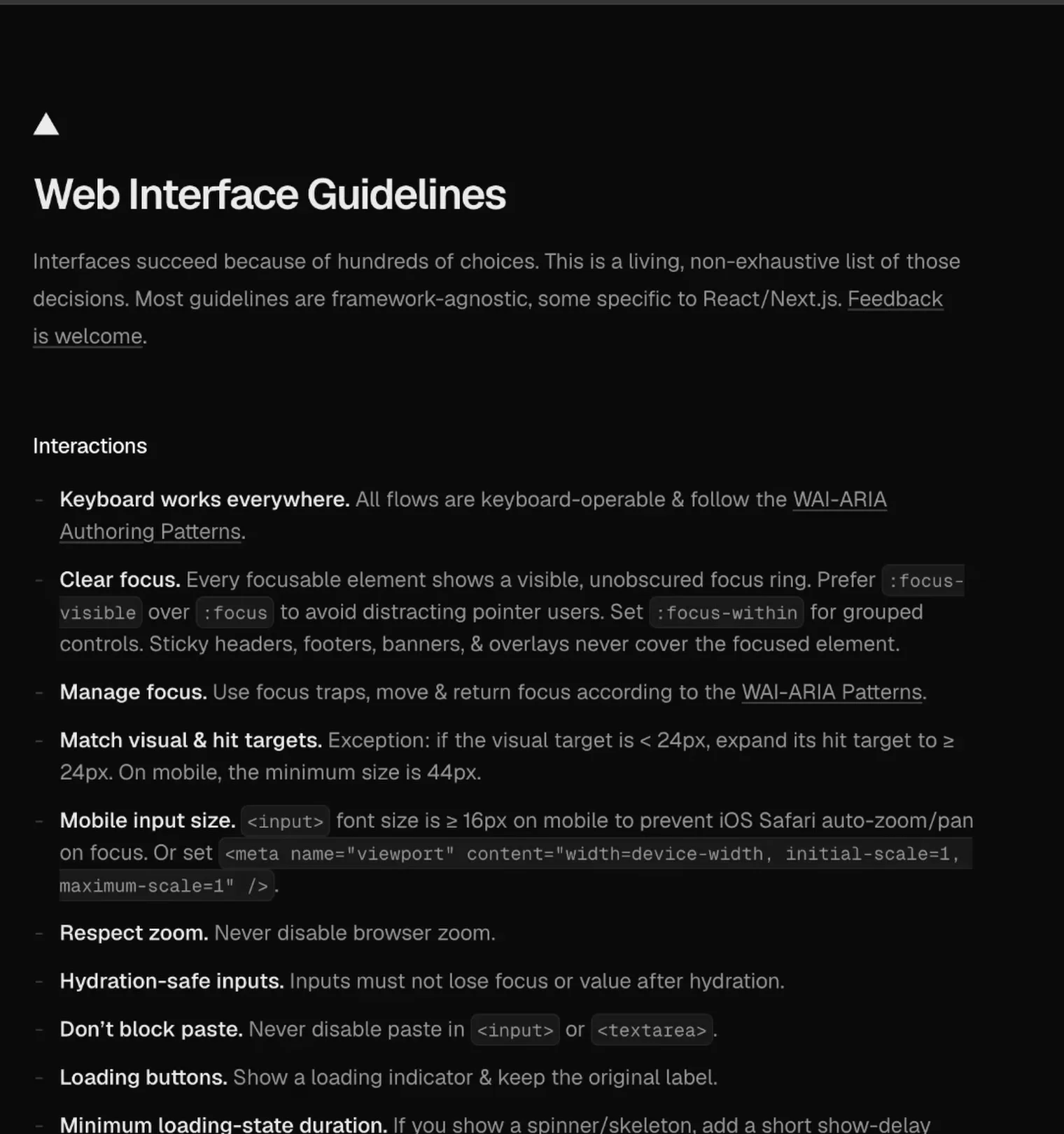
Four checks cover most of the damage. Contrast: body text needs at least 4.5:1 against its background under WCAG 2.2 AA, large text 3:1; agents love light grey on white. Keyboard: tab through the page and confirm you can reach and see focus on every link, button and field. Alt text: every meaningful image has it, decorative images have alt="". Structure: one h1 per page, headings in order, buttons that are <button> and links that are <a>.
Run Lighthouse's accessibility audit in Chrome DevTools for the rest. It will not catch everything, but it catches the mechanical failures an agent makes at scale.
Step 5: Performance and Core Web Vitals
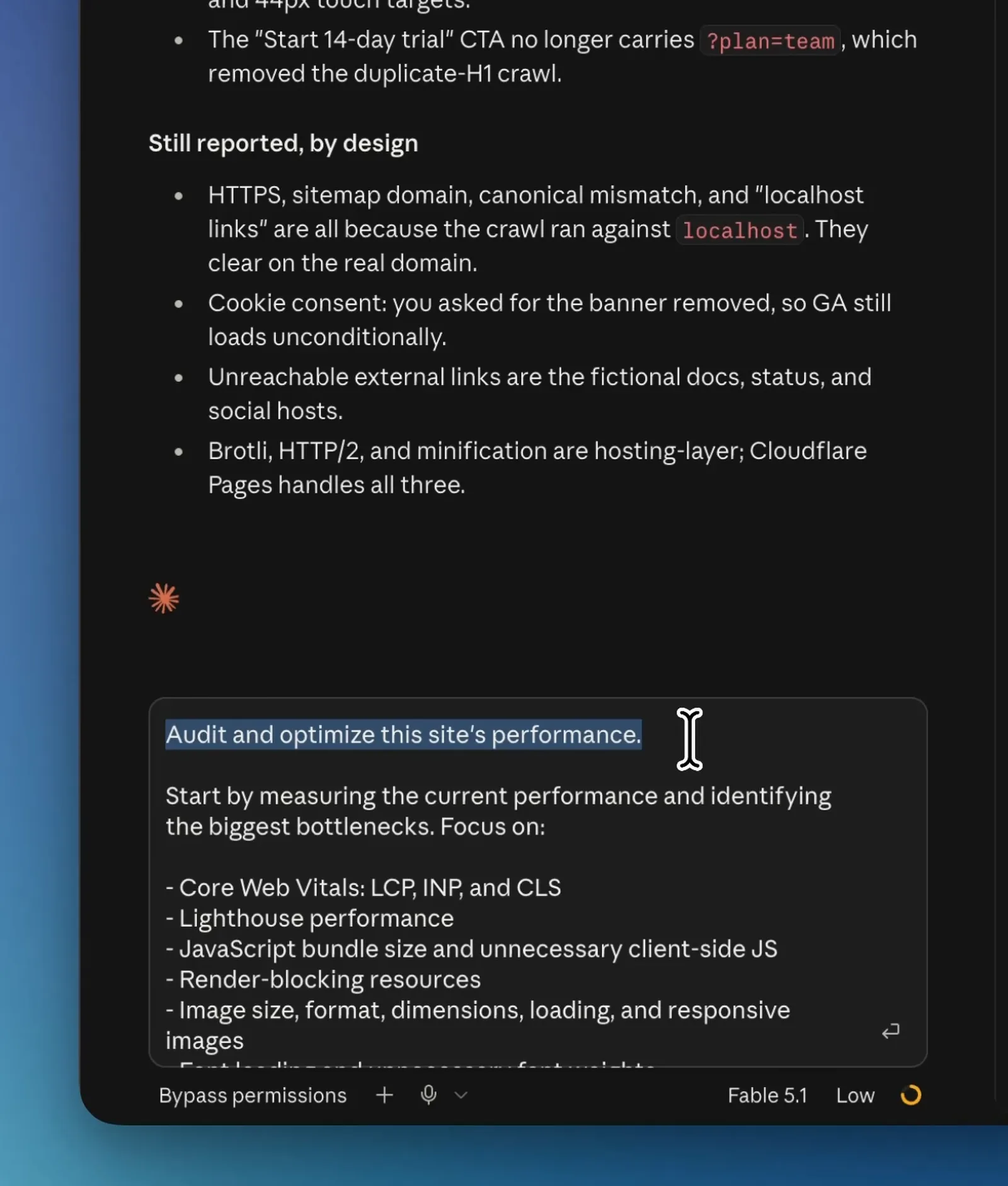
Google's thresholds are public: Largest Contentful Paint within 2.5 seconds, Interaction to Next Paint at or under 200 milliseconds, Cumulative Layout Shift at or under 0.1, measured at the 75th percentile of visits on mobile and desktop. Run PageSpeed Insights on the live URL and read the mobile numbers, not the desktop ones.
The usual AI-built culprits: uncompressed hero images (ask for WebP at the rendered size with explicit width and height), a font loaded from three places, an animation library shipped for one effect, and images without dimensions causing layout shift. Fixing the first one alone often gets LCP under the line.
Step 6: Forms, links and analytics
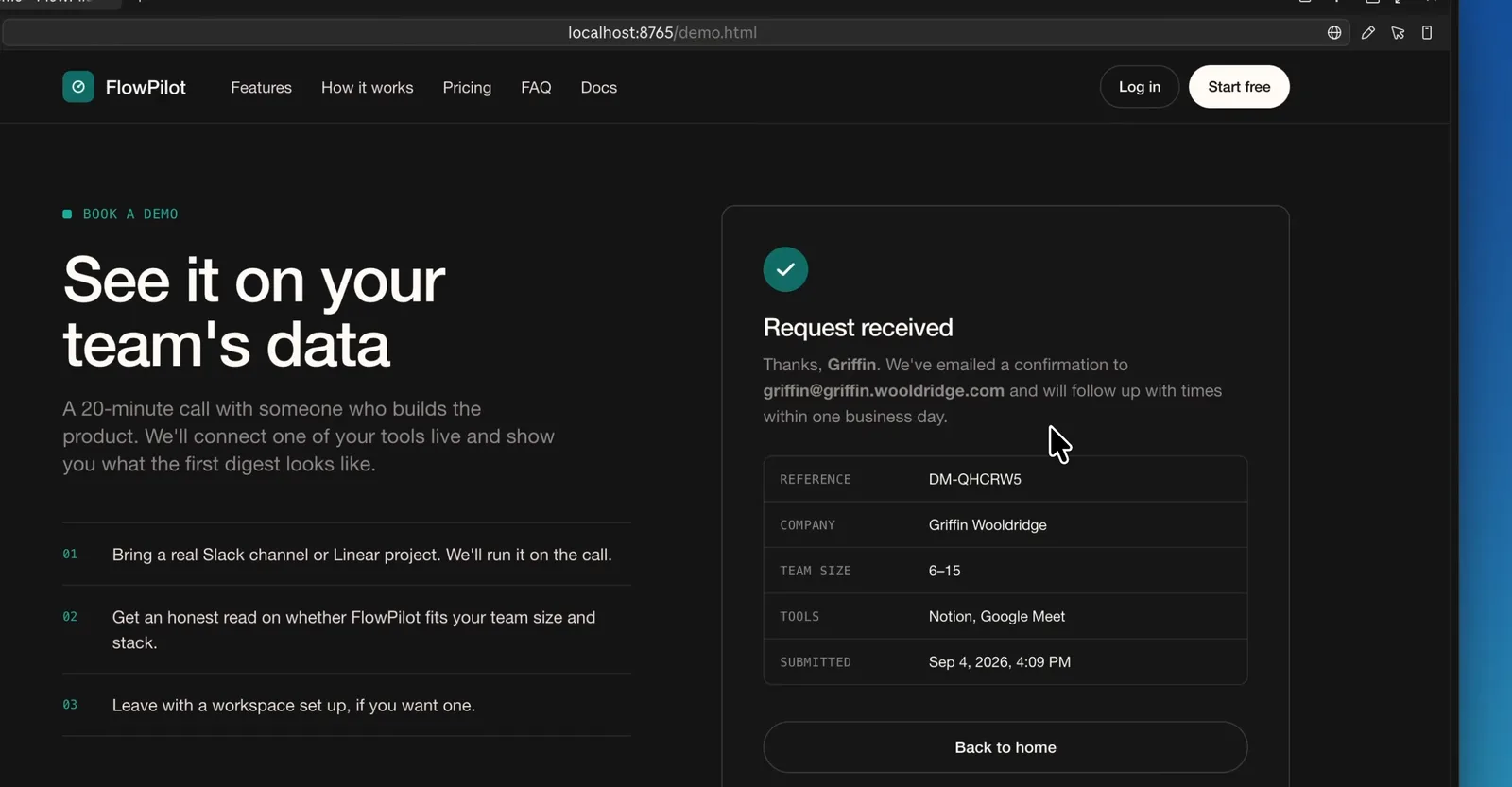
Submit every form on the live site and confirm the submission arrives somewhere you will see it. Agents build beautiful forms that post to a placeholder endpoint or to nothing. Check the success state, the error state (submit it empty), and spam protection.
Click every link in the nav and footer. Look for #, href="", and links to pages that were planned and never built. Then confirm analytics is installed on every page, not only the home page, and that your own visits are excluded.
Step 7: Hosting, domain and HTTPS
Put the site on a real domain before launch, not the preview URL the agent gave you. Connect the domain at your host, let it issue an HTTPS certificate, and redirect both www and the bare domain to one version so search engines see a single site. Then load the plain HTTP address and confirm it forwards to the secure HTTPS one.
Set up the 404 page while you are here; the default one from the host is rarely on-brand. For what hosting looks like when an agent is doing the building, and the fastest free path I know to a shareable URL, see: Web Hosting for AI Agents (Instant + Free)

Step 8: Legal pages
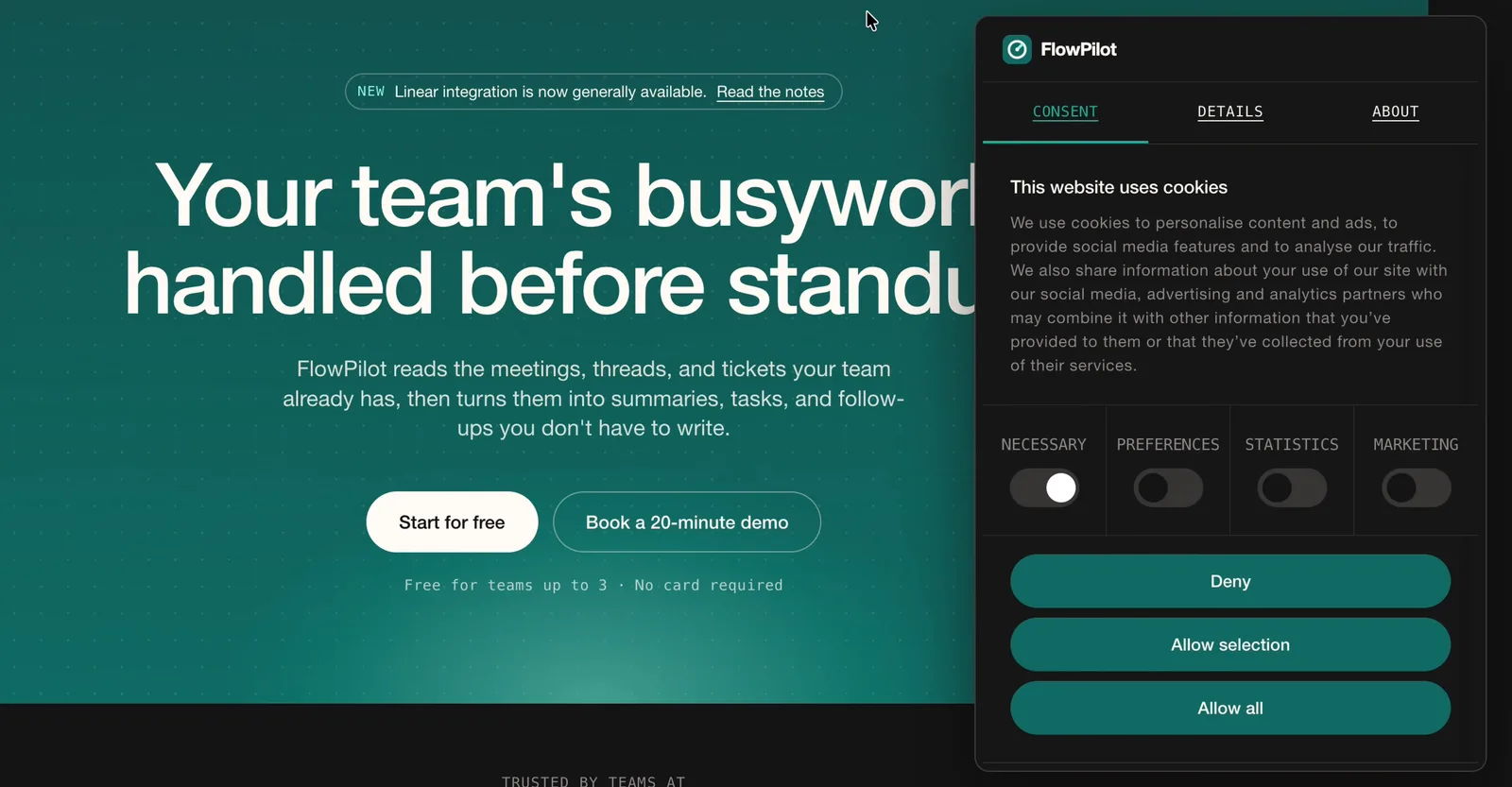
A privacy policy that reflects what the site actually collects (analytics, form submissions, cookies), terms if you sell anything, and a cookie notice where your visitors' jurisdiction requires one. Agents will generate a privacy policy on request; treat it as a draft and read it, because it will describe data you do not collect and miss data you do. If you take payments, the payment provider's requirements come first.
Add a real contact route (email or form) and a business address if you sell to consumers. Footer links to all of this on every page.
Step 9: A quiet mode for effects
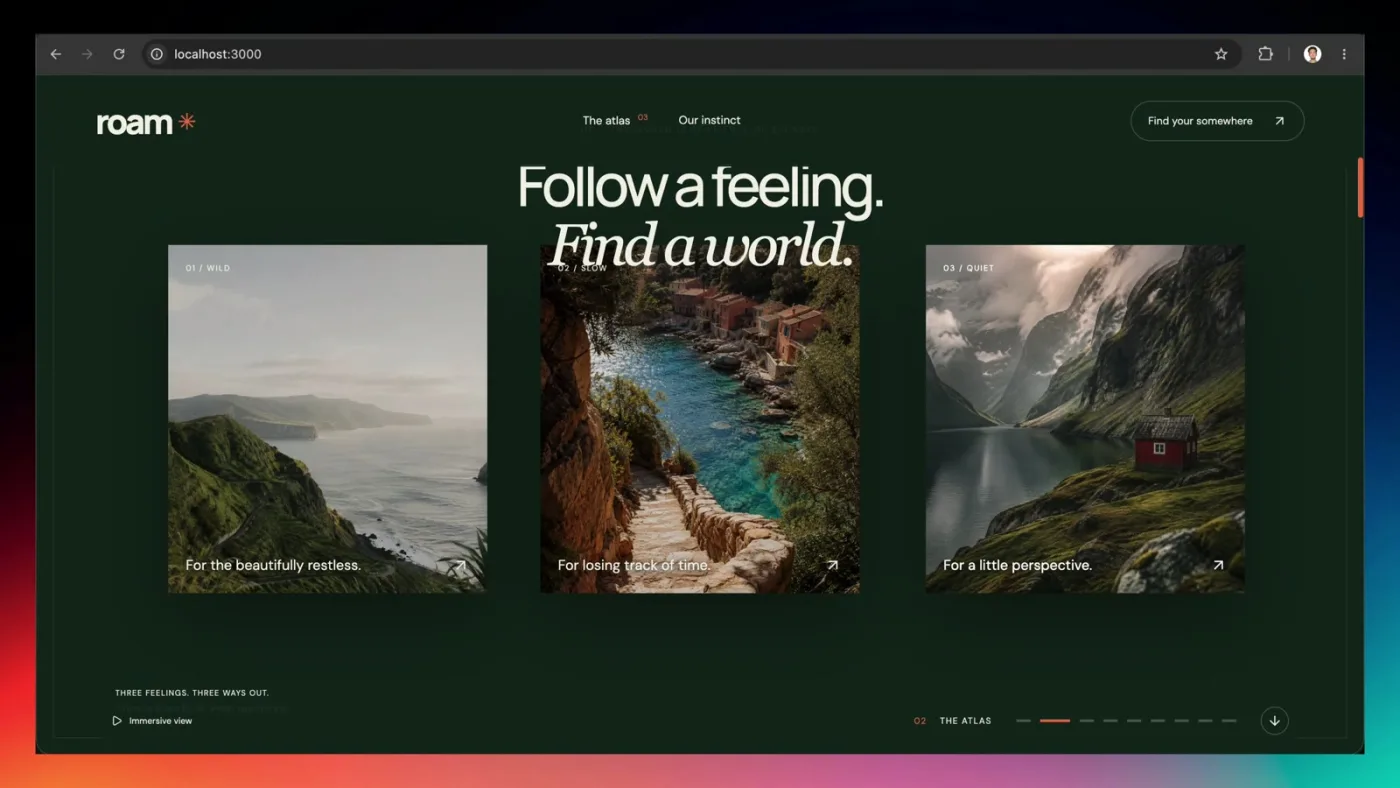
If the agent added scroll effects, parallax or autoplaying motion, give visitors a way to turn it off. Respect the reduced-motion setting in the operating system, and consider a visible toggle on effect-heavy pages. Some visitors get motion sick, and everyone on a slow phone benefits.
The Astra landing page in my test needed exactly this; the quiet view I had it build is a good template for what "off" should look like: same content, same imagery, no motion: I Tested GPT-6 Astra for Web Design (with Images 2.0)
Step 10: The final walkthrough
Do it as a stranger. Open the site in a private window on a phone, arrive at the home page, and try to do the one thing the site exists for: book, buy, sign up, read, contact. Time it. Then do it again on desktop from a Google search for your brand name once the site is indexed.
Anything that made you pause is the next fix. Then ship; a site that passes these ten is in better shape than most human-built launches I have reviewed.
FAQ
They can. Google indexes the HTML it is given; what matters is whether the pages have unique titles and descriptions, a canonical URL, real content and acceptable Core Web Vitals. The checks above are the ones that decide it.
On a real phone, on the deployed URL, every page top to bottom. Look for horizontal scroll, stacked grids with no rhythm, oversized hero type and overlapping navigation, then give the agent the breakpoint and the target when you prompt the fix.
Contrast (4.5:1 for body text), keyboard tabbing with visible focus, alt text on every image, and one h1 with ordered headings. Then Lighthouse's accessibility audit for the rest.
LCP within 2.5 seconds, INP at or under 200 milliseconds, CLS at or under 0.1, at the 75th percentile of page loads on mobile and desktop.
Yes, if it has analytics or a form, because both collect data. Have the agent draft one, then edit it to match what the site actually collects.
Partly. Paste the ten steps into a prompt and it will fix the mechanical ones (metadata, alt text, redirects, reduced motion). The phone walkthrough, the content read and the form submission are yours.
Where this fits
The build is the easy half now. This list is the other half, and it is the same list whether Claude Code, Codex or an app builder did the building. For the tools I use to get to the build in the first place, start with the pillar: AI Design Tools for Designers (2026): The Complete Guide