
Overview
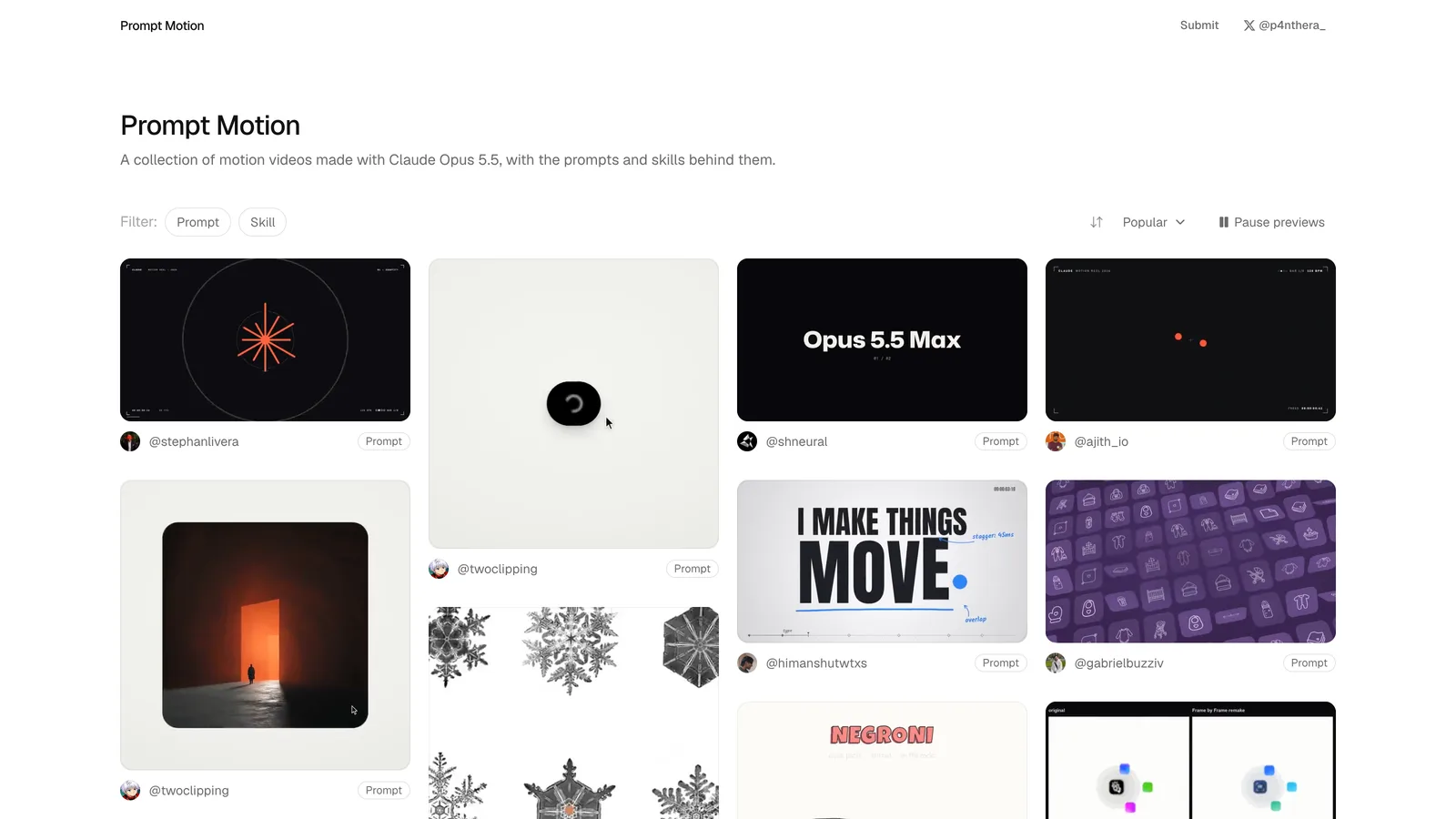
Claude Opus 5.5 can make real motion graphics: it writes the animation as HTML and JavaScript, and a renderer turns that into a video. The hard part is the prompt. Prompt Motion solves the blank-page problem by showing hundreds of finished pieces with the exact prompt or skill behind each one.
I scraped the whole library on October 6, 2026 (230 entries, all made with Opus 5.5) and read every prompt. This post is what I found, in the order I would use it.
What is Prompt Motion?
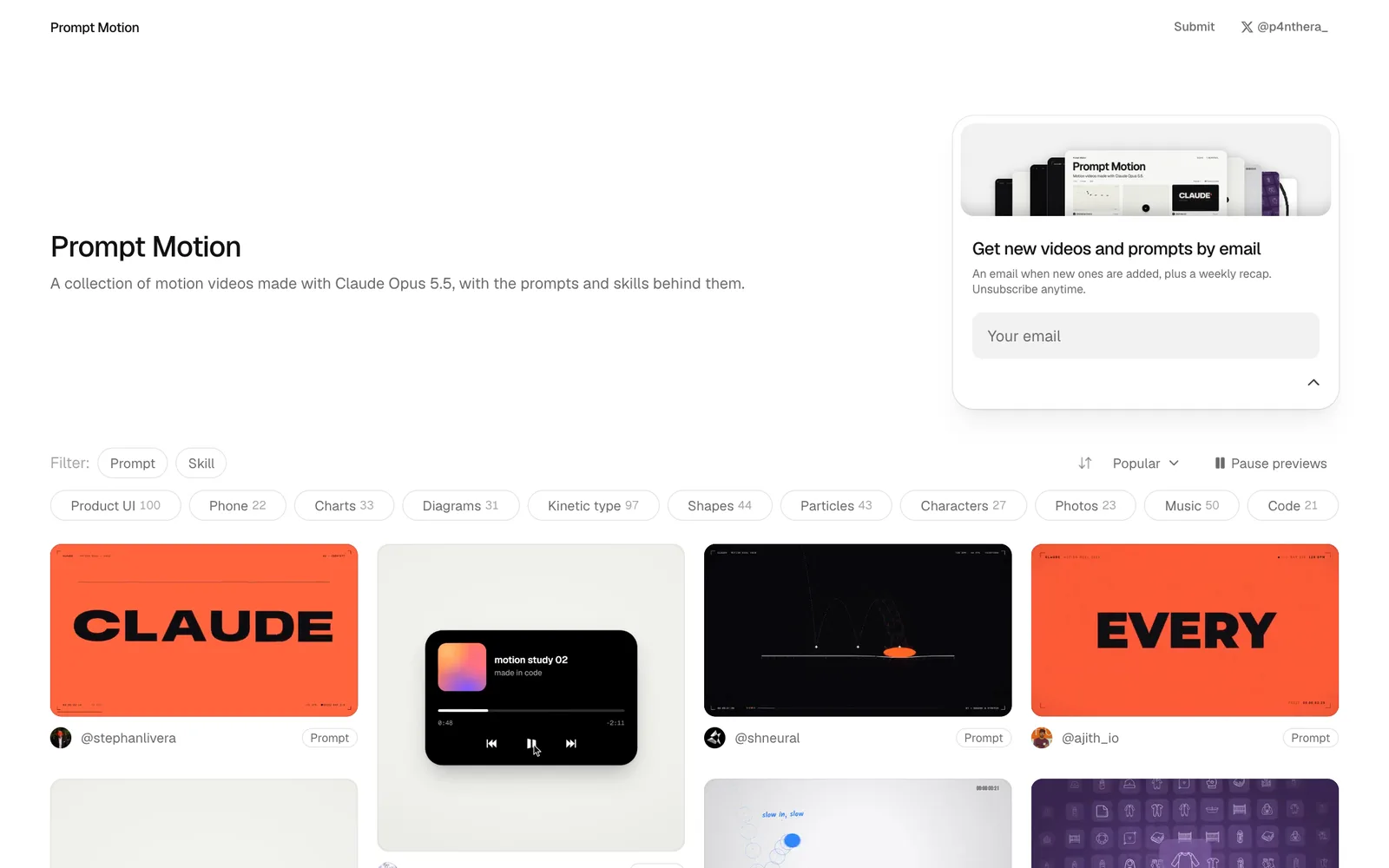
Prompt Motion (prompt-motion.com) is a community gallery of motion videos made with Claude. Each entry has the video, the author, the model, and the full prompt or skill used to create it, so you can see exactly how a piece was made instead of guessing.
The range is wide: product launch films, UI animations, kinetic typography, data stories and abstract showreels, in landscape, square and vertical formats. Everything I reviewed was made with Opus 5.5.
How to use it
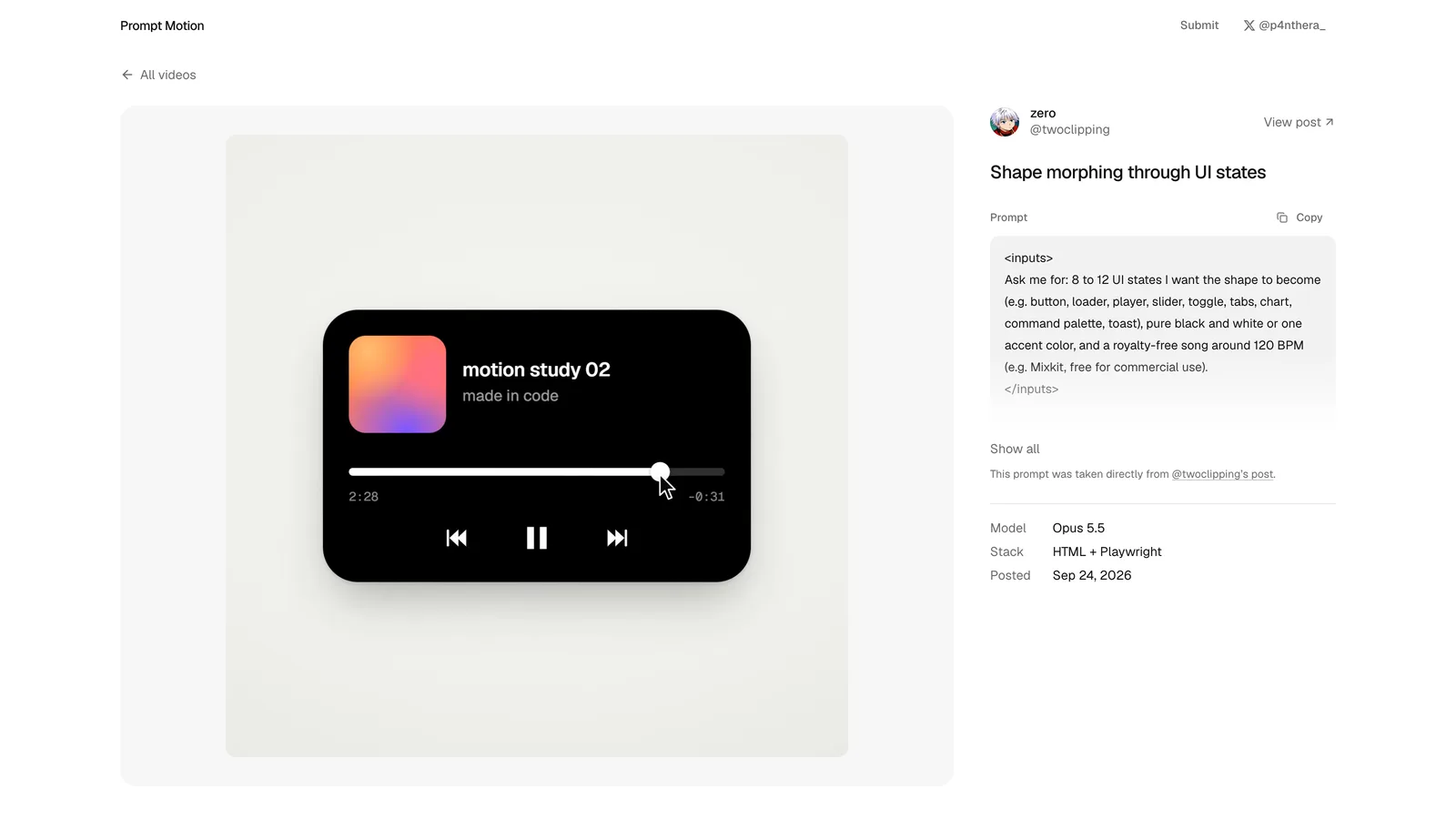
Browse until something matches the feel you want, open it, and read the prompt alongside the playing video. The detail page puts them side by side, which makes it easy to map a line of the prompt to the moment it produced.
Copy the structure, not the words. The prompts that work are written for a specific product, so the reusable part is how they are organized: the beat map, the chain of shared objects and the banned list. More on each below.
Most of the library is one prompt
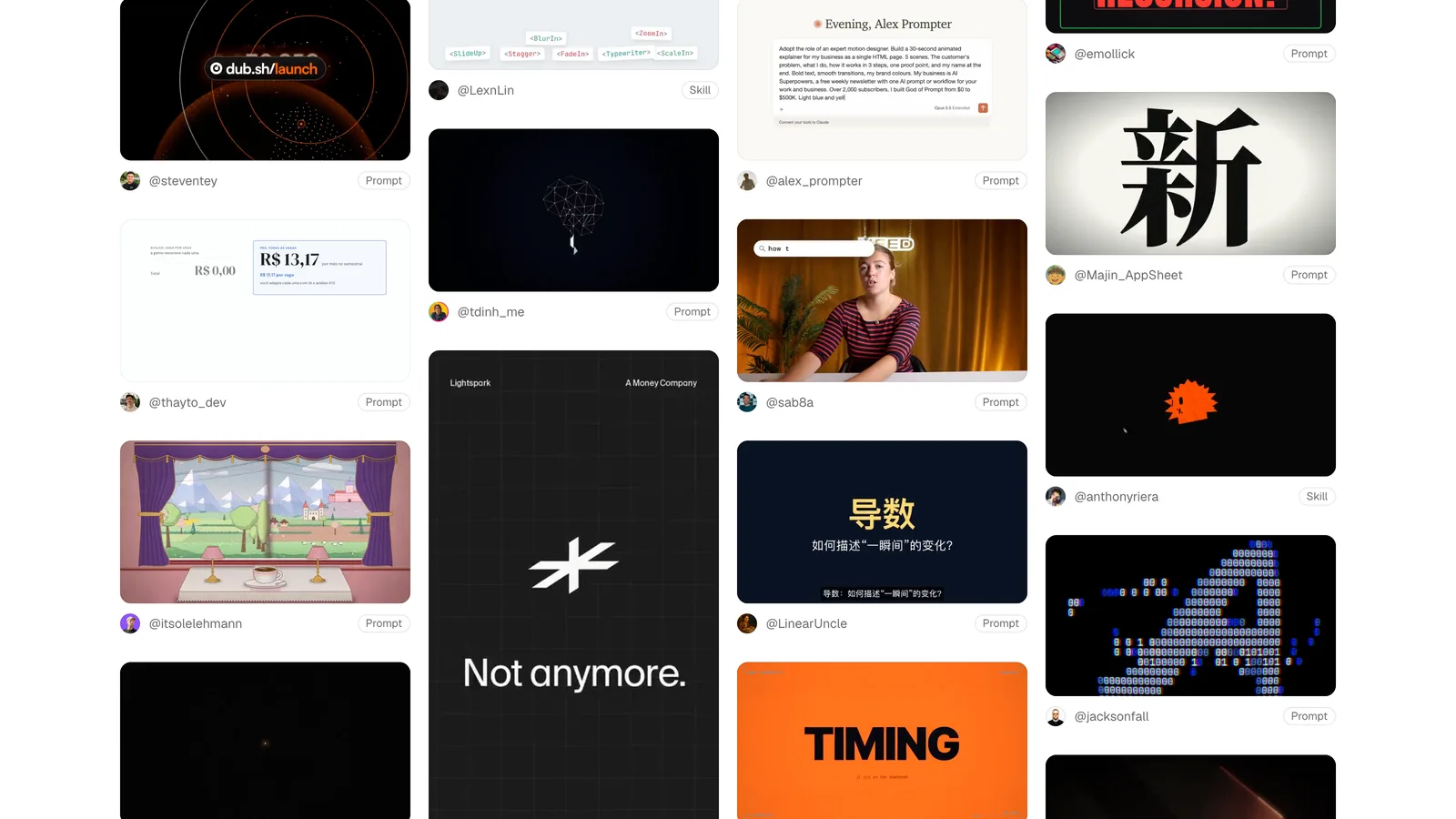
About 140 of the 230 entries are some version of "make a dynamic 15-second motion graphics video that shows what an incredible motion designer you are, go all out." Those produce the same generic showreel: a big wordmark, an easing demo, a particle sphere.
The pieces that look like real studio work come from about ten long, engineered prompts. The lesson from the whole library fits in one line: intricacy comes from the spec, not from asking for it. "Go all out" gets you effects. A beat map, a shared-object chain and a banned list get you a film.
1. One object that never cuts
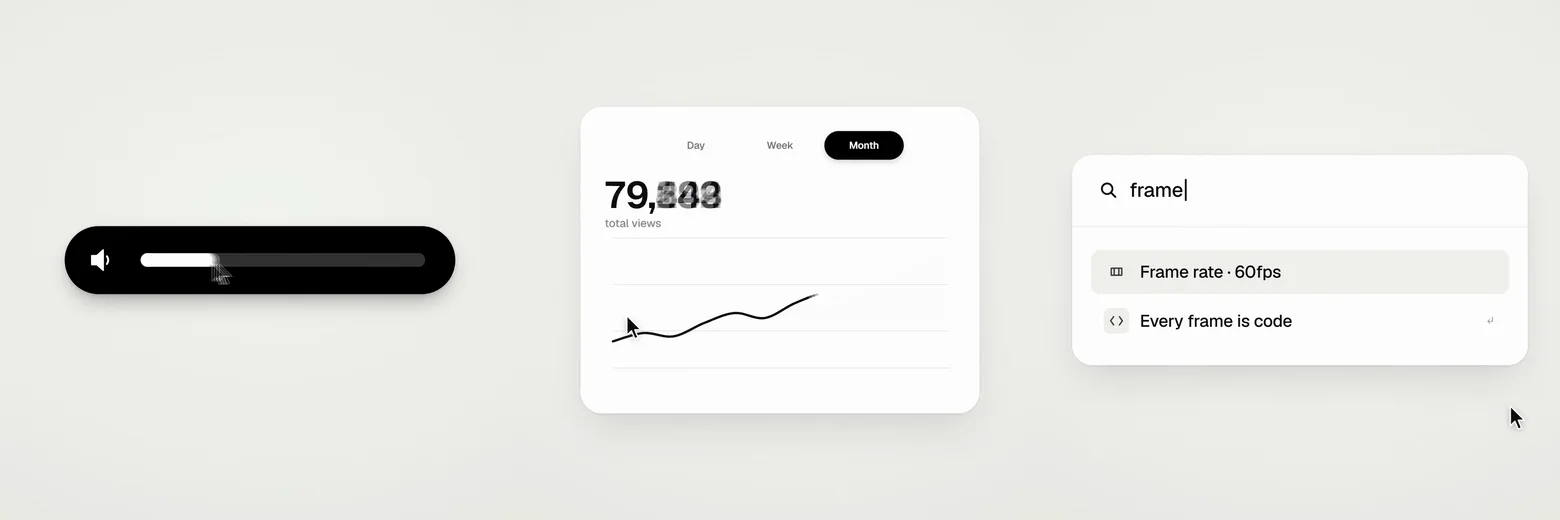
The strongest films treat the whole piece as a single element that keeps changing shape, so every scene is made out of the previous one. In @twoclipping's "Shape morphing through UI states," one shape becomes a button, a loader, a check, a player, a slider, a toggle, a chart and a command palette without a single cut.
Write the chain before anything else: "the period of the wordmark grows into a button, the button stretches into a slider, the slider knob becomes a lens." If the viewer thinks "of course the next scene came from that," it works.
2. A cursor drives every change
In the best UI pieces nothing changes on its own. A cursor clicks, drags, long-presses and scrubs, growing slightly on hover and shrinking about 15% on press. Drags are direct manipulation: while the button is held, the value follows the cursor.
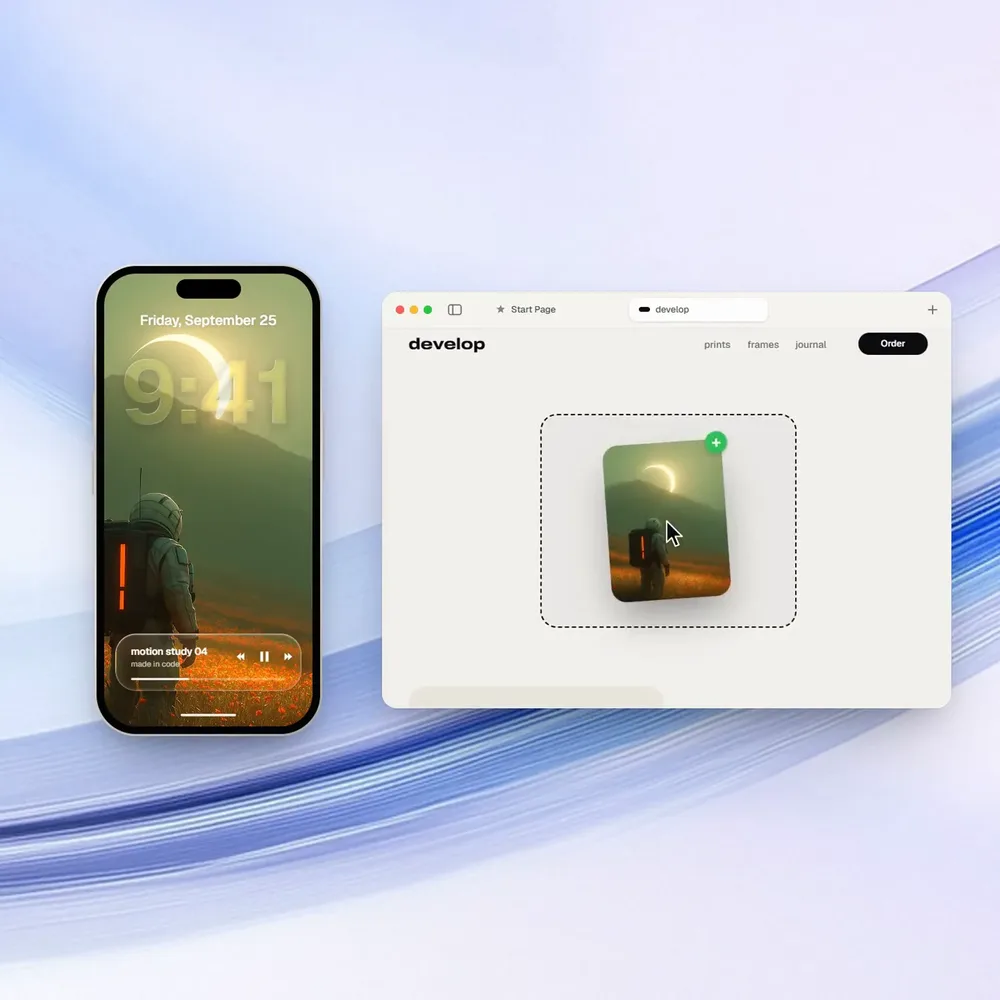
The camera follows the action Screen Studio style, pushing into whatever is changing so each moment fills the frame, and it never makes two moves at once.
3. Something happens on every beat
The serious prompts are written in beats, not seconds. 120 to 124 BPM is the default, and the structure reads like "54 beats" or "b13 to b16: three reels, one beat each." Hard cuts land on the beat or two frames before it.
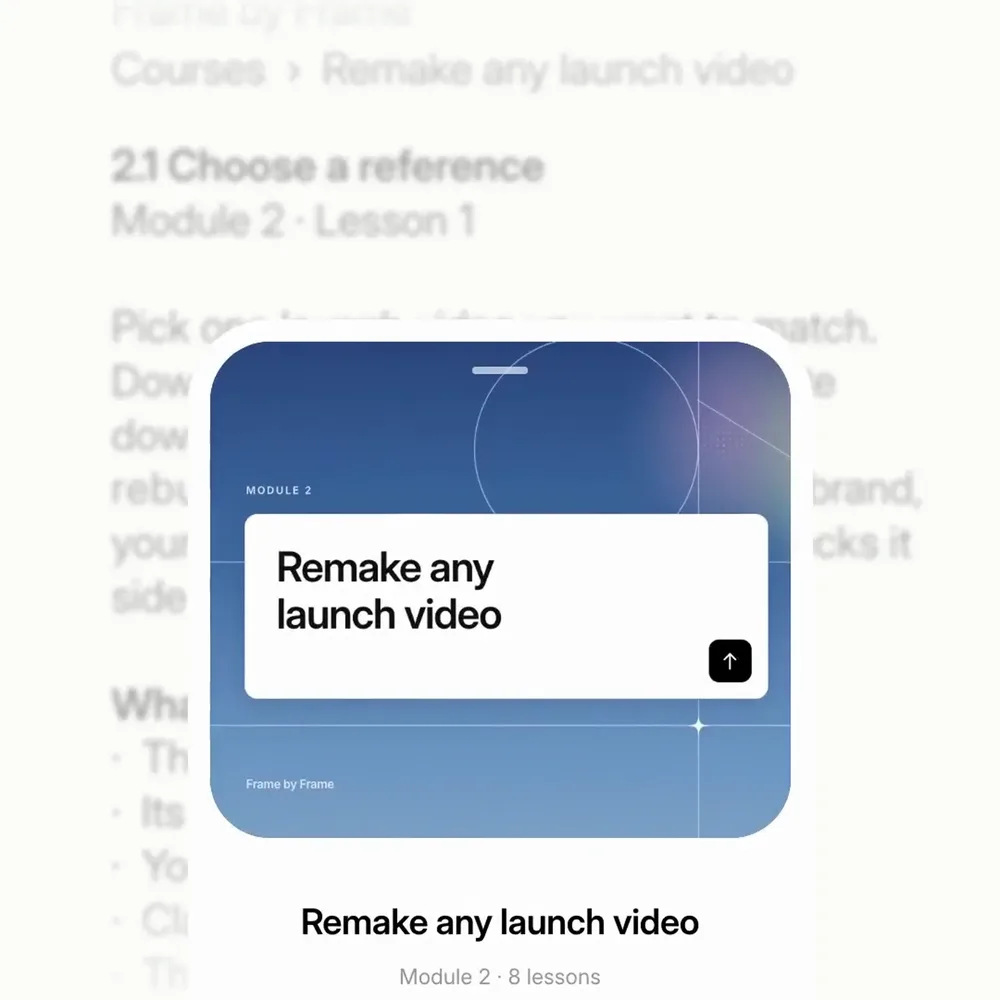
@notdwd's "Frame by Frame" launch video goes furthest: every position, blur value and opacity is specified per frame number, from frame 0 to 359. Shots never start or end still; they enter already moving and leave on an accelerating move or a blur ramp.
4. Restraint is the premium signal
Every strong prompt has a banned list, and they agree on it: no crossfades, no bouncy easing, no particles, glows or lens flares, no camera shake, no 3D card spins, no gradients on UI chrome. Removing the cheap tricks is what makes the remaining motion look expensive.
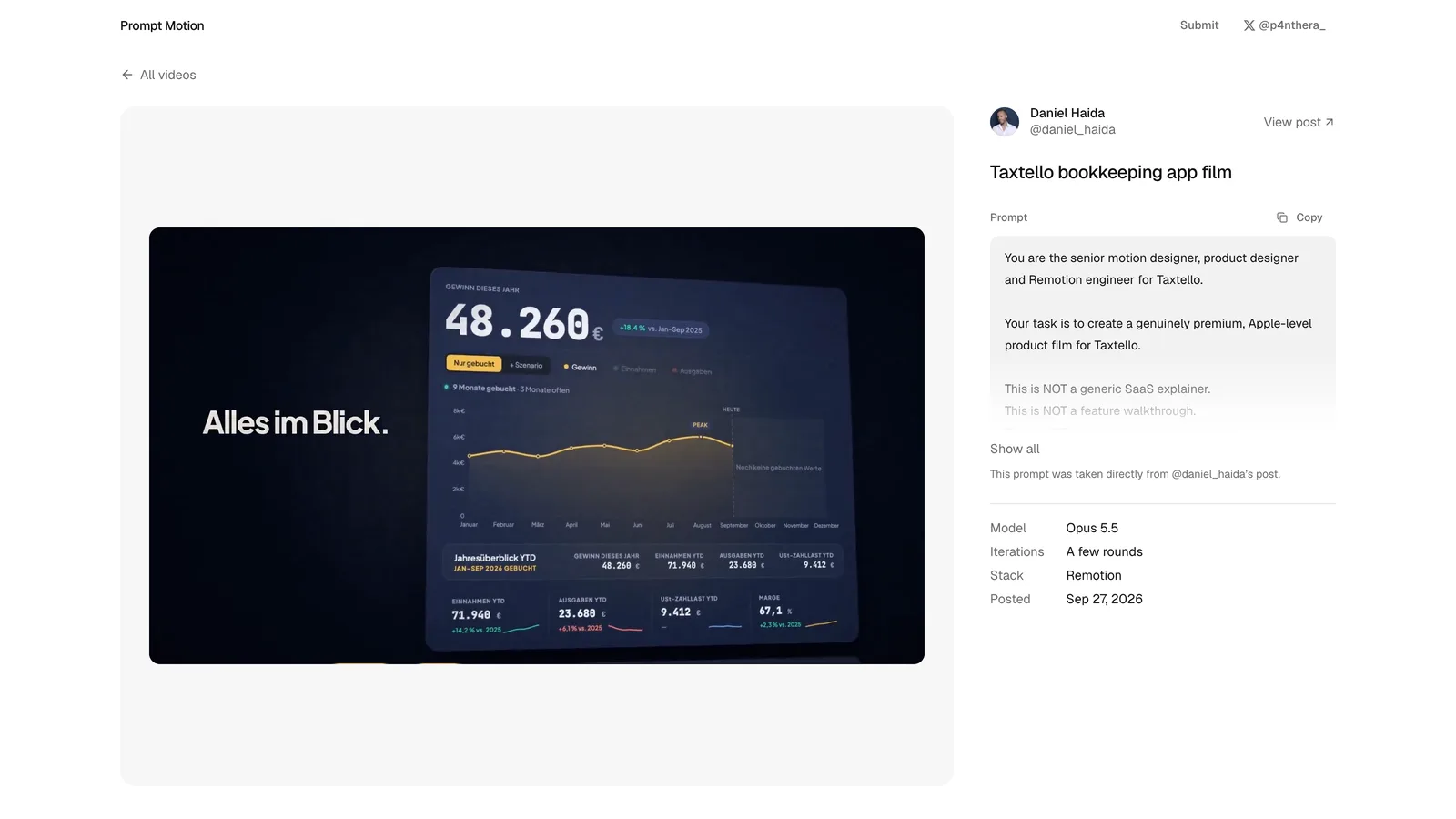
@daniel-haida's Taxtello film is the best example of brand restraint: real tokens, real screens, a CHAOS to CONTROL to CLARITY story, transitions driven by objects, and the line "3 extraordinary moments beat 10 mediocre ones."
5. Typography as an object, not subtitles
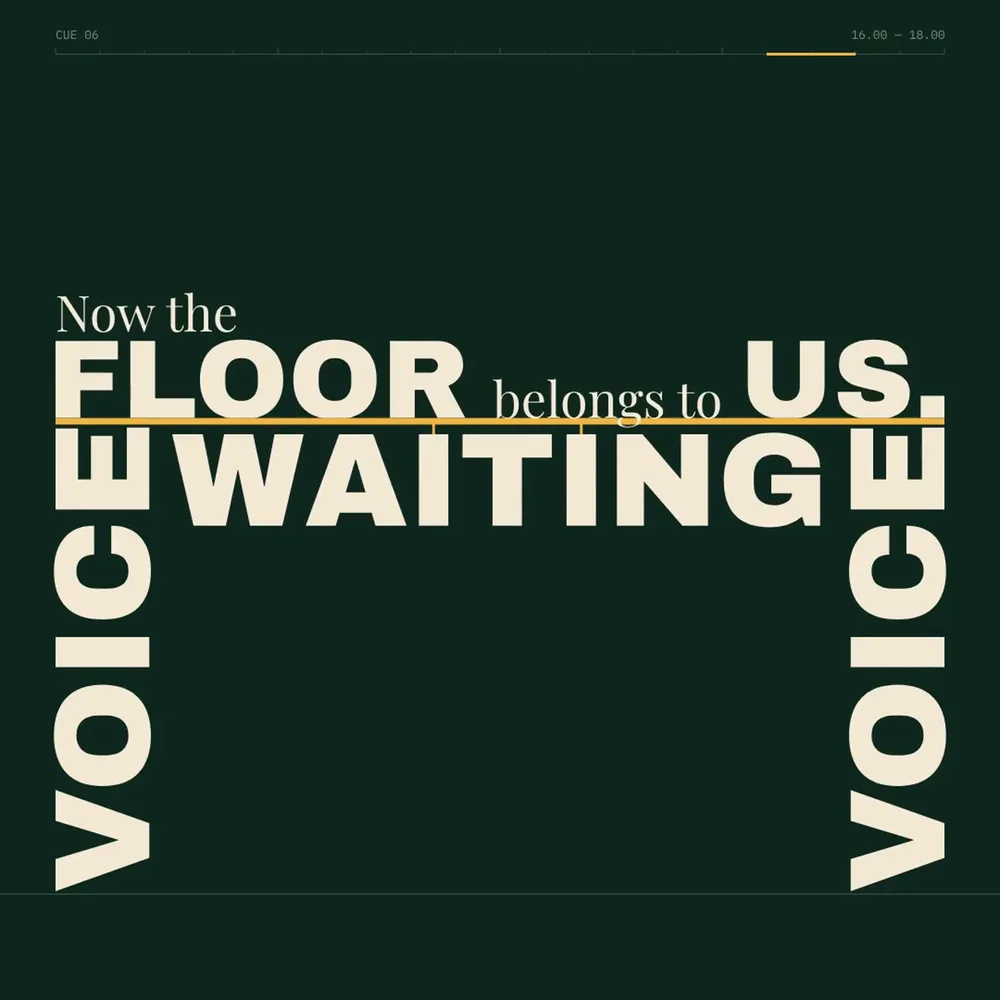
Words in the best pieces have physical roles. In @gdgtify's "Speech built as architecture," WAIT is a lintel, WAITING hangs on cables and bends the baseline, VOICE becomes a column, and the last line stands on a floor built from earlier words.
Tell Claude what each word is, not just what it says: a beam, a mask, a floor, a word that splits in two. Keep on-screen copy to two to four words per shot.
6. Real assets and verbatim copy
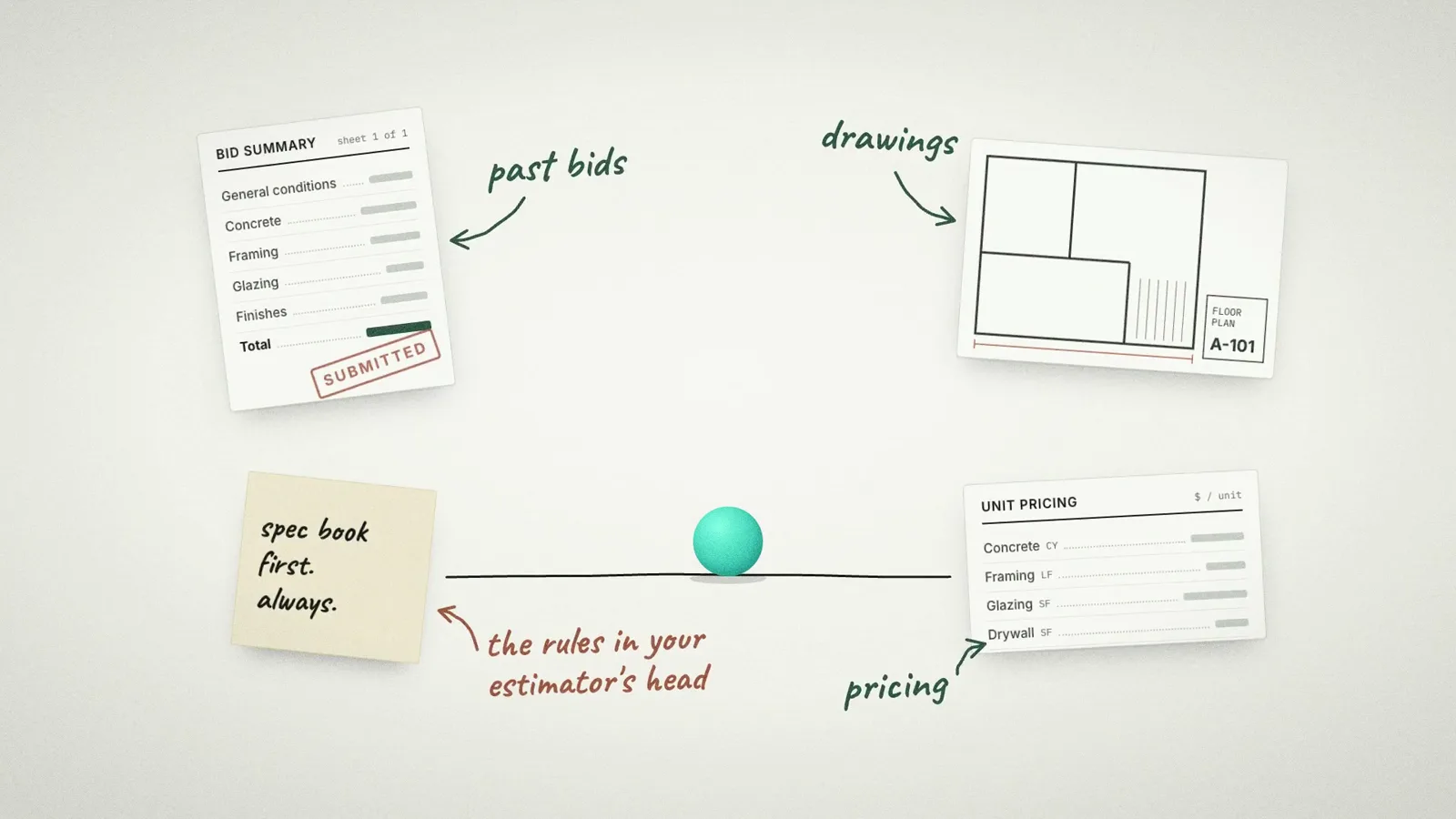
The prompts that look professional start from real material: the product's actual tokens and wordmark, real screens rebuilt as layered components, and copy taken word for word. They tell Claude to inspect the repo or site first and never invent features or metrics.
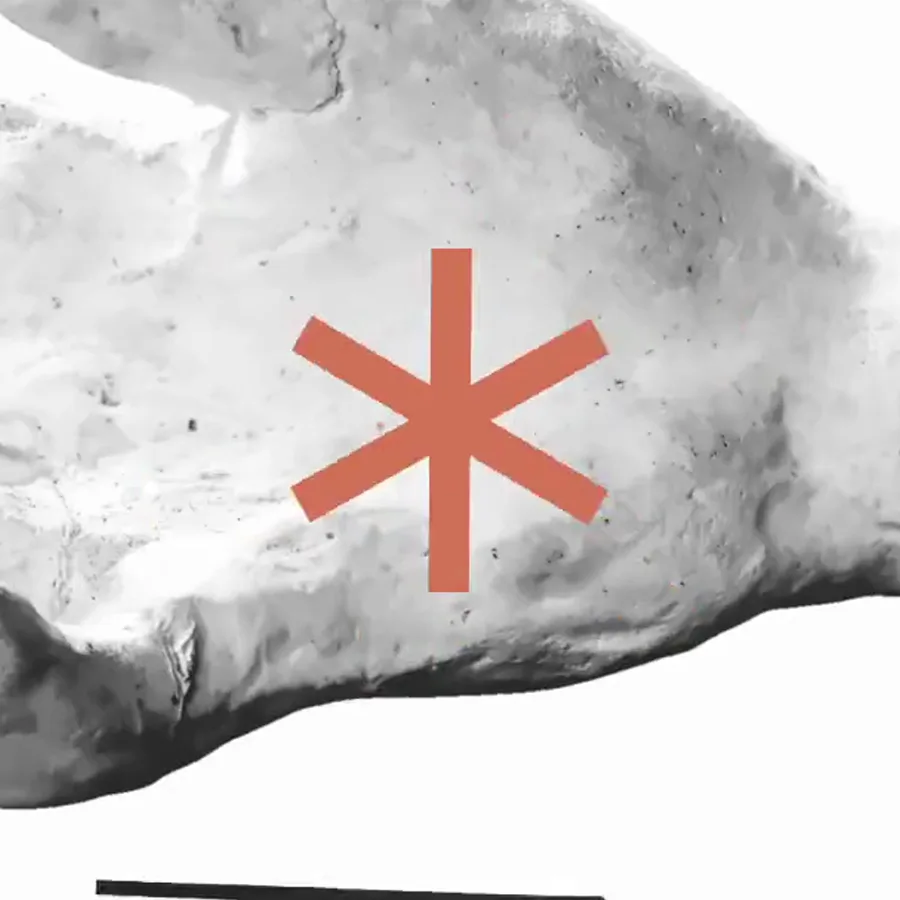
@LexnLin's Claude ad shows the same idea with found imagery: public-domain engravings with a single coral accent painted over them, and an asterisk that travels between images.
A Claude motion graphics prompt template
This template puts the six patterns into one brief. Fill in the brackets, attach your real assets, and ask for the beat map before any code.
Make a [15 / 30]-second motion graphics film for [PRODUCT], [ONE-LINE DESCRIPTION]. Format: [1920x1080 / 1080x1920], 60 fps, [120] BPM.

Before writing code, inspect the attached assets and site: use the real wordmark, colors, fonts and screens. Never invent features, numbers or customers. On-screen copy comes from the product, two to four words per shot.

STORY: [STARTING STATE] to [TURN] to [PAYOFF]. Three extraordinary moments beat ten mediocre ones.

ONE OBJECT, NEVER CUT: the whole film is one continuous take. Write the object chain first, for example: [wordmark period] becomes [button], becomes [slider], becomes [chart point], becomes [logo]. Every scene must be made out of the previous one.

CURSOR: a cursor drives every UI change. It grows slightly on hover, shrinks about 15% on press, and drags are direct manipulation. The camera pushes into whatever is changing, one move at a time.

TIMING: write the structure in beats, not seconds. Something changes on every beat. Hard cuts land on the beat. Shots enter already moving and never sit still.

BANNED: crossfades, bouncy easing, particles, glows, lens flares, camera shake, 3D card spins, gradients on UI chrome, stock icons.

PROCESS: show me the beat map and the object chain first. Then render four key stills and check them. Then render the full film and review frames decoded from the final MP4.
If the first render looks like a template, the fix is almost always a more specific object chain or a longer banned list, not "make it more creative."
Getting the render right
A few build rules show up in every polished piece, and they are worth putting in your prompt or a reusable skill:
- Make every frame a pure function of time: no timers, no CSS transitions, no Math.random (use seeded values), so any frame renders the same way twice.
- Use closed-form springs instead of simulated ones, summed when a value retargets, so seeking stays exact.
- Give fast moves honest motion blur by rendering 3 to 4 subframes per frame and blending them.
- Check the final MP4, not browser screenshots: decode frames and scan for single-frame pops or frozen time.
If you want to go deeper on the tooling, Claude skills are the cleanest way to package these rules so every prompt inherits them: Claude Skills for Designers
FAQ
Yes. Claude writes the animation as code (HTML, CSS and JavaScript, often with a library like GSAP), and a renderer captures it frame by frame into a video. Opus 5.5 is good enough that the prompt, not the model, is usually the limit.
A gallery of more than 200 Claude-made motion videos at prompt-motion.com, each shown with the prompt or skill that created it.
Every entry I reviewed in October 2026 was made with Claude Opus 5.5.
The best ones in the library are long, engineered briefs with a beat map, an object chain and a banned list. One-line "go all out" prompts produce the generic showreel look.
Use them as references and credit the creators. The structure transfers to any product; the specific copy and assets should be yours.
Keep going
I put the prompts, skills and tools I use for designing with AI into one free guide.