

Overview
Sponsored content: this article was created in paid partnership with Wix. All opinions are my own.
In my video "Best AI Orchestration Tools for Small Business", I compare these tools and show the steps to build a team of agents in Symphony.
What is AI orchestration?
AI orchestration is the layer that coordinates several AI agents. It decides which agent handles a task, passes context between them, and keeps everything moving toward the same goal. Think of a conductor. Each musician already knows their instrument, and the conductor makes the result work as a whole.
Build it or buy it
The most important question is who builds the system. Developer frameworks like LangChain, LangGraph, CrewAI, and n8n are for people who want to build an agent system themselves. Business platforms like Symphony are for people who want one that already knows how to run their business. Here is how I would choose.
LangChain and LangGraph
Pick LangChain and LangGraph if you are an engineer building a custom agent product. You get control over models, memory, human approval, and how information moves through the workflow. You also design the whole architecture.
CrewAI
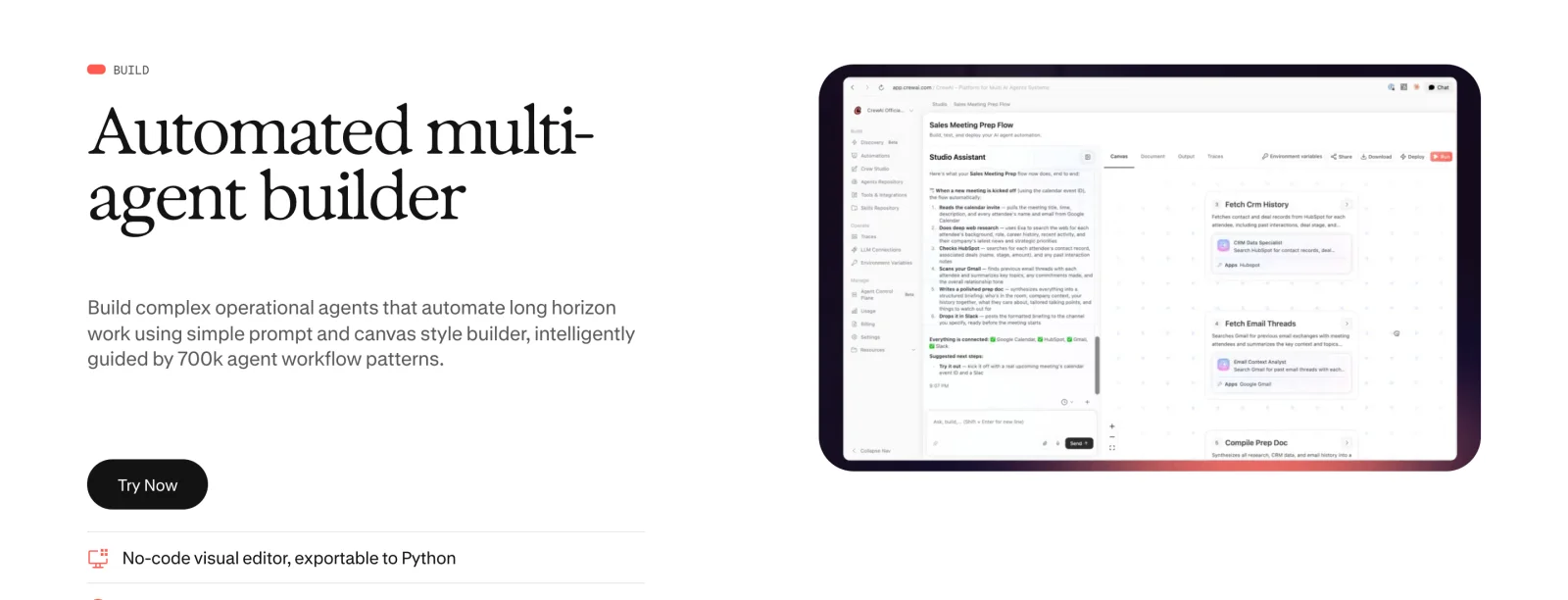
Pick CrewAI if you want role-based teams of agents. Crews handle more autonomous collaboration, and Flows handle tasks that must happen in order. It started as a Python framework and now has no-code tooling in CrewAI Studio, but you still choose the roles, process, and tools.
n8n
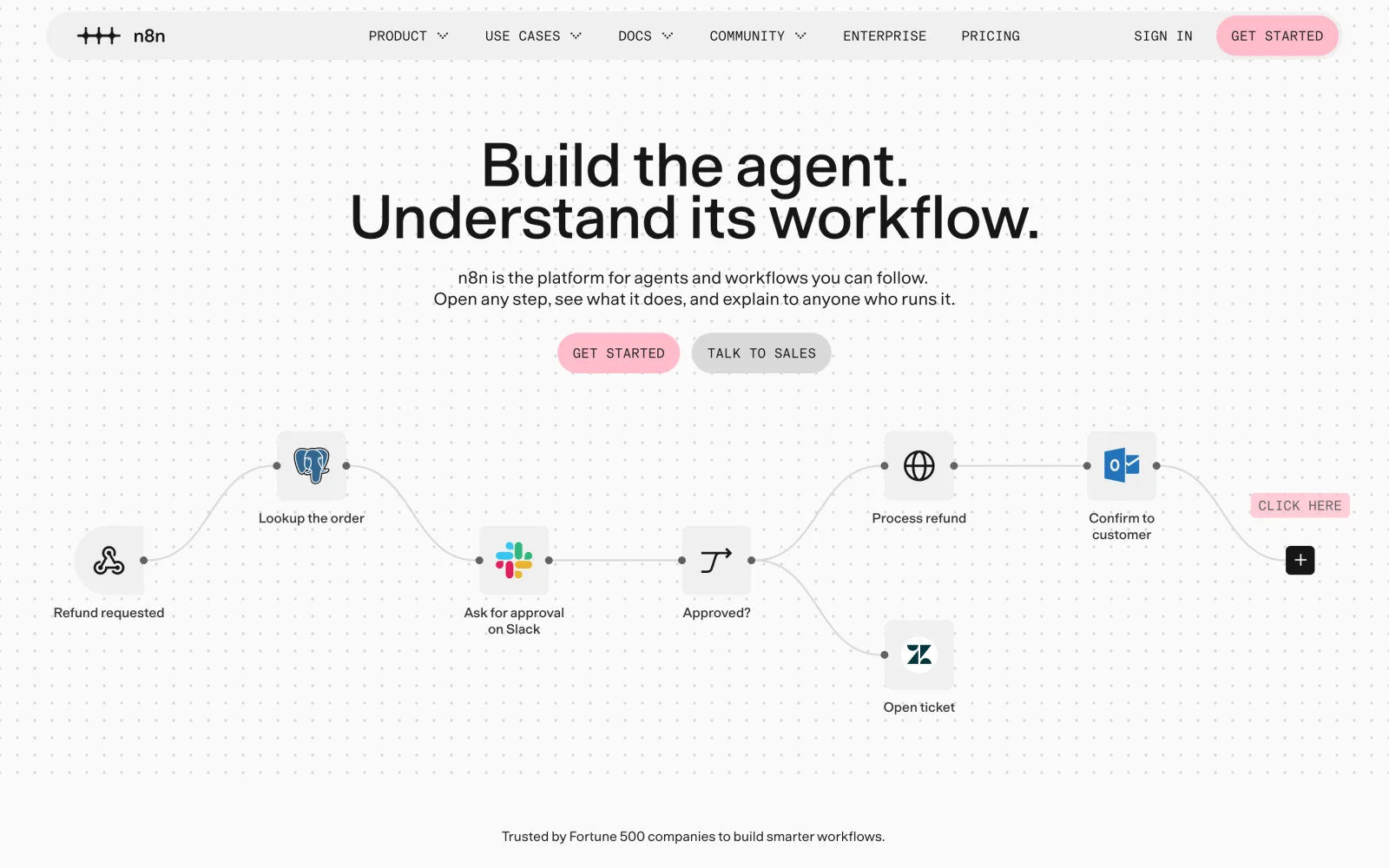
Pick n8n if you want visual control over automation. You build workflows from nodes that connect to hundreds of integrations, with AI agents inside them. Its AI builder can create a workflow from plain language, but you still decide what happens and when.
Symphony by Wix
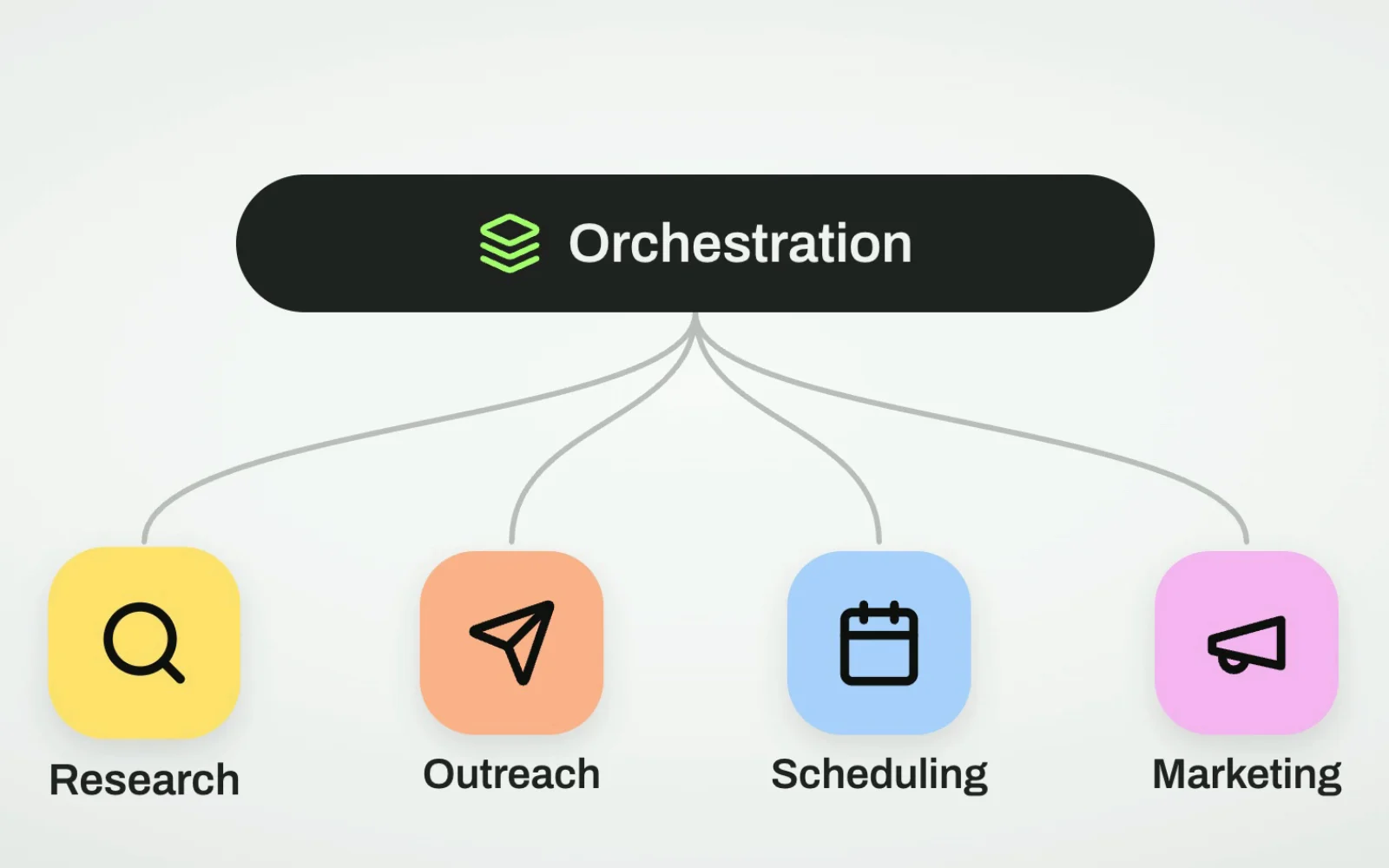
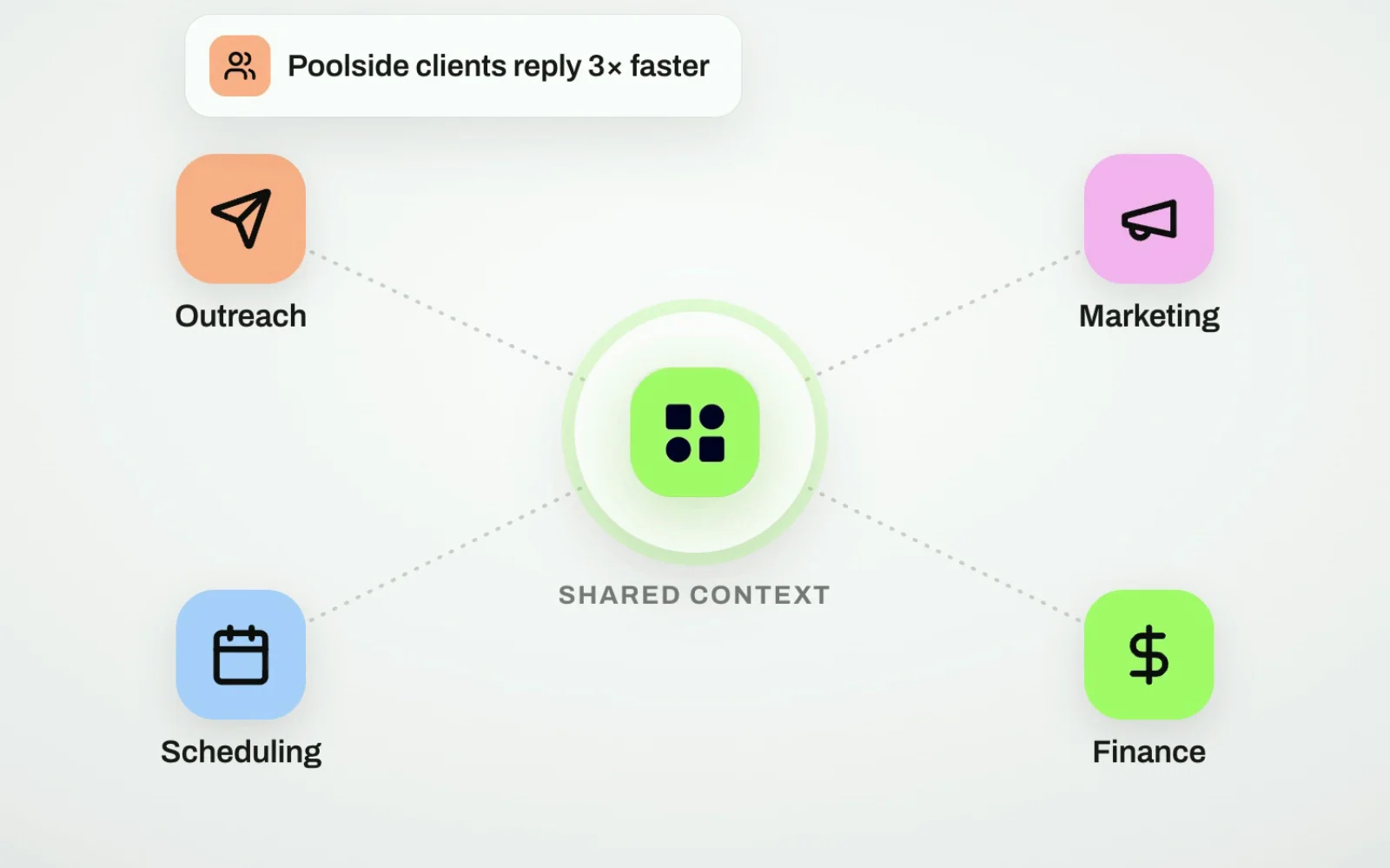
Pick Symphony by Wix if you are an independent business owner who wants to automate the business, not build AI infrastructure. You describe your business in a conversation, and Symphony builds an agent team around it. Maestro, its main orchestrator, coordinates specialists for outreach, marketing, scheduling, research, finance, and design, and they share context. Say I run a landscaping company in Sacramento. Scheduling data can inform marketing, and overdue payments can trigger outreach.
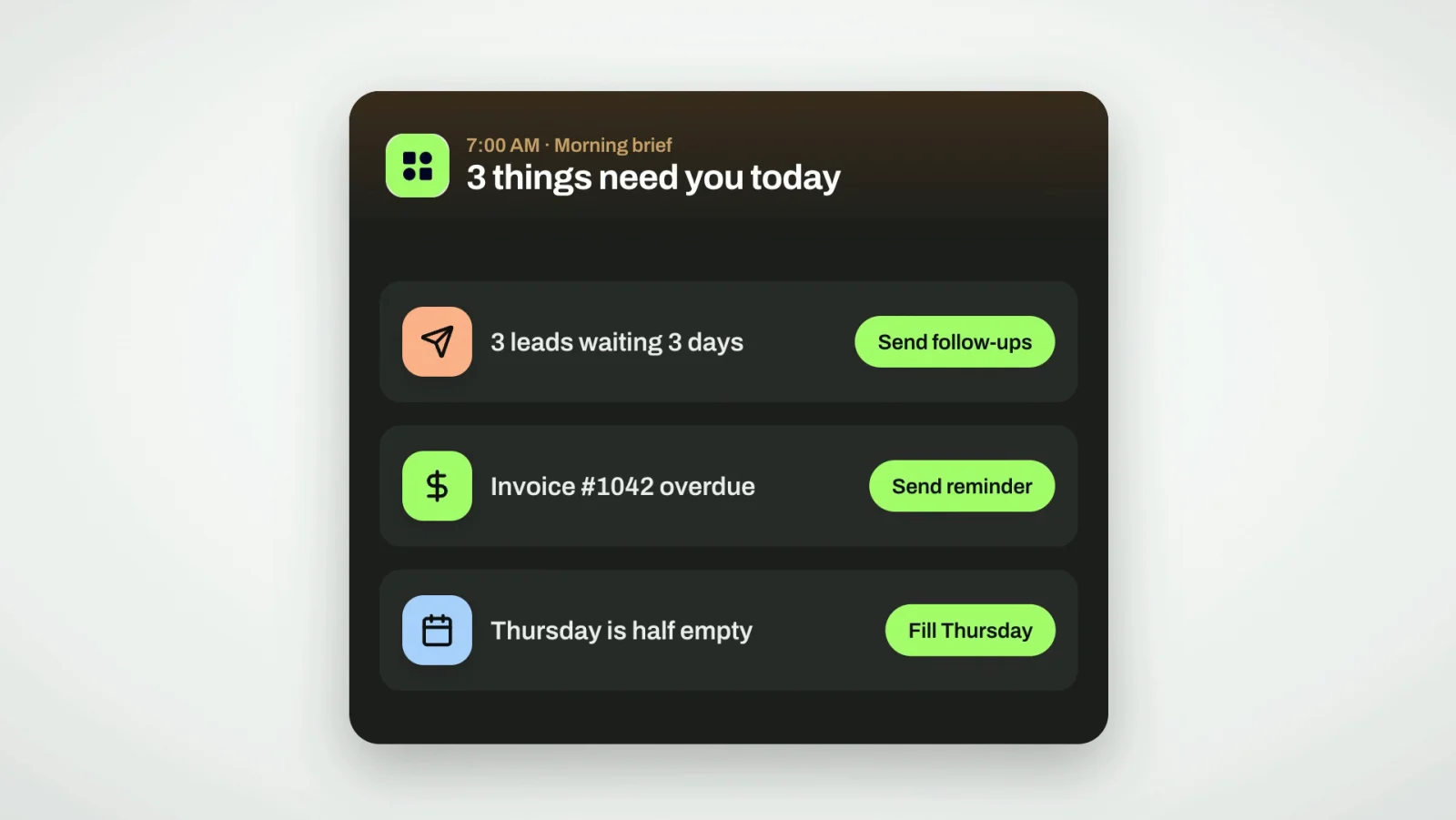
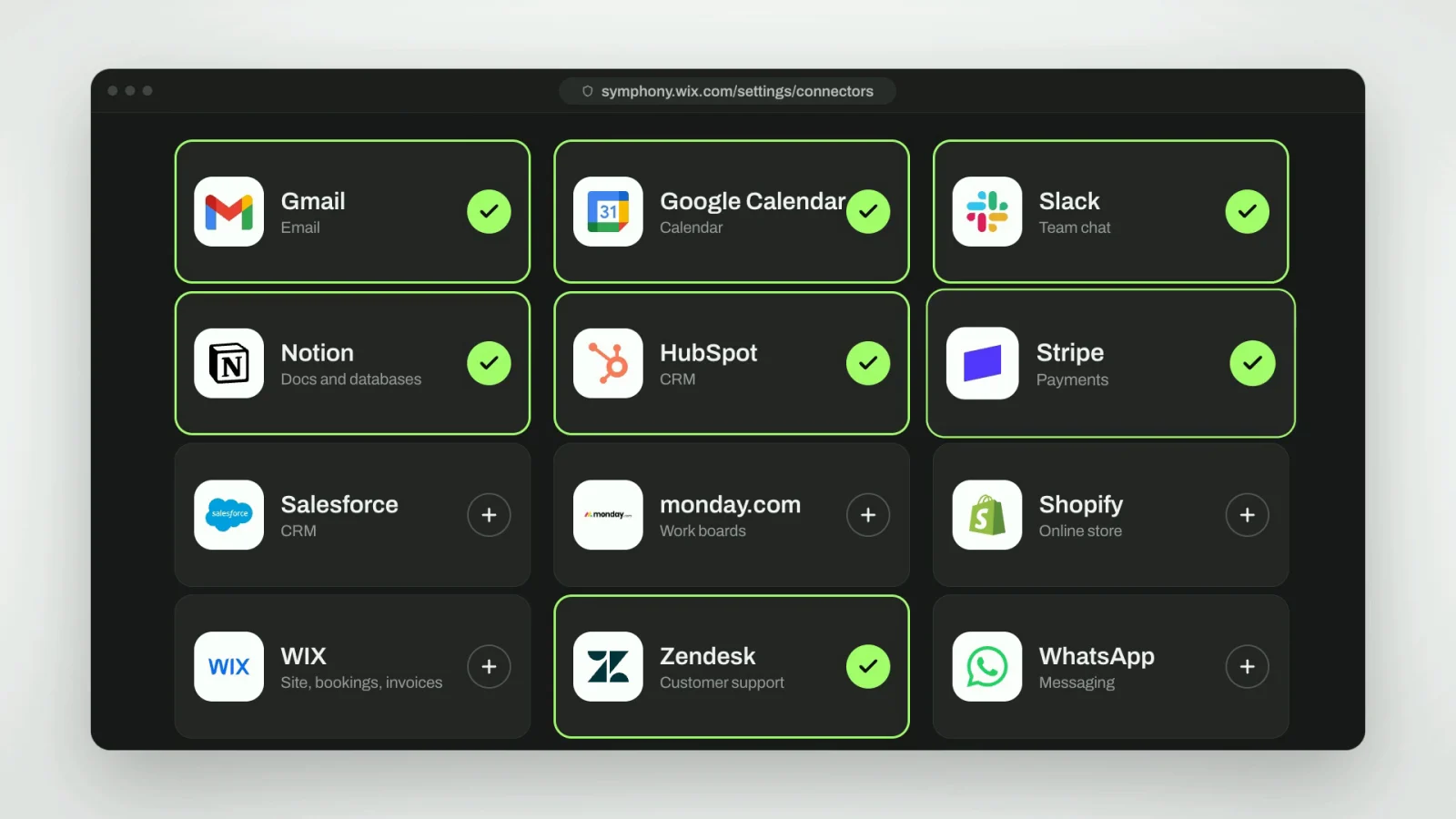
Symphony is also proactive. Each morning it surfaces things like unanswered leads, overdue invoices, or empty schedule slots, and recommends the next step. I approve before it acts. You can add custom agents and connect tools like Slack, Notion, Salesforce, Monday, Shopify, and Wix. You do not need a Wix website to use it, and it works on mobile.
Who this is for
The other tools are powerful ways to build AI orchestration. Symphony gives a business owner AI orchestration as a product. For a developer, less configuration may be the wrong tradeoff. For a small business owner, it may be the whole point.
Symphony currently has a free plan, so you can try it at wix.com/symphony.