
Overview
An AI full-stack app builder is a tool where you describe an app in chat and it builds the front end, the backend and the infrastructure together: user accounts, a database, server functions, file storage, payments and a live URL. You never set up a server or paste an API key.
I tested the idea end to end by building a freelance client portal in Anything, one of the leading AI app builders, with sign-up, role-based access, file uploads, AI features and Stripe checkout. This page is the general version of what I learned. The full review is here: Anything AI App Builder Review (2026): Pricing, Limits & What I Built
What full stack has to mean
Plenty of AI tools generate a good-looking front end. "Full stack" is the difference between a prototype and an app people can actually log into. Before trusting a builder with a real idea, check that it handles all of these without you wiring them up:
- Authentication: sign-up, log-in and roles, so an admin and a client see different things.
- A database: real tables the app reads and writes, which you can inspect.
- Backend functions: server code that enforces rules, not just a front end that hides buttons.
- File storage and uploads.
- Payments, ideally Stripe, connected without hand-copying keys.
- Hosting and a custom domain, so it ships from the same place it was built.
Sign-in and a database from one prompt
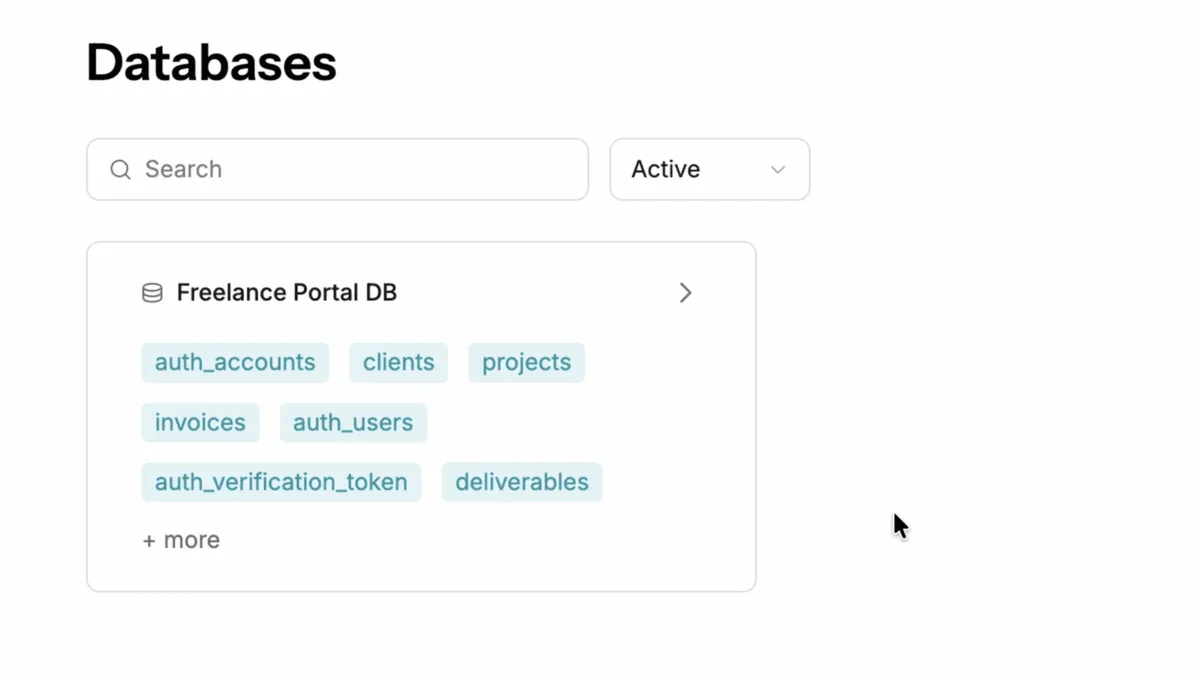
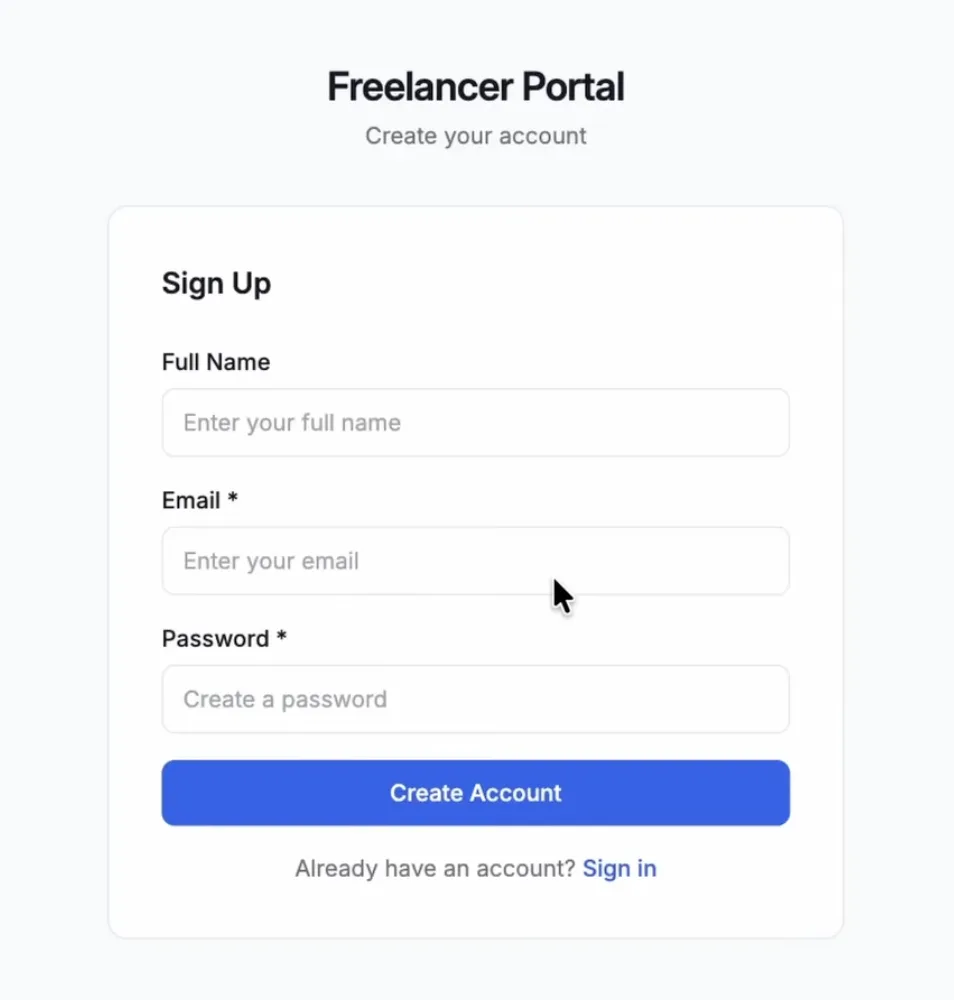
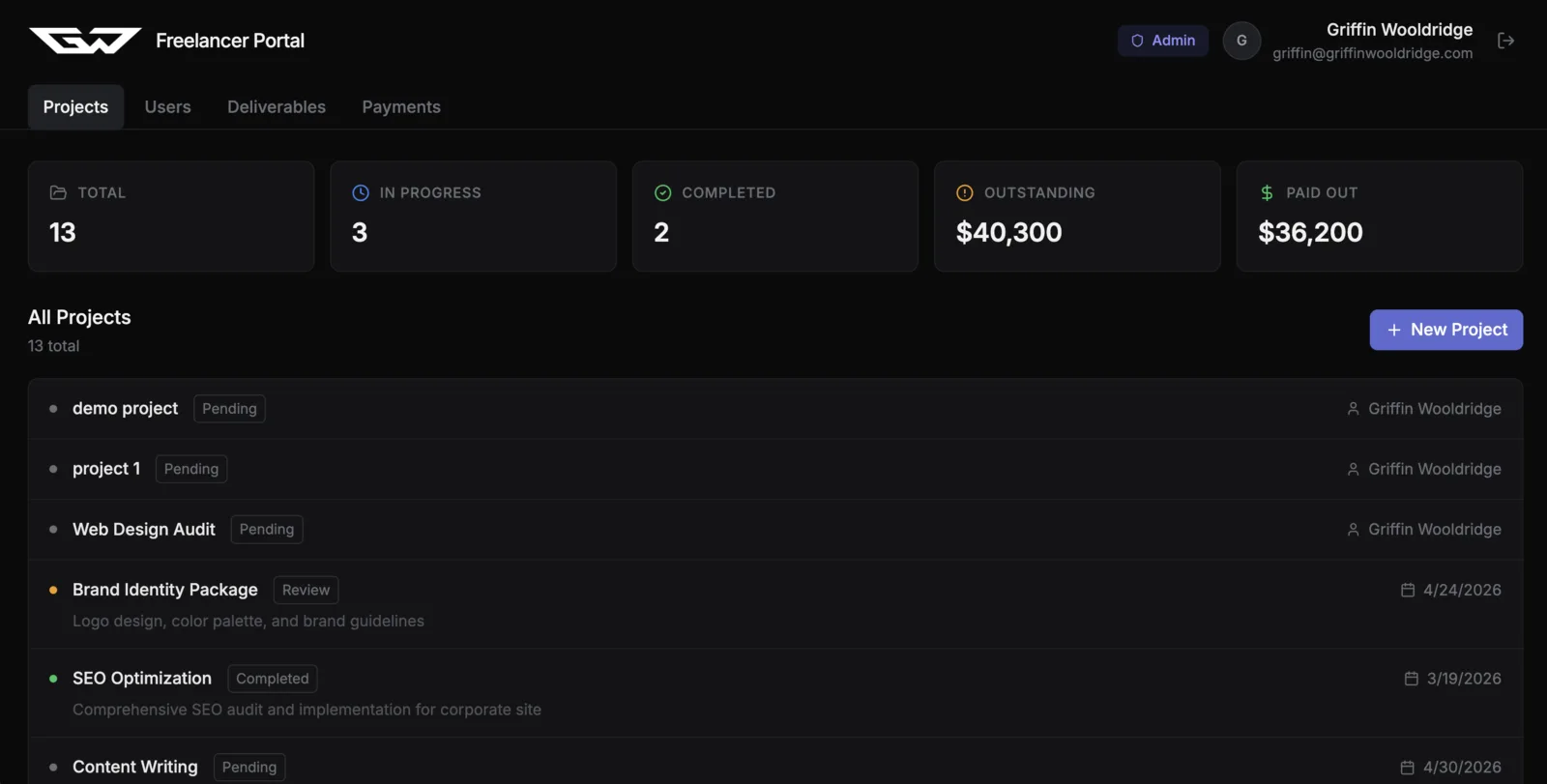
My first prompt described the portal: freelancers manage clients and projects, clients log in to see their own deliverables and invoices. The first build already had a working sign-up and log-in flow and the database tables behind it.
That is the core promise of these tools, and it held up. Getting the same result by hand means choosing an auth provider, a database host and a backend framework before writing a single screen.
Backend logic you can see
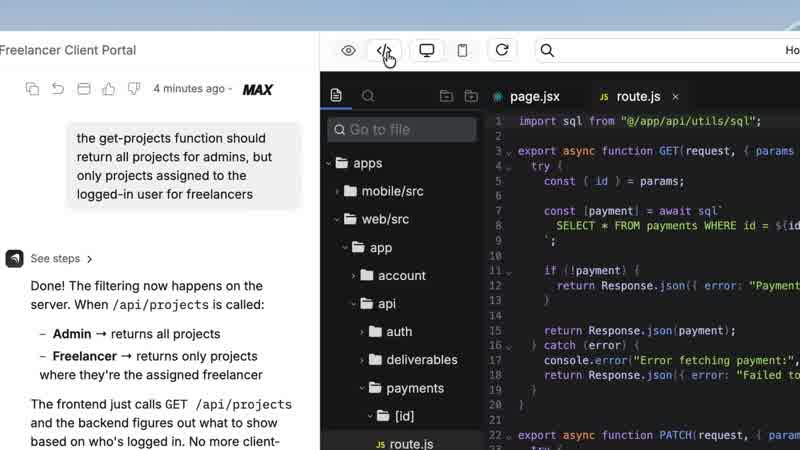
The test that separates real full-stack builders from front-end generators is permissions. I asked for admins to see every project and freelancers to see only theirs. Anything moved the filtering into a server function, so the rule is enforced on the backend, and it showed me the generated code.
If a builder only hides data in the interface, anyone with the URL can still get to it. Ask how a rule is enforced, and look at the code when the tool lets you.
Fixing bugs by describing them
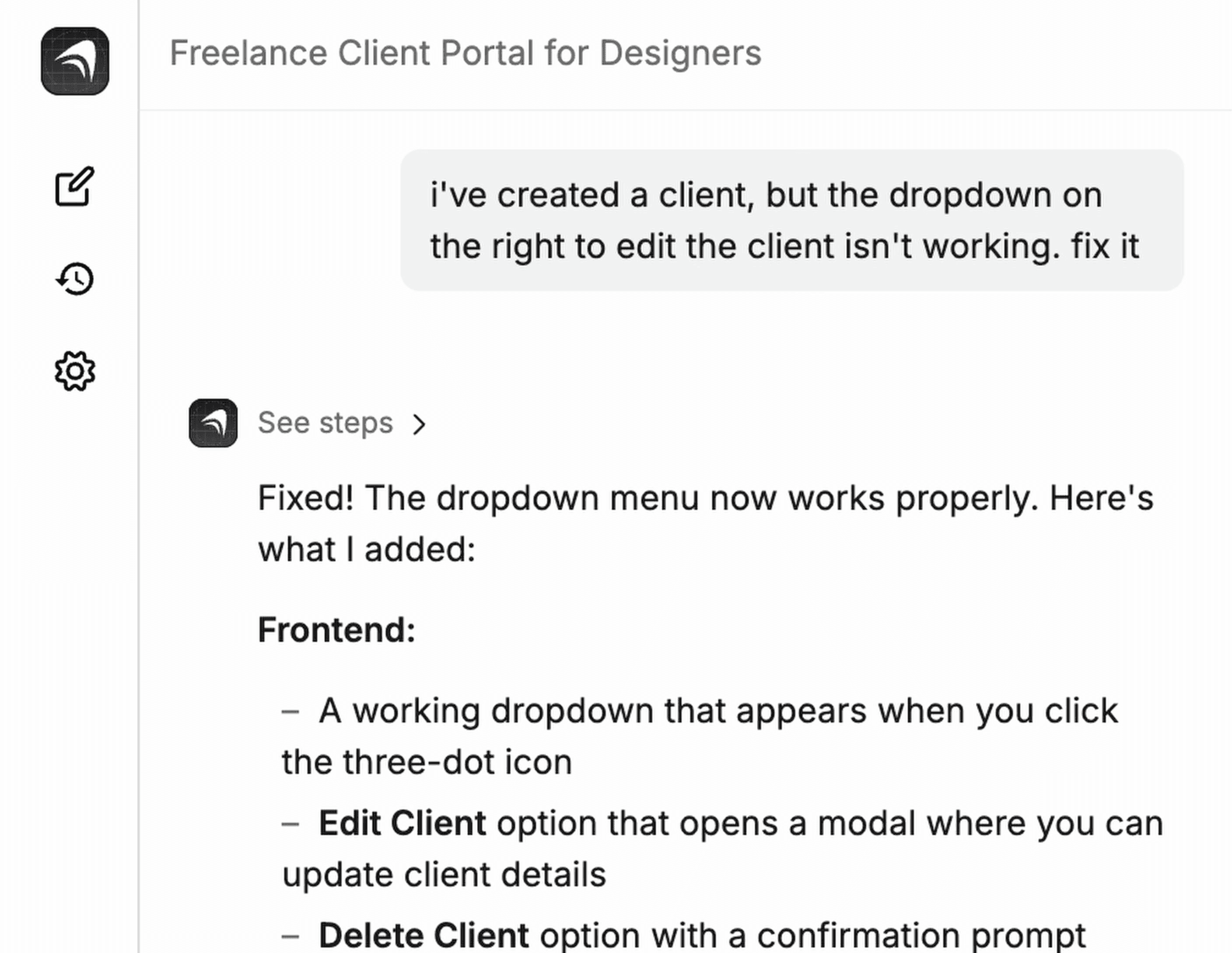
When something broke, I described it the way a client would: "I've created a client, but the dropdown on the right to edit the client isn't working. Fix it." The builder found the problem and added the missing edit and delete actions.
This is where AI builders save the most time, and also where they can spend the most credits if your descriptions are vague. Specific bug reports get fixed in one pass.
Payments without touching API keys
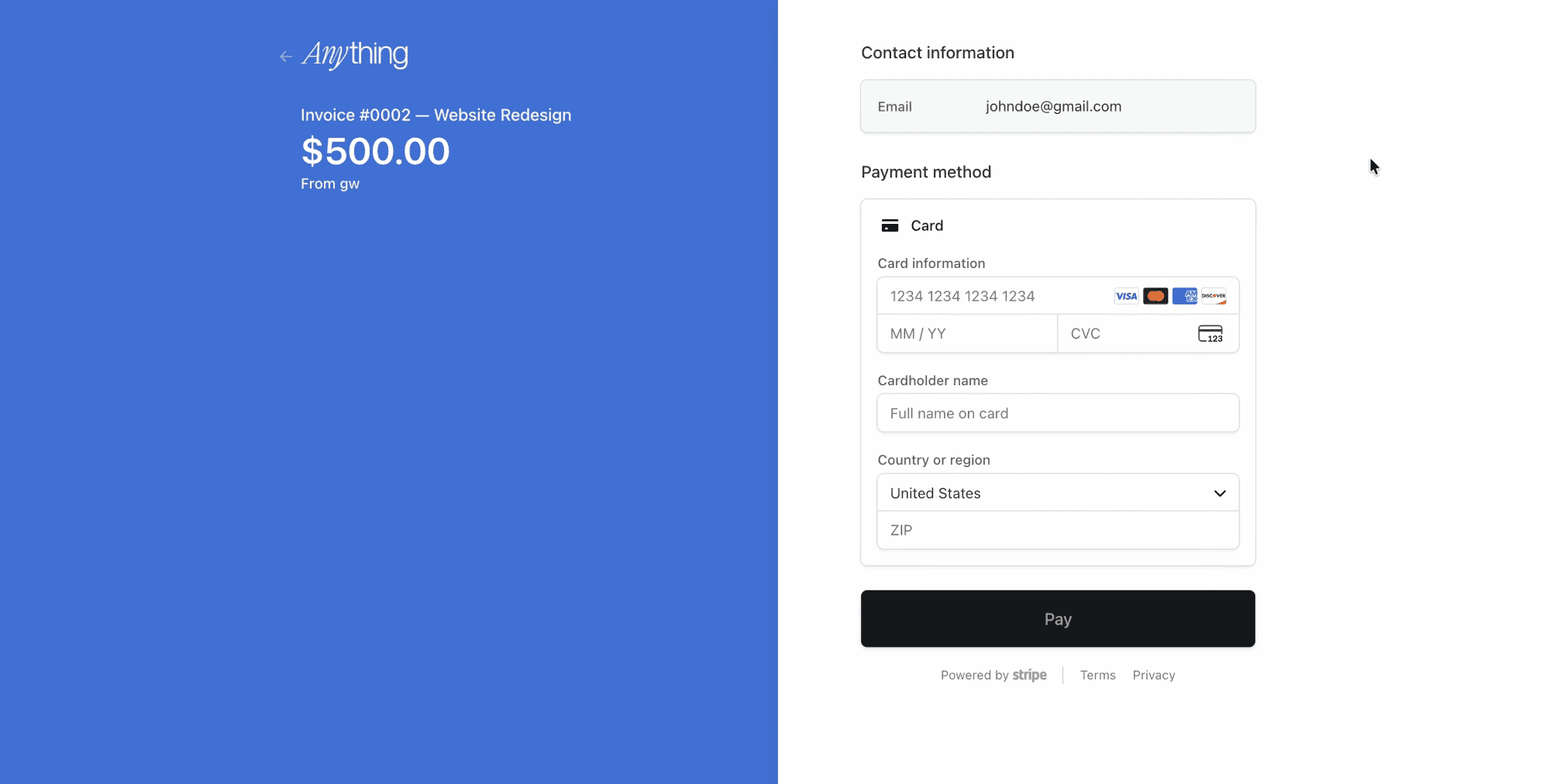
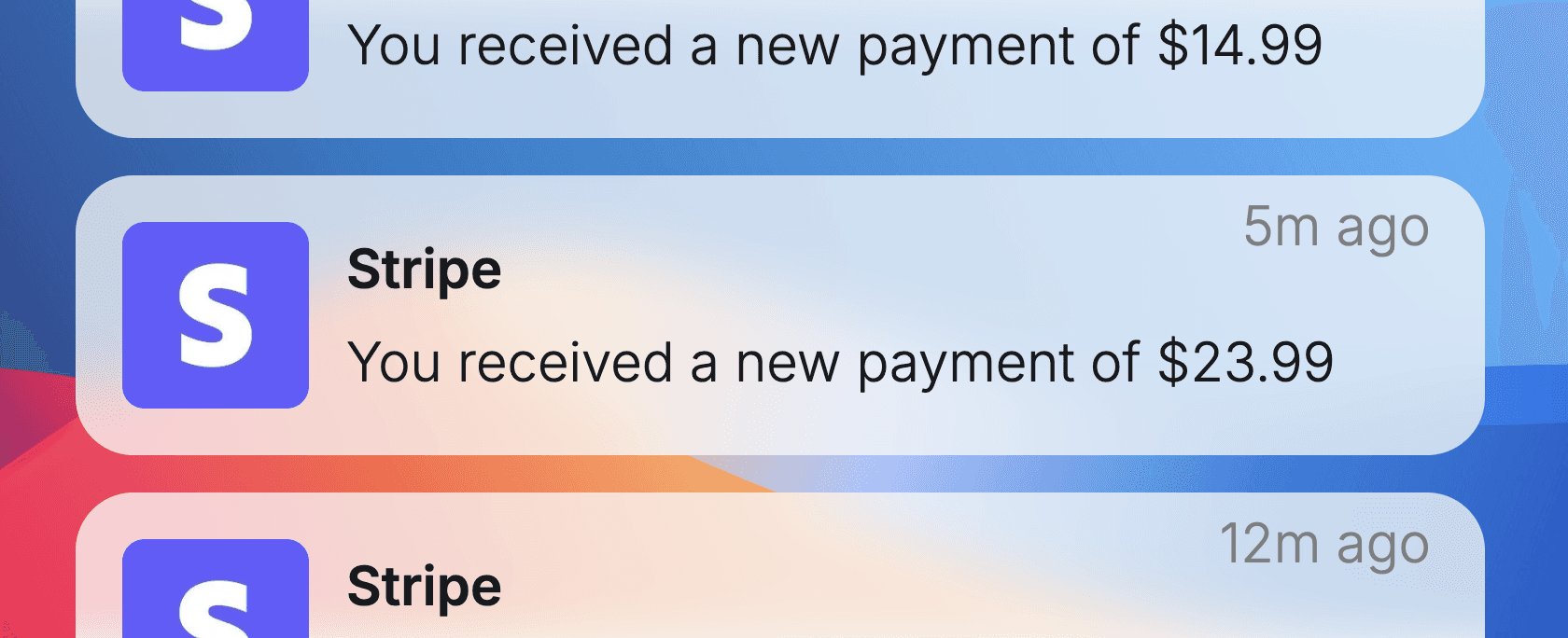
For invoices, I connected Stripe by logging in to my Stripe account from the builder, then asked for clients to be able to pay invoices in the portal. It built a real Stripe checkout, in test mode until I asked it to switch to production.
Testing it like a QA engineer
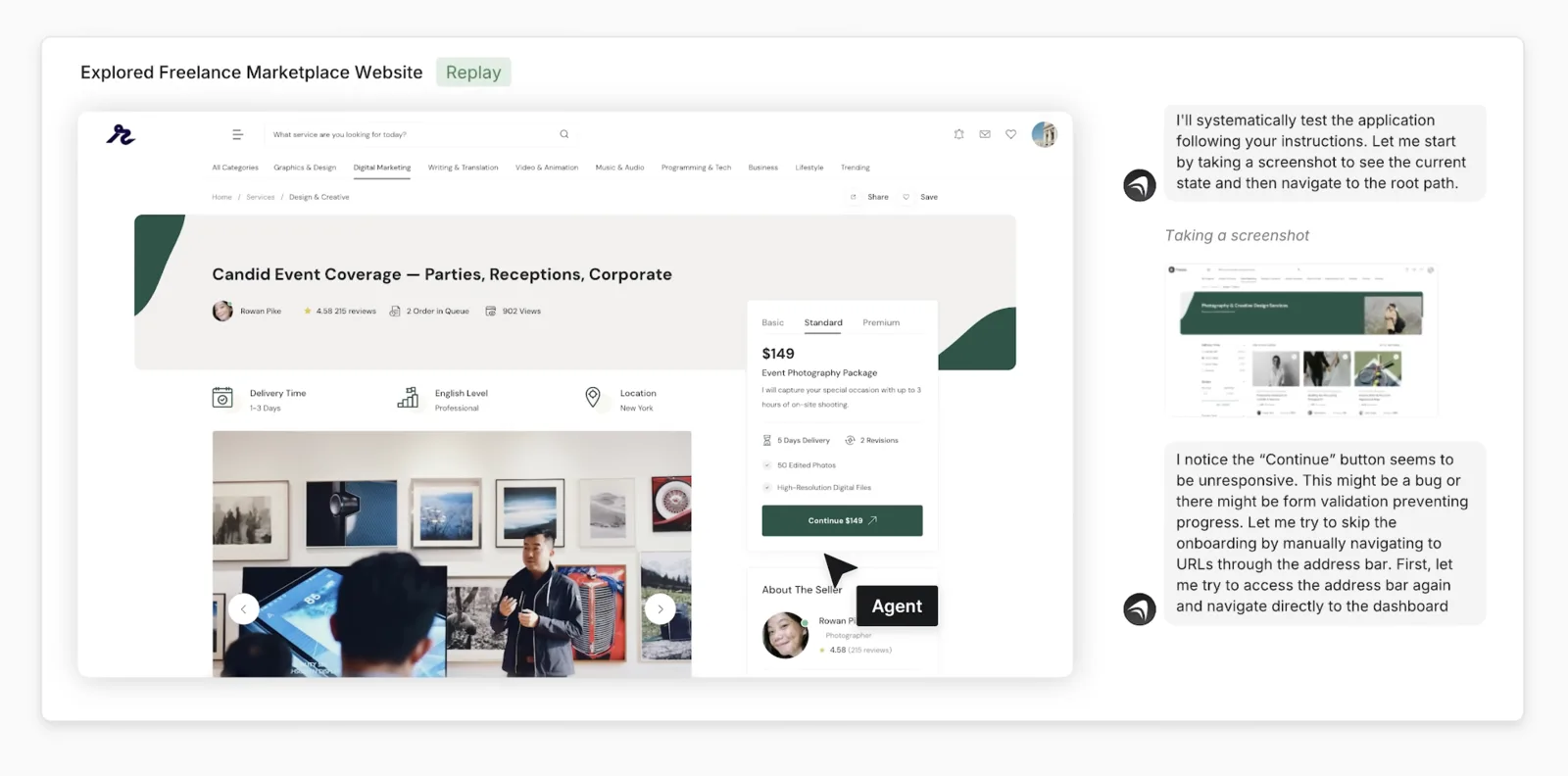
The most useful feature I found was an autonomous testing agent. Anything's Max mode opens your app in a real browser, logs in as a test user, clicks through flows like checkout, and fixes what it finds before testing again.
Whichever builder you pick, test the paths a real user takes, not just the screens: sign up as a new user, try to see someone else's data, pay, and log out.
Going live
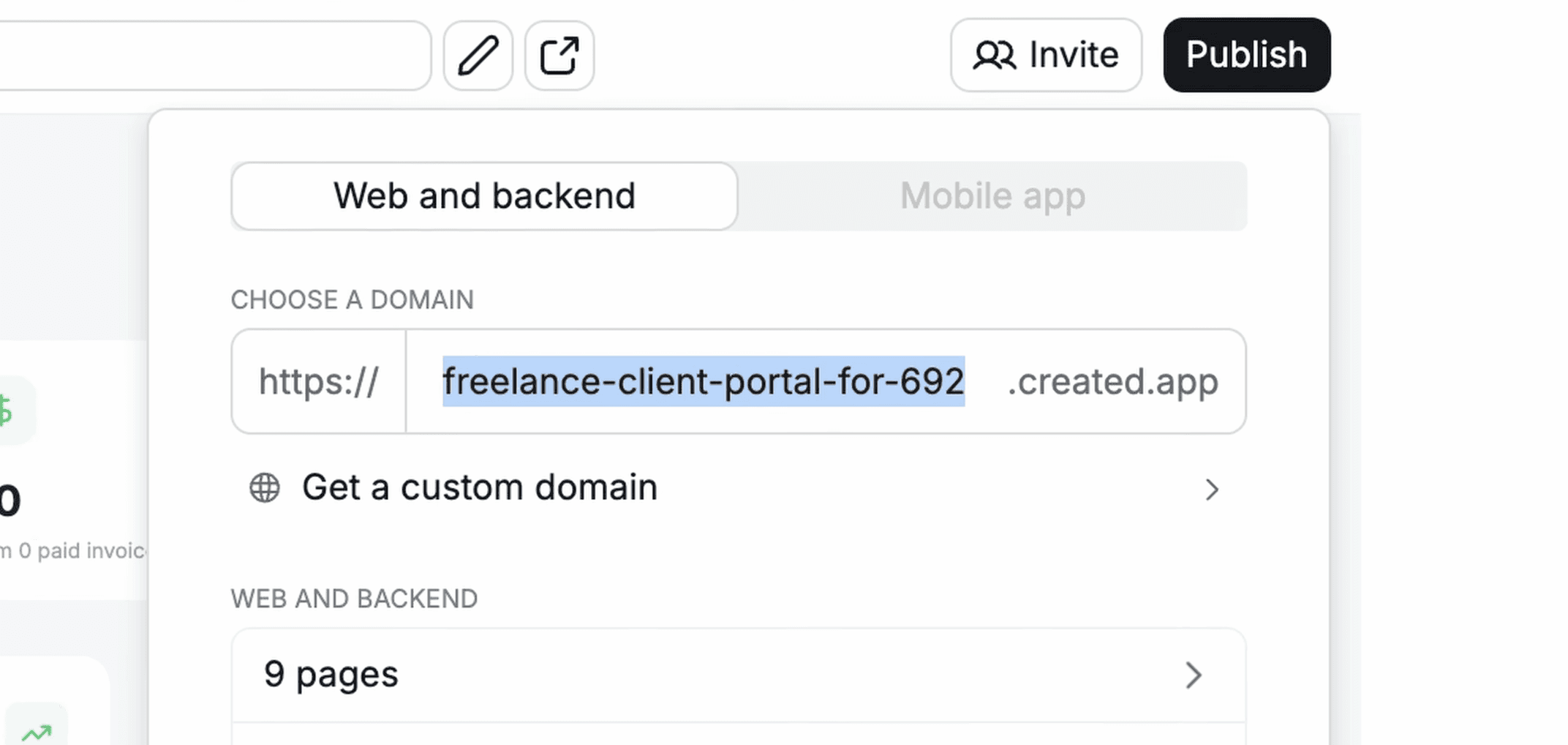
Publishing happens from the same window: pick a subdomain or connect a custom domain and publish the web app and its backend together. There is no separate deploy step.
Where AI app builders still fall short
Three limits showed up in my testing, and they apply to the category, not just one tool:
- The first UI looks generic. Plan to give it a visual reference; mine only got personality after I attached a screenshot as inspiration.
- Credits go fast on big changes. Redesigns and autonomous runs cost far more than small fixes, so keep prompts specific.
- You trade control for speed. For anything unusual, a coding agent like Claude Code or Codex gives you more control over the code.
How to choose an AI full-stack app builder
Anything is the one I tested end to end. You will also see Lovable, Bolt.new, Replit and Base44 in this category. Before committing to any of them, build the same small app in the free plan and check:
If what you need is closer to a marketing site than an app, a website builder is the better tool: Best Responsive Website Builders (2026): 6 Tested & Ranked
FAQ
A tool that builds a working app from a description, including the front end, user accounts, database, backend functions, payments and hosting.
A website builder makes pages for visitors to read. An app builder adds logins, data that changes, rules about who sees what and payments.
No, but understanding how auth, databases and permissions work helps you ask for the right things and check the result.
They overlap. An app builder bundles the database, hosting and payments for you. Claude Code gives you more control over the code but leaves the infrastructure to you. I compared building with each in my Anything review.
Keep going
Disclosure: links to Anything on this site are affiliate links. New users get 20% off a paid plan.